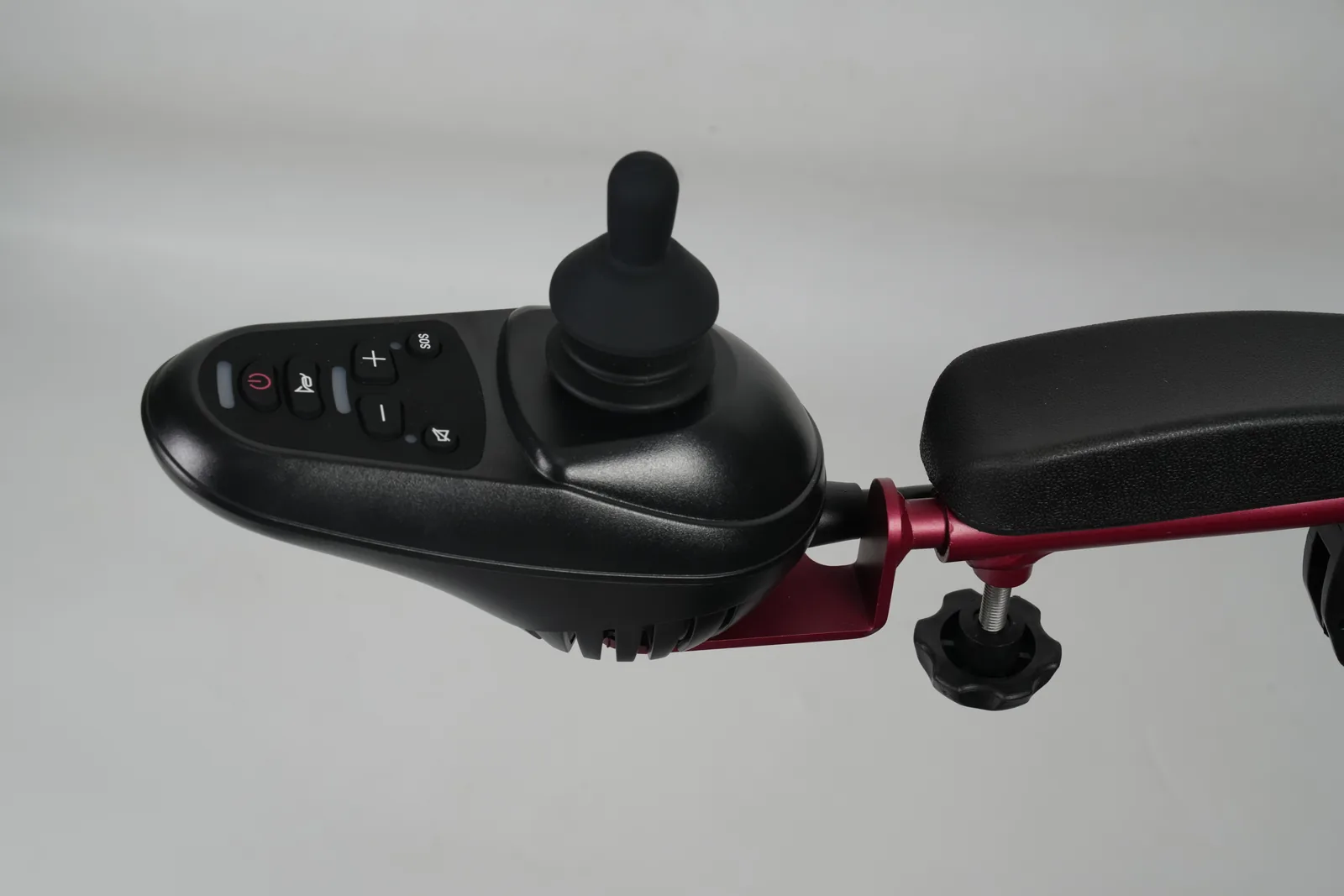
You push the joystick slightly and nothing happens, then the chair moves suddenly. Or the chair creeps when your hand is off the stick. Either way, you need to know whether the problem sits in the joystick's center zone, a speed setting, or something else.
Joystick deadband is the small area around the center position where the controller ignores input. It is a defined input threshold, not a speed setting or a drive profile. Deadband, travel, and speed are separate adjustments, and the available options depend on the exact controller.
This article explains how the center zone is described in two published sources, how it differs from other response settings, and what to record before a trained technician looks at the chair. The phrase power wheelchair joystick deadband sensitivity is often used loosely to cover several different behaviors, so the first task is to separate them.
Power wheelchair joystick deadband sensitivity: Describe the neutral zone
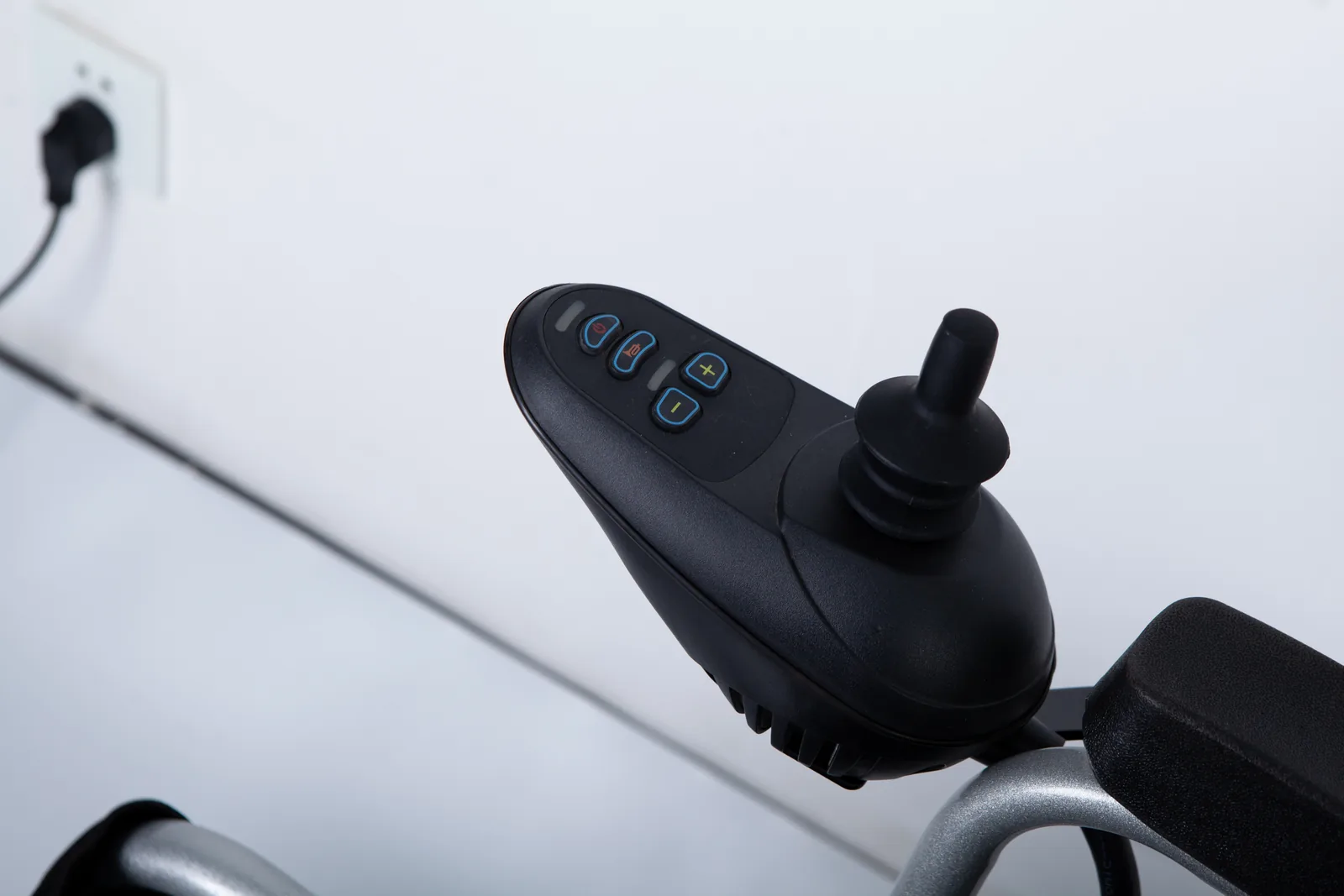
Alberta Health Services, in a resource on maximizing use of a standard power wheelchair joystick, describes a deadband around the joystick's center. The term names an input region, not a fault. Understanding that region helps you describe what you feel and separates it from other settings that also affect how the chair responds.
Center position
The center position is where the joystick rests when no direction is being requested. In a well-set-up chair, that resting position should correspond to "no drive command." The deadband is the band of small displacements around that center that the controller treats as still centered. Alberta Health's page 4 material places deadband alongside travel and speed as parameters that describe joystick behavior, which is a useful clue: they are related but not interchangeable.
Why does a center zone exist at all? A joystick is a mechanical device held by a hand that is never perfectly still. Hand tremor, a bumpy pavement, a loose grip, or the chair's own vibration can produce tiny movements at the stick. Without some tolerance around center, those small movements could be read as drive commands. The deadband gives the controller a defined "this still counts as neutral" region so that incidental movement does not translate into motion.
That design choice has a trade-off, and it is the trade-off readers most often notice. A wider center zone tolerates more unintended movement but requires a larger deliberate push before the chair responds. A narrower zone responds to smaller inputs but may pick up movement the user did not intend. Neither is universally better; the right balance depends on the user's hand control, the chair's setup, and the tasks the chair is used for. A chair used mostly in tight indoor spaces and a chair used on long outdoor routes may place different demands on the same center zone, which is one reason a single setting is not automatically right for everyone.
Small movement and response
The practical question is what happens at the boundary. As the stick moves out of the deadband, the controller begins to register a command. How gradually that command builds after the boundary is a separate matter from where the boundary sits. Two chairs could have the same deadband and still feel different because of how quickly acceleration follows the first registered input.
This is why "my joystick is too sensitive" can point in more than one direction. A user might be describing a center zone that feels too small, so small hand movements produce motion. Or they might be describing a response curve that ramps up too fast once movement begins. Or the chair might be in a drive profile with different acceleration characteristics. The phrase alone does not identify the setting.
A simple way to think about it: the deadband decides when the chair starts to respond; other settings decide how much and how fast it responds afterward. Keeping those two questions separate makes a conversation with a technician far more productive than reporting only that the chair "feels twitchy." It also helps when the same chair is shared between users, because the observation can be tied to a specific person, task, and mode rather than to a general impression of the equipment.
Separate response settings
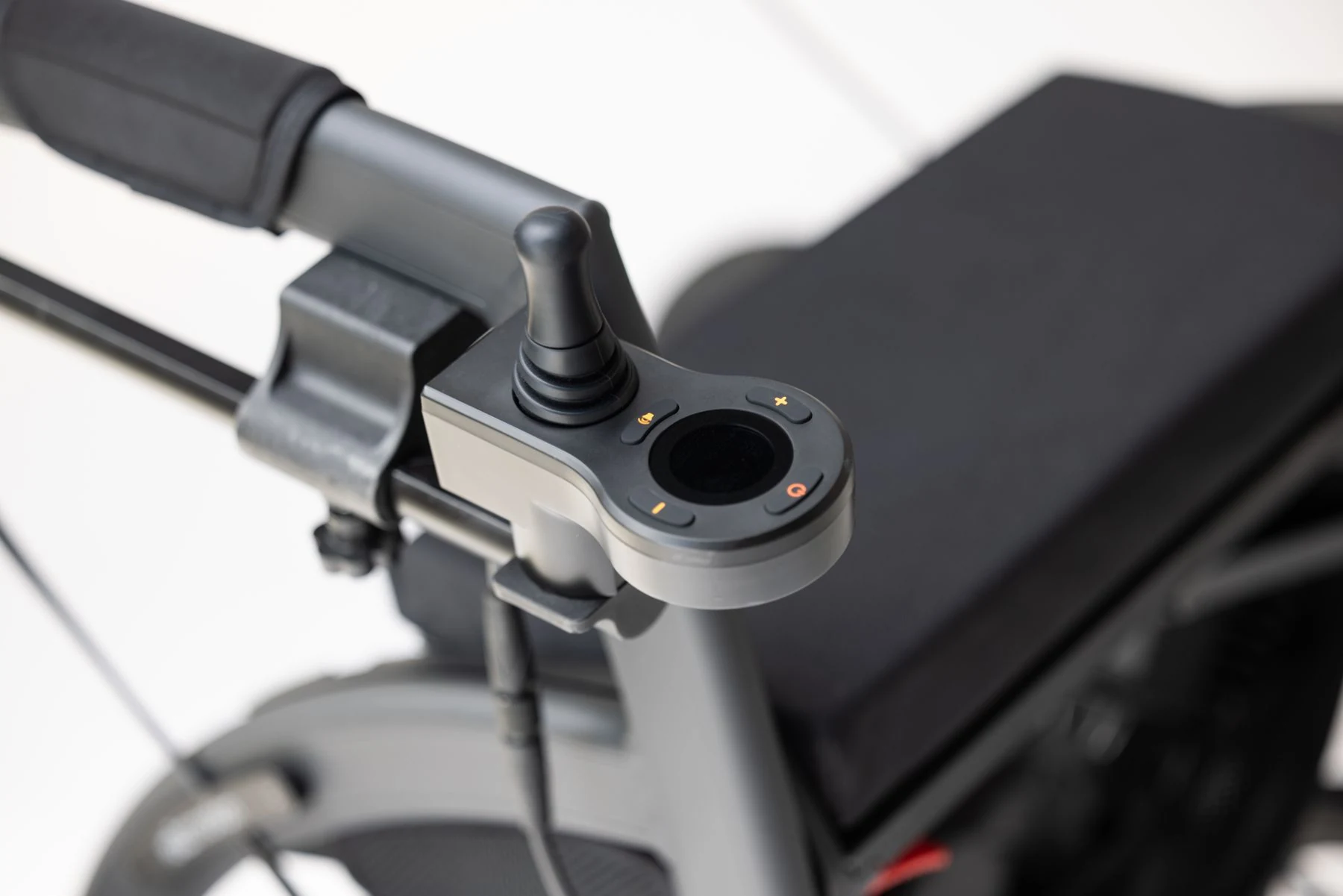
Deadband, travel, and speed are three different parameters that all shape how a power wheelchair joystick feels. Alberta Health's resource lists them as distinct items, which is the key point: adjusting one does not automatically adjust the others, and a change in one can be mistaken for a change in another.
Deadband versus travel
Travel describes the range of joystick movement available from center to full deflection. Deadband describes the portion of that range near center that is treated as neutral. They interact, but they are not the same measurement.
Consider two configurations with the same total travel. In the first, the deadband is wide, so a noticeable push is needed before anything happens, and the remaining travel is what controls the response from there. In the second, the deadband is narrow, so the chair reacts to a smaller push and more of the total travel is available for modulating speed. Same physical range of motion, different feel.
This distinction matters when someone says the joystick "has too much play" or "doesn't do anything at first." That description could reflect a wide deadband, or it could reflect a mechanical issue such as a worn gate or a stick that no longer returns cleanly to center. The two possibilities lead to different next steps, so the observation should be recorded rather than interpreted on the spot.
Travel also connects to how finely a user can modulate speed. If a large share of the stick's range is consumed by the center zone, the usable range for proportional control is smaller. Whether that is a problem depends on the user's control and the environment, which is exactly the kind of judgment a trained assessor makes with the person present. A dealer reading a service note benefits from knowing which of the two descriptions the user gave, because "needs a bigger push" and "does not return to center" are different reports even when they sound similar.
Speed and drive profiles
Speed settings and drive profiles are a different layer of the system. A drive profile is a stored group of settings that the controller applies together, often selected by the user for different conditions. Speed limits how fast the chair travels; acceleration and deceleration settings shape how it gets there.
A preset drive profile is not the same concept as a deadband. Changing profiles may change the chair's overall responsiveness, but that does not mean the deadband itself changed. A user who switches to a slower profile and finds the chair easier to control has changed the operating mode, not necessarily the center threshold.
This is a common source of confusion in troubleshooting conversations. "It behaves differently in profile two" is useful information, but it should be reported as a profile-dependent observation, not as evidence that the deadband is misconfigured. The table below summarizes the distinctions.
| Parameter | What it describes | What a change affects | What it does not establish |
|---|---|---|---|
| Deadband (center zone) | The region around center treated as neutral | How much push is needed before response begins | Speed, acceleration, or suitability for a user |
| Travel | The range of stick movement from center to full deflection | How much range is available for proportional control | Where the neutral region ends |
| Speed setting | The limit on travel speed | Top speed within the current mode | Joystick input thresholds |
| Drive profile | A stored group of settings selected for a condition | Overall behavior when that profile is active | That the deadband value itself changed |
Read the table as a set of separate questions, not a ranking. Each row answers a different question, and a symptom can involve more than one row at once. For a fleet or service team, the table is also a checklist for what to ask the user before touching any programming: which mode was active, what the stick did, and what the chair did in response.
Read named controller examples
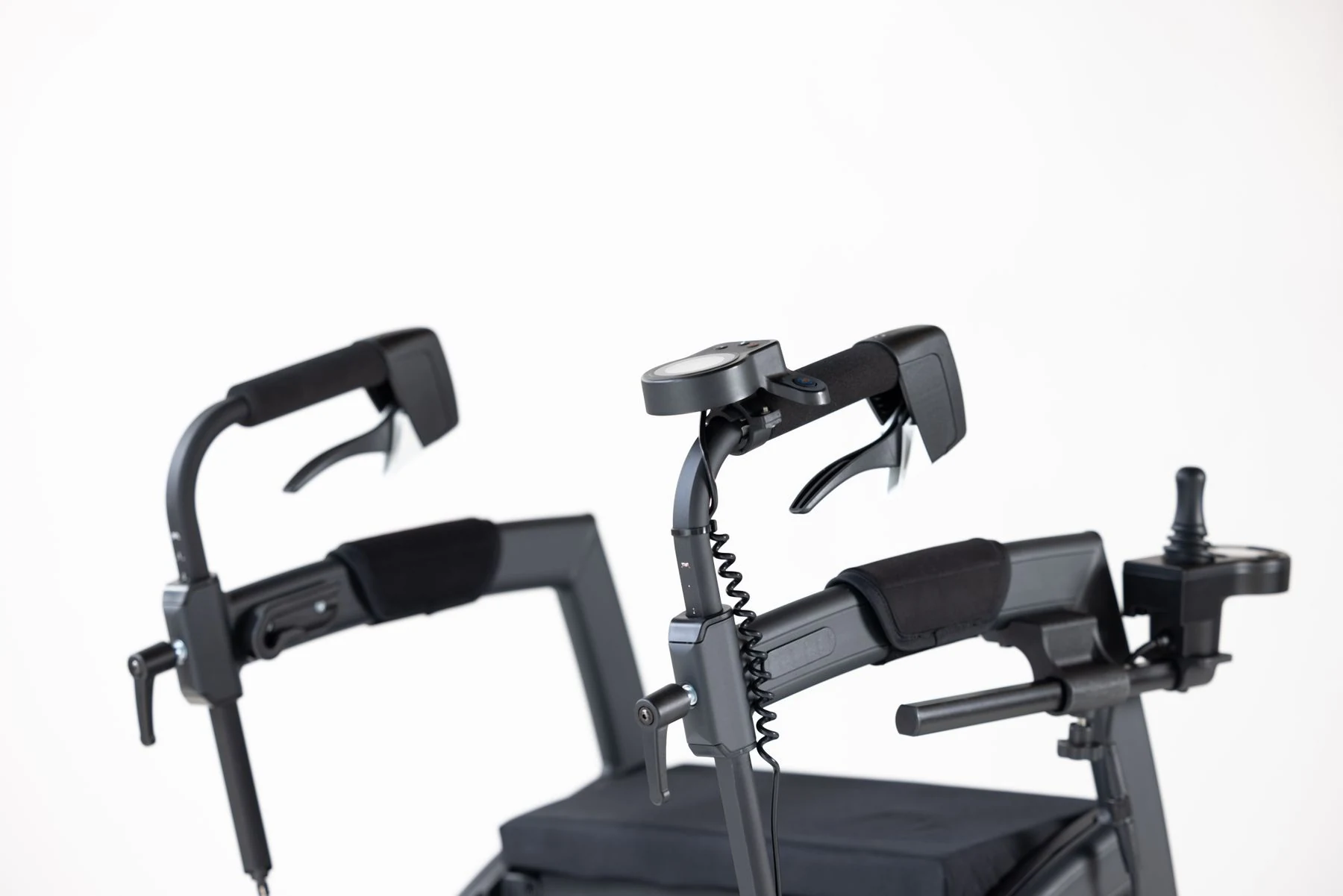
Sunrise Medical's February 2025 blog post on simple programming adjustments defines the center neutral zone and states that the available functions are not the same across all electronic systems. That second point deserves emphasis: a feature described for one controller family is not a promise about another.
Named system examples
When a manufacturer publishes a programming article, it is usually describing the capabilities of particular electronics it supports. Sunrise's post is a general education piece, and its own wording makes clear that not every electronic system offers every function. That is a statement about variability, not a specification for any one model.
For a reader, the practical consequence is straightforward. Learning that a center zone can be adjusted does not tell you whether your chair's controller exposes that adjustment, whether it is accessible through a dealer-level menu, or whether the manufacturer permits user-level changes. Those answers live in the documentation for the exact controller and in the policies of the company servicing it.
A named example is still useful, because it confirms the concept exists in real programming interfaces and gives you vocabulary. It is not a compatibility list. If you are comparing chairs or discussing a service visit, the model and controller identification matter more than the general concept. The same logic applies when a user has read about a setting online and asks a dealer to apply it: the request should be checked against the documentation for the fitted electronics, not against the article that introduced the term.
Feature availability
Feature availability varies by controller family, firmware, and market configuration. Two chairs of the same model year can carry different electronics, and the same electronics can be configured differently for different users. This is why a general article cannot tell you which menus your chair will show.
A responsible way to handle this uncertainty is to treat availability as a question to confirm rather than an assumption. The confirmation should come from the documentation for the exact controller, or from the trained personnel who service it. That is not a limitation of this article so much as a property of how power wheelchair electronics are configured.
For dealers and assessment teams, the same point applies to handover. When a chair is delivered with a particular configuration, the record should identify the controller and the settings that were applied, so a later question about the center zone can be answered from documentation rather than memory. That record also protects the user, because a future service visit can start from known values instead of re-establishing the baseline from scratch.
Record symptoms and involve qualified staff

Joystick programming is a configuration task for trained personnel, not a self-service adjustment. The useful contribution a user, caregiver, or dealer can make is a clear record of what happens, when, and on which equipment. That record shortens the path to the right decision.
What to record
Good observations are specific and situational. Instead of "the joystick is bad," note what the chair did, what you were doing, and what mode it was in. The list below is a starting point; add anything else that seems relevant to the person who will review it.
- Exact chair model and, where visible, the controller or electronics identification.
- Whether the behavior appears in every drive profile or only one.
- Whether the chair moves when the stick is released, and in which direction.
- Whether the stick returns to center freely when you let go.
- Whether the behavior started suddenly or developed gradually.
- What the chair was doing at the time: indoors, outdoors, on a slope, turning, or at a standstill.
- Any recent service, part replacement, or programming change.
- Whether the joystick or its boot shows damage, stiffness, or debris.
A public forum post can illustrate why this matters. A Reddit user asked for help controlling a Permobil F5 joystick, describing a control and sensitivity concern. That post shows the kind of question people bring to the internet, but it does not establish that the person's chair needed a deadband change, and it is not a diagnosis. The same caution applies to your own observations: record them, then let a qualified person interpret them.
Professional programming
Parameter configuration should be handled by trained professionals working with the user and, where relevant, the clinical team. This is not gatekeeping for its own sake. Joystick response interacts with the user's control, the chair's configuration, and the environments the chair is used in. A change that helps in one setting can create problems in another, and the person making the change needs to understand the whole picture.
When you request service, ask specifically about the center zone and about the other response settings, so the technician can check each layer. Ask which controller is fitted, which functions it supports, and what the documentation says. If the answer is that the exact model's manual must be consulted, that is a reasonable answer and a sign the process is being handled properly.
For related reading on this site, see the guide to power wheelchair joystick error codes and the article on identifying the right joystick knob. Both deal with identifying equipment before acting, which is the same discipline that applies here.
FAQ
Is a neutral zone the same as a speed profile?
No. The neutral zone, or deadband, is the region around center where input is treated as no command. A speed profile is a stored group of settings selected for a driving condition. They affect different things and should be described separately.
Does every controller offer the same setting?
No. Sunrise Medical's own material notes that available functions differ across electronic systems. The exact controller and its documentation determine which adjustments exist.
Who should change joystick programming?
Trained professionals should handle parameter configuration, working with the user and the clinical team where appropriate. Users and dealers can help most by recording specific observations and identifying the exact equipment.
Conclusion
Deadband is the center zone where a joystick's input is ignored. Record what you observe, identify the controller, and let trained staff handle any programming.