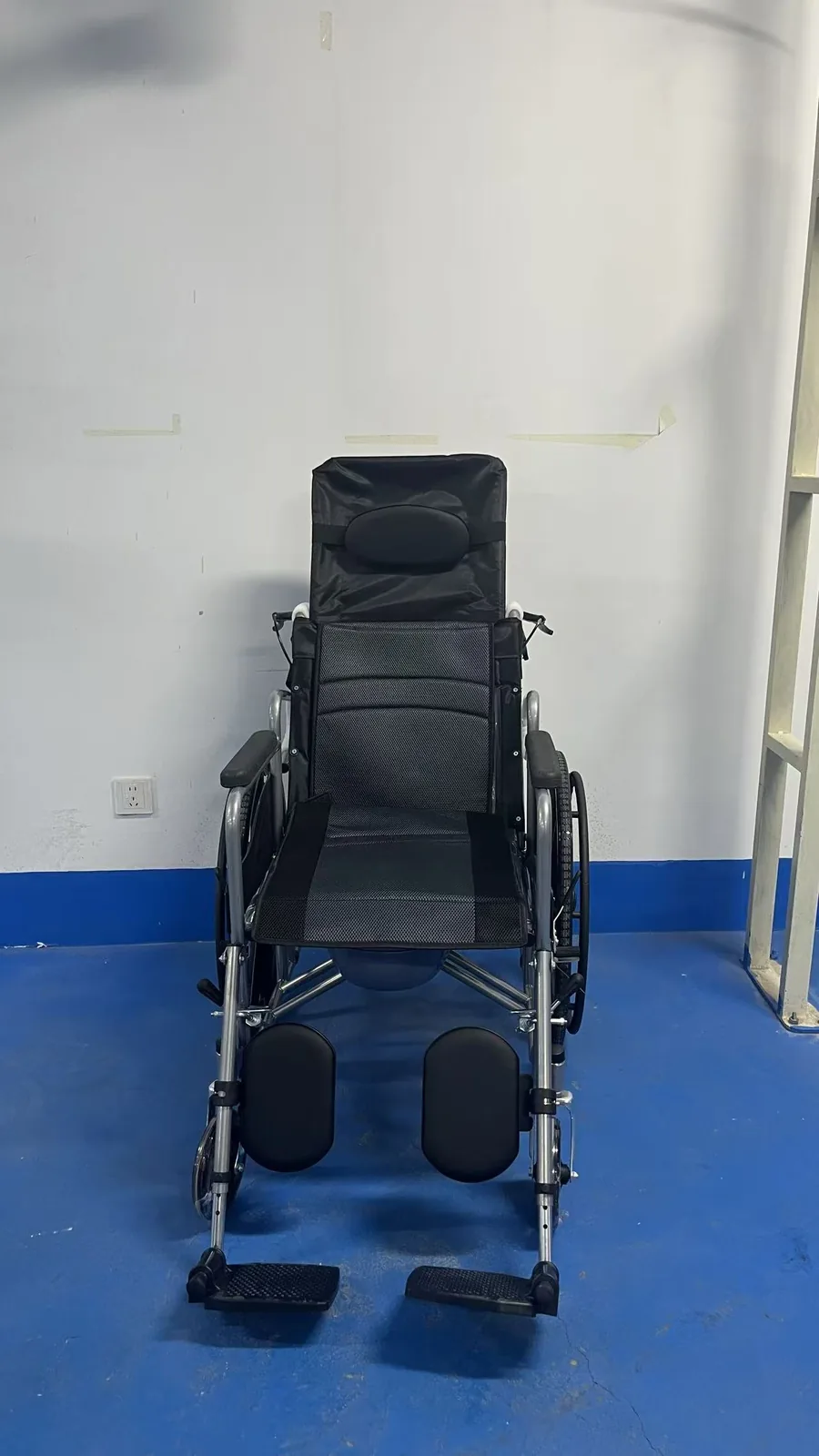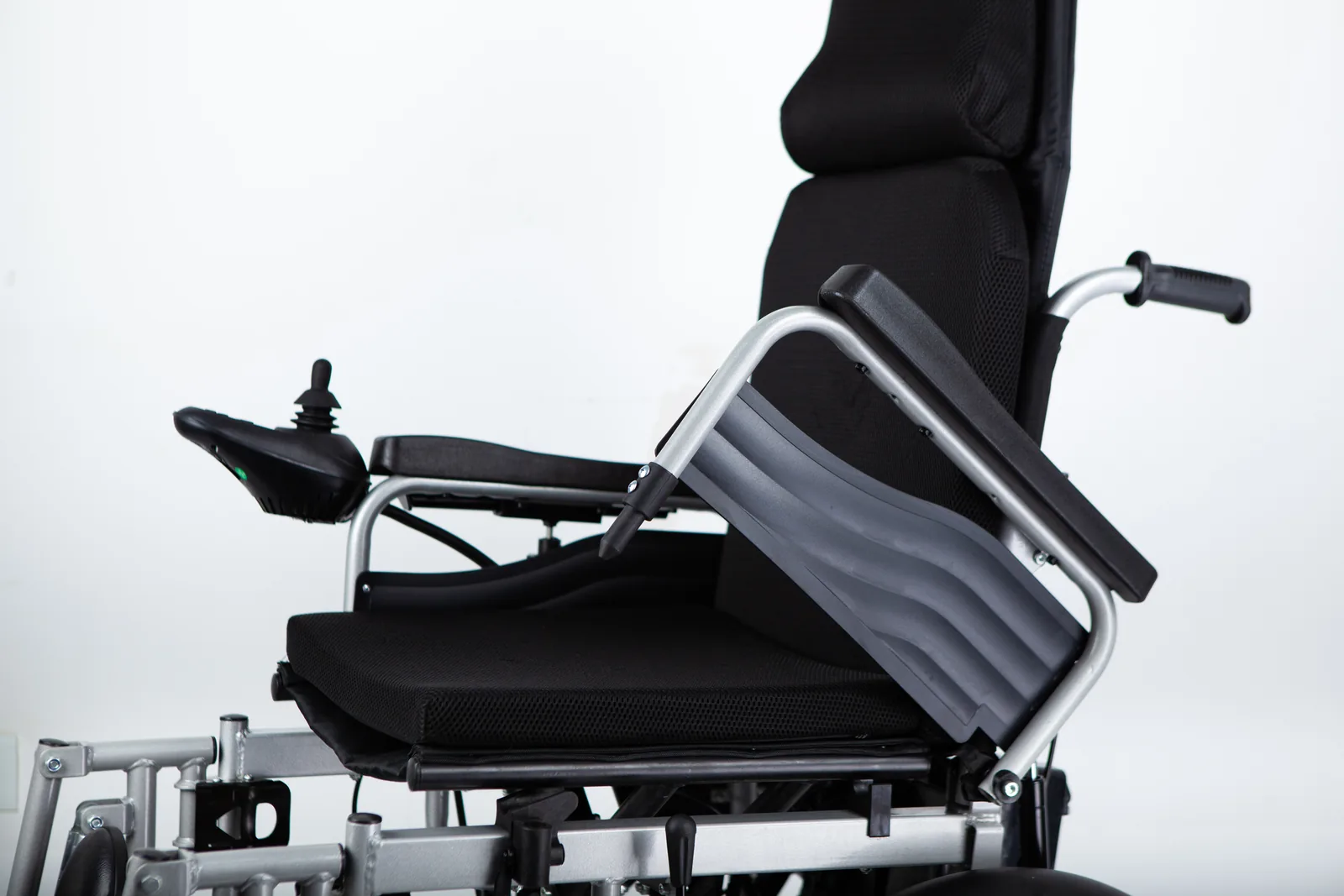
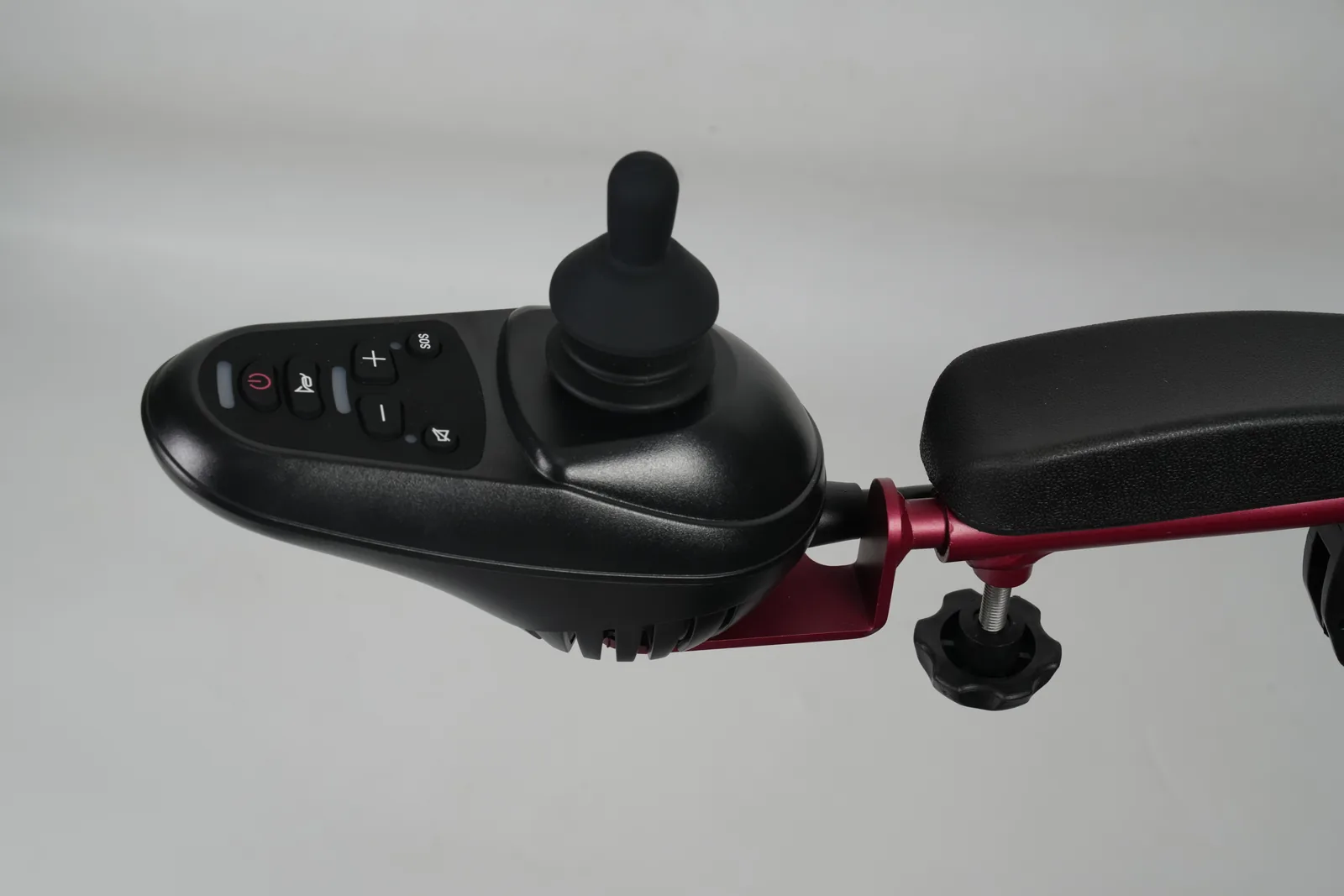
A light flashes on the joystick, the chair slows or stops, and you need to tell someone what happened. The first useful step is not guessing the fault: it is identifying the controller and finding the manual written for that exact unit.
Power wheelchair joystick error codes are read from the manual for the specific controller fitted to the chair. Record the wheelchair, controller model, serial number, and manual version, then describe the exact display, when it appears, and what the chair was doing. Do not assume a flash pattern, colour, or reset key carries the same meaning across models.
That approach turns a confusing light into a set of facts a service provider can work with. It also keeps the decision where it belongs: with the documentation for your equipment and, when needed, a qualified technician. The same discipline applies whether you are the person who uses the chair, a caregiver who helps with daily routines, or a dealer's after-sales contact taking a call from a customer. Each of those readers needs the same core facts, even if the next action differs.
Power wheelchair joystick error codes: Find the controller and its manual
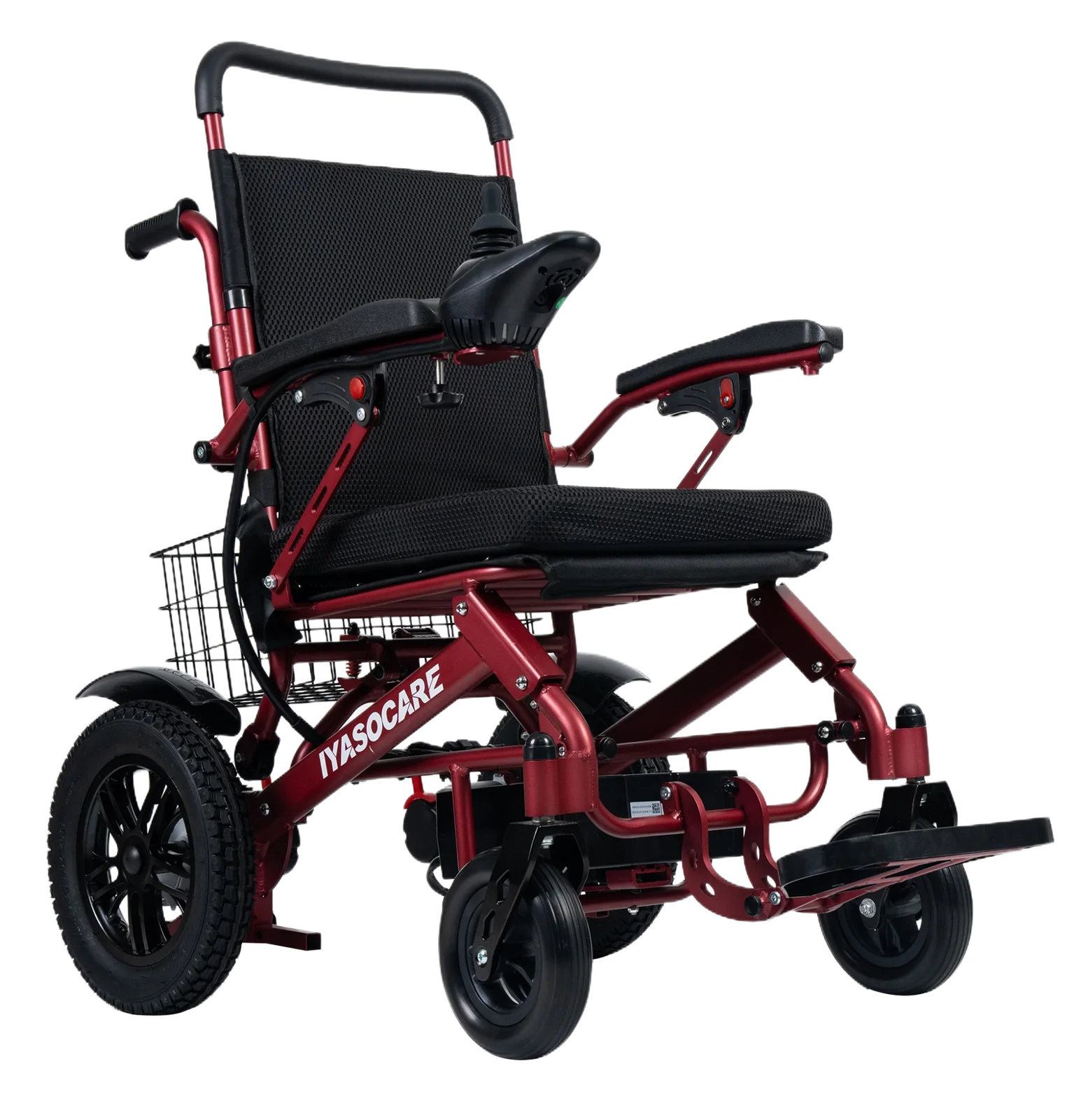
Start by establishing which controller is actually on the chair, because the joystick you see may be part of a controller system whose model name appears elsewhere. Look for a label, plate, or marking on the controller housing, the joystick module, or the chair's identification area, and write down exactly what it says. Record the wheelchair make and model, the controller model, the serial number, and any revision or part number printed on the unit. If a manual is already with the chair, note its title, revision date, and the page or section covering fault indications.
This record matters because manuals are written for a defined product and configuration. A manual for one controller family may describe flash sequences, display codes, or terminology that do not exist on another. Even within a brand, a later revision can change wording or add conditions. When you write down the document version, you give the service provider a way to check that the code table being used actually matches the unit in front of them. Without that check, a well-meaning helper may read a correct table against the wrong controller and reach a wrong conclusion.
Keep the record practical. A photograph of the label, a note of where it sits on the chair, and the date you recorded it are usually enough. If a label is worn or missing, say so rather than filling the gap from memory. A dealer's service records or the chair's delivery paperwork may carry the controller details; if they do, note which document supplied them. If they do not, the missing identification becomes the first question for the service provider, not something to guess.
It also helps to note how the manual was obtained, for example whether it came printed with the chair, was supplied by a dealer, or was downloaded from a manufacturer's site. That detail lets the service provider judge whether the document is likely to be the current one for that unit, and it separates a documented source from a remembered or borrowed copy.
Controller identification
A useful identification note answers four questions: what chair is this, what controller is fitted, what unique number identifies this unit, and which document describes it. Write them in a fixed order so the same information travels with every conversation. Include the joystick module if it carries its own marking, since the module and the controller are not always the same assembly. Where a chair has more than one control point, such as an attendant control in addition to the main joystick, note which one showed the signal.
Model-specific code displays
Once the controller is identified, open the manual section that covers indicators, fault codes, or troubleshooting. Read how that document presents information: some describe a number of flashes, some describe a code shown on a display, and some use indicator colours or patterns with defined meanings. Note the exact wording the manual uses for each signal, because that wording is what a service provider will recognise.
Do not copy a code table from a different model into your notes. Instead, record the manual's own description next to the signal you observed. If the manual does not cover the signal you saw, that gap is itself useful information: it suggests either a different controller, a different revision, or a condition the document does not address. A gap is not proof of a fault, and it is not proof that nothing is wrong; it is simply a reason to ask someone qualified rather than to improvise.
Describe the exact display or flash
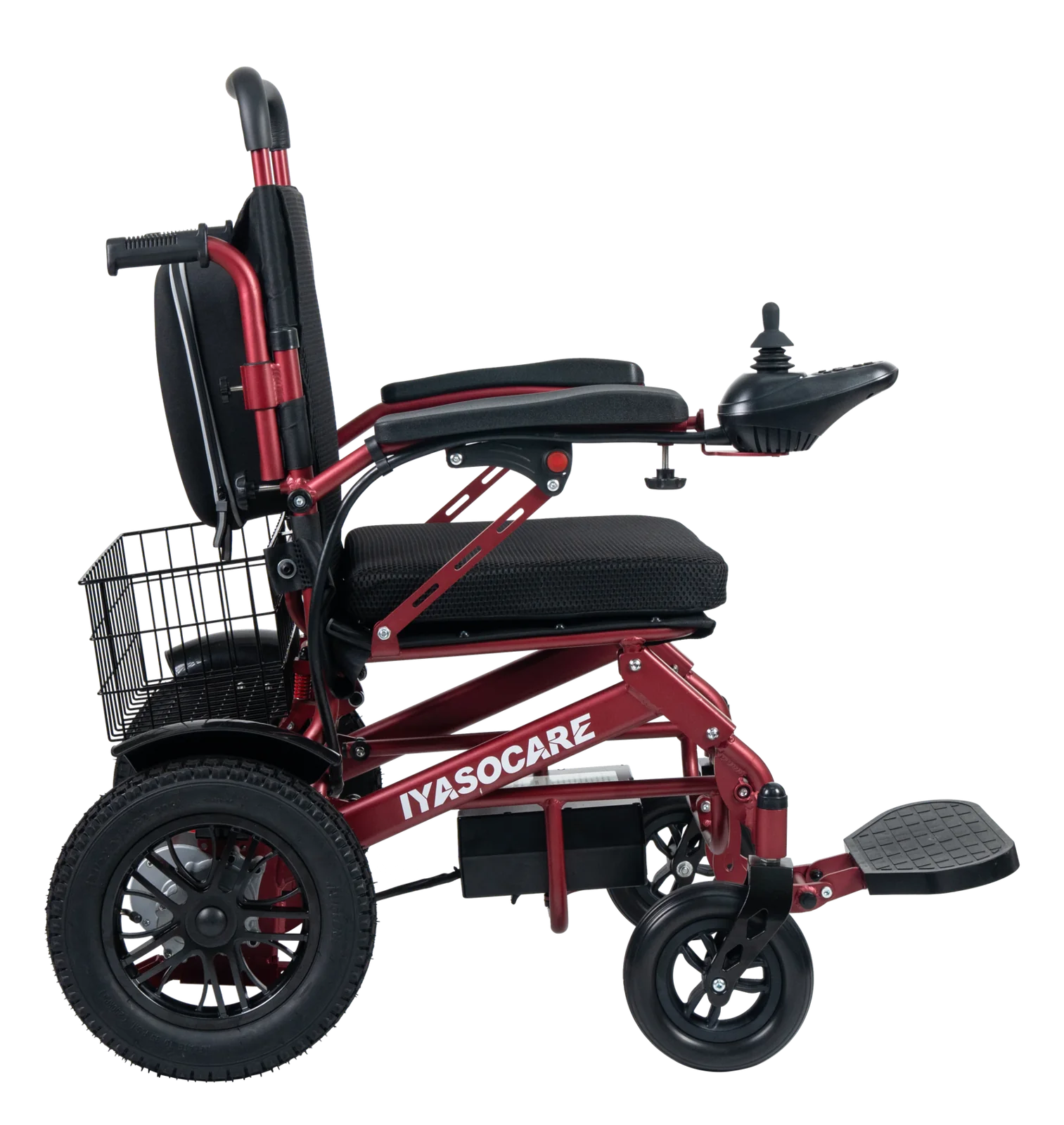
Describing the display accurately is the part most likely to be rushed, and it is the part a service provider most needs. Instead of saying the joystick "blinks an error," write down what the light or display actually did. Was it a single flash repeated, a counted sequence, a steady light, or a code shown as characters? How many flashes occurred before a pause? Did the pattern repeat identically each time? Did anything appear on a display screen as well as on the joystick?
Then record the circumstances. Note what the chair was doing when the signal appeared: switched on, stationary, moving, turning, on a slope, after charging, or after a period of use. Note whether the signal cleared by itself, stayed on, or changed. Record the time and date of each occurrence, and whether it happened once or repeatedly. If the chair behaved differently at the same time, such as slowing, refusing to drive, or a brake engaging, describe that behaviour in plain terms rather than interpreting it.
Resist the urge to translate a colour into a cause. A red or amber indicator may mean different things on different controllers, and the same colour may signal a routine condition on one unit and a stop condition on another. The manual defines the meaning for that model; your observation defines what happened. Keeping those two separate prevents a wrong assumption from travelling into a repair conversation, and it lets the service provider apply the correct definition rather than correcting yours.
A simple written log is enough. Use one line per event with the date and time, the signal observed, the chair's state, and anything that changed. If you can safely take a short video of the indicator while the chair is stationary, that can help a service provider see the pattern, but do not operate the chair in an unsafe place to capture it. A phone note or a paper sheet kept with the chair works as well as anything more elaborate, provided the entries are made close to the event rather than reconstructed later.
Why a code is model-specific
The two named manuals in this article's reference set illustrate the point without providing a shared code table. The Drive Titan AXS owner's manual is a user-facing document that addresses fault indications for that named power wheelchair. The Invacare MK5 EX service manual is a service-facing document with a troubleshooting chapter for that named controller. They are different documents, written for different products and different audiences, and neither can be used to interpret the other's signals.
That difference is not a technicality. A user manual and a service manual serve different readers: one helps an owner recognise and report a condition, the other guides a technician through diagnostic steps. The vocabulary, the level of detail, and the actions described will differ accordingly. A term that appears in one document may have no equivalent in the other, and a signal described in one may not exist in the other's design at all. Even the word used for the same idea can differ, so a phrase you read in one manual may not match the phrase a technician uses for another product.
| What to compare | Drive Titan AXS owner's manual (named source) | Invacare MK5 EX service manual (named source) |
|---|---|---|
| Document type | Owner-facing manual for a named power wheelchair | Service-facing manual for a named controller |
| Intended reader | Owner or caregiver | Qualified service personnel |
| Fault indication content | Fault indication information for that named chair | Troubleshooting chapter for that named controller |
| Can it interpret another model's signal? | No | No |
| What to record from it | The manual's own wording for the observed signal | The manual's own wording for the observed signal |
| What this article supplies | No cross-model code table | No cross-model code table |
The practical conclusion is that a code table is only meaningful alongside the document it came from. If you find a flash-code list online, the first question is which controller and which manual revision it belongs to. If the answer is not clear, the list cannot be applied to your chair. The same caution applies to terminology: a phrase like "fault code" or "error" may be used loosely in conversation but defined precisely in a manual, and the precise definition is what matters.
This is also why a service provider will ask for the controller model before discussing a code. The model determines which document applies, and the document determines what the signal means. Skipping that step invites a guess that may send the repair in the wrong direction, and it can waste a service visit on a part that was never the issue. A short, accurate record avoids that detour.
Separate lock mode from an error
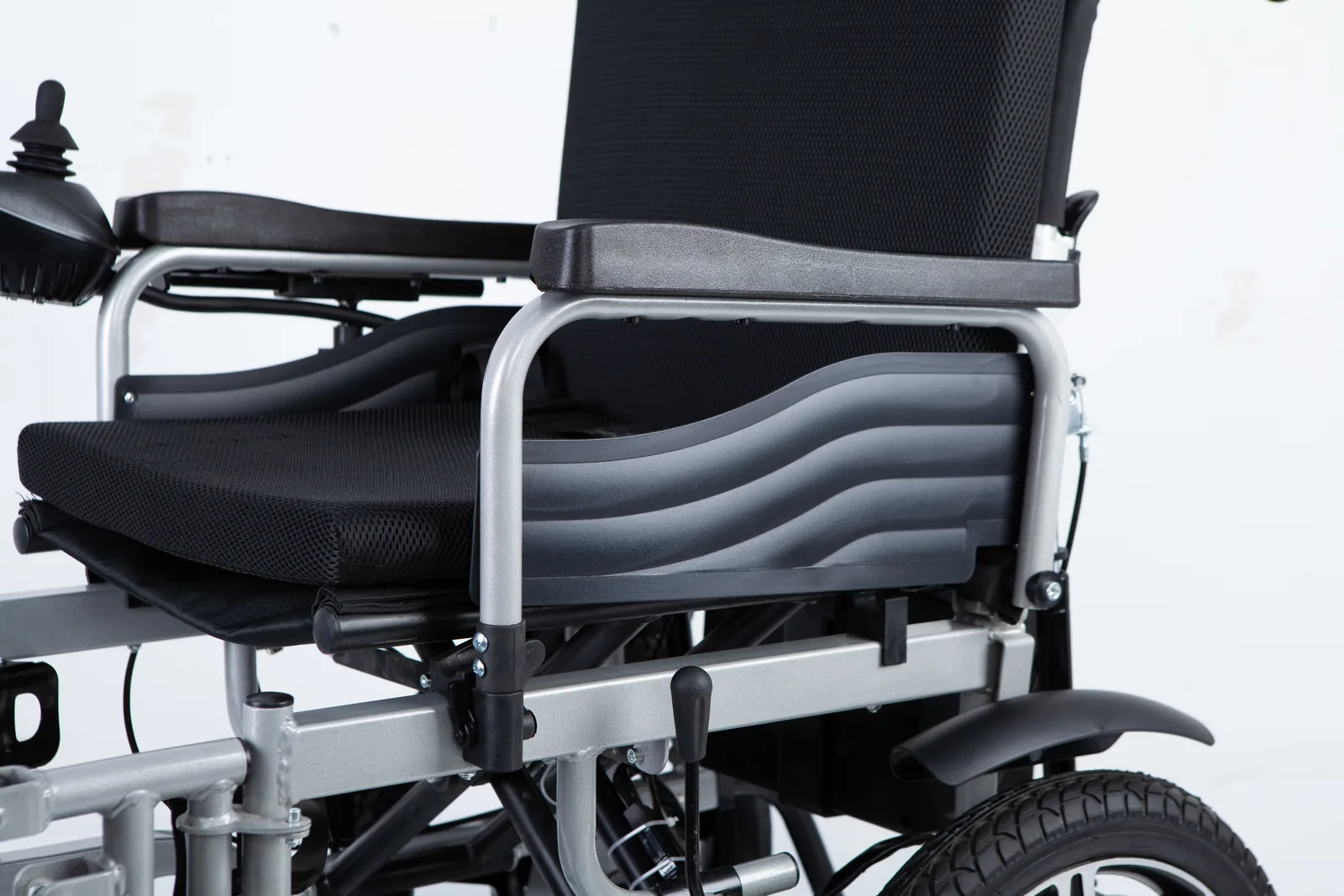
Not every unusual joystick behaviour is a fault. Some controllers include a lock mode that a user can activate deliberately, for example to prevent unintended operation. When a chair appears unresponsive after a lock sequence, the first question is whether someone intentionally locked it, not whether a component has failed. Treating a deliberate lock as an error can lead to unnecessary concern and unnecessary service calls.
Lock behaviour is controller-specific, and the steps to engage or release it belong to the manual for that unit. This article does not provide a universal reset key or a shared unlock sequence, because no such universal procedure exists across models. If you suspect lock mode, check the manual for that controller and follow its documented steps. If the manual is unavailable or the behaviour does not match the documented lock indication, record what you see and treat it as an unresolved question for the service provider.
The distinction is useful in practice because it changes what you record. A lock event is a user action with a known context: who did it, when, and why. A fault indication is an equipment signal with a context of its own: what the chair was doing and whether the signal repeats. Writing down which one you think you are dealing with, and why, helps the next person check your reasoning rather than start from scratch.
A separate article on this site addresses identifying a controller lock state; this article focuses on fault displays. Keeping the two topics apart avoids mixing a deliberate setting with a diagnostic signal. If you are unsure which situation you have, say so in your notes rather than choosing one. An honest "possibly locked, possibly a fault" is more useful to a service provider than a confident label that turns out to be wrong, because it tells them both possibilities still need checking.
Contact a qualified service provider

Contact a qualified service provider when a signal persists, when the manual does not cover what you observed, when the chair behaves unpredictably, or when you are unsure whether continued use is safe. Those are reasonable thresholds for seeking help, and they do not require you to diagnose anything first. Your job is to hand over an accurate record; the provider's job is to interpret it against the correct documentation and decide what to do.
Bring the record you have built: the wheelchair make and model, the controller model, the serial number, the manual title and revision, the exact signal observed, the circumstances and timing, and whether the signal repeats. Add anything that changed recently, such as a new accessory, a repair, a different charging routine, or a change in how the chair is stored. Mention if the chair is used by more than one person or in more than one setting, since that can affect when a signal appears.
Ask the provider to confirm which manual and revision they are using, and to explain what the signal means for your unit. If a part is needed, the conversation can move to documented compatibility rather than assumption; this site's page on electric wheelchair spare parts covers spare-part purchasing and compatibility questions, while this article stays with recording the fault display. For Wheelchairs Factory equipment, the brand's site at wheelchairsfactory.com is the relevant starting point for product information.
Do not open the controller housing, adjust settings, substitute batteries, or attempt repairs based on a code you have not confirmed. Those actions belong to documented service procedures and qualified personnel. If the chair must be taken out of use while you wait, say so clearly in the handover so the next person knows the chair's status. It also helps to say whether the chair is currently drivable, since that affects how it can be moved for service.
FAQ
Do the same flash codes apply to every wheelchair?
No. Flash patterns and display codes are defined by the controller and its documentation. A pattern that means one thing on a named controller may mean something else, or nothing, on another. Always check the manual for the controller fitted to the chair.
Is lock mode the same as a fault code?
No. Lock mode is a state a user can activate deliberately, while a fault code is an equipment signal defined in the controller's documentation. The steps to engage or release a lock are controller-specific and should come from that unit's manual, not from a general procedure.
What details help a service provider?
The wheelchair make and model, controller model, serial number, manual title and revision, the exact signal observed, how many flashes or what appeared on the display, when it occurred, what the chair was doing, and whether it repeats. A short video of the indicator can help, provided it is safe to record.
Conclusion
Identify the controller, find its manual, and record the exact signal and circumstances. Hand those facts to a qualified service provider rather than guessing what a code means.
Video: Q-Logic 3 Joystick Fault and Common Errors for Quantum Power Chairs