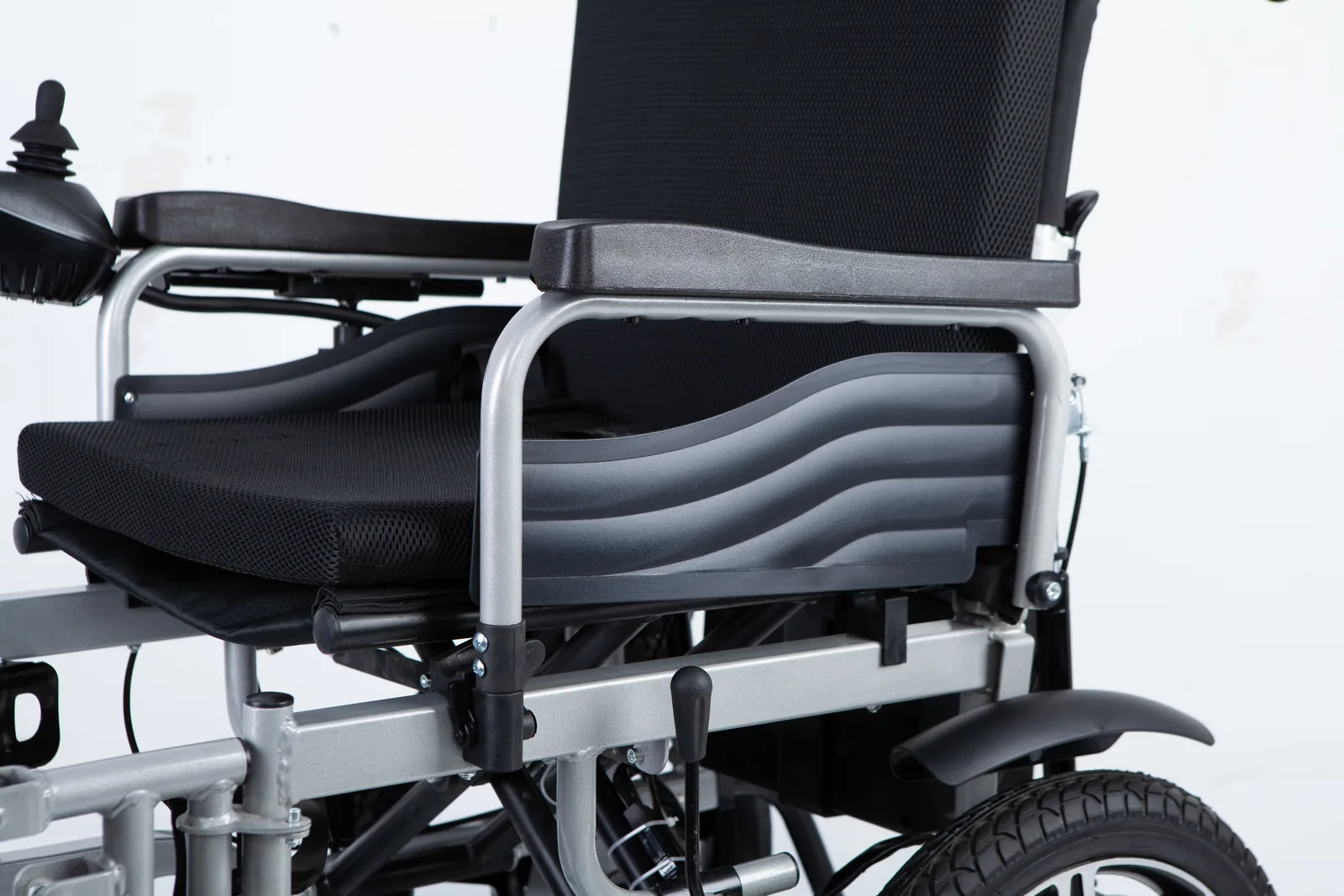
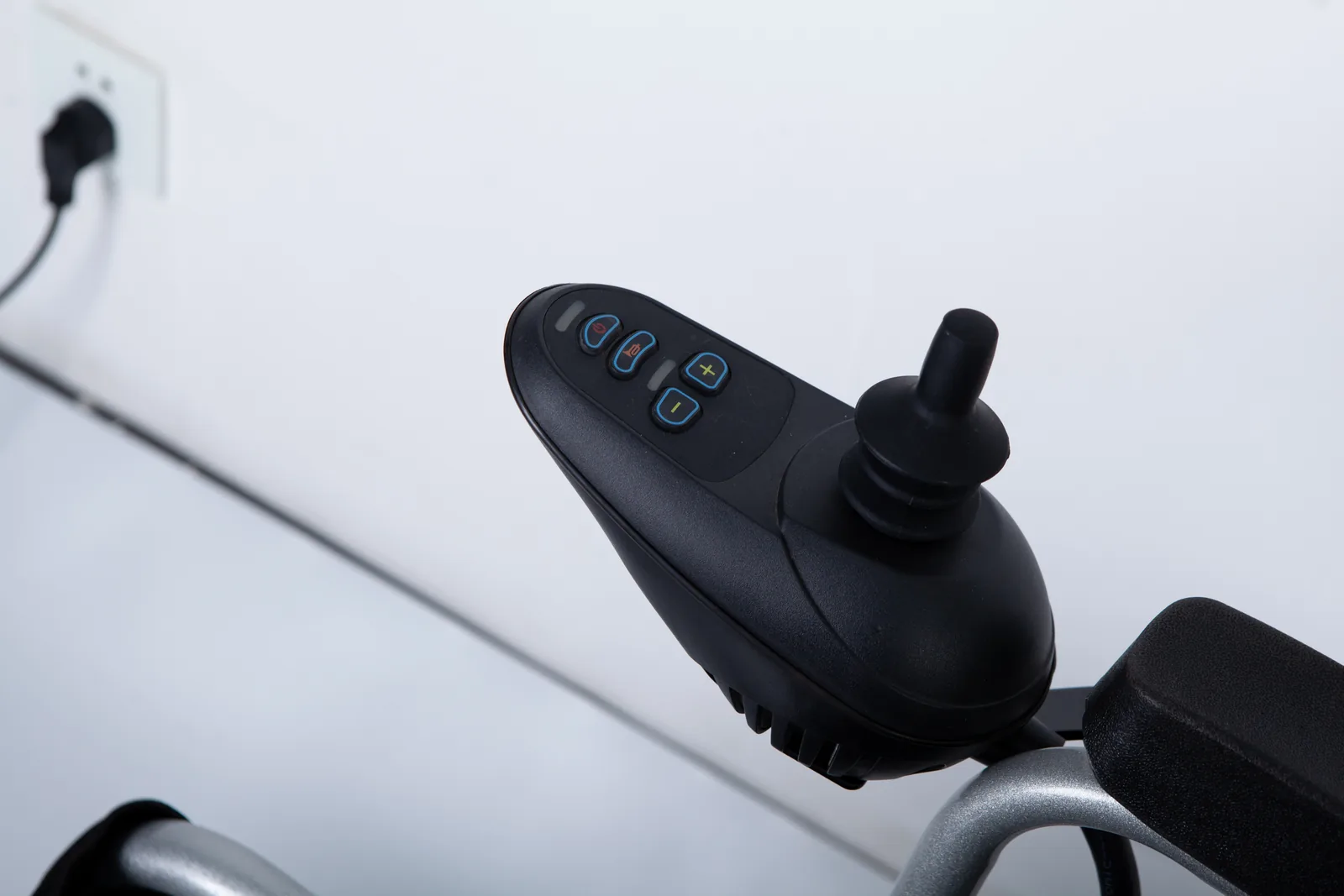
You look down at the joystick on your power chair and notice a split in the rubber near its base. A wheelchair joystick boot torn like this is easy to misread as a cosmetic scuff, especially when the chair still drives normally. Deciding what to do next starts with naming the part correctly and checking what the chair's own documentation says about damage there.
A torn joystick boot is the flexible rubber cover at the base of the joystick shaft, not the knob your hand rests on. Named Invacare manuals tell users not to use a chair with a cracked boot because water can reach the controller, so the safe step is to stop using the chair and contact a qualified service provider.
This guide helps power wheelchair users, caregivers, and dealer or repair coordinators separate the two parts, read the manufacturer's warning in context, record what they see without opening anything, and hand the repair to the right person.
Wheelchair joystick boot torn: Distinguish the knob from the boot
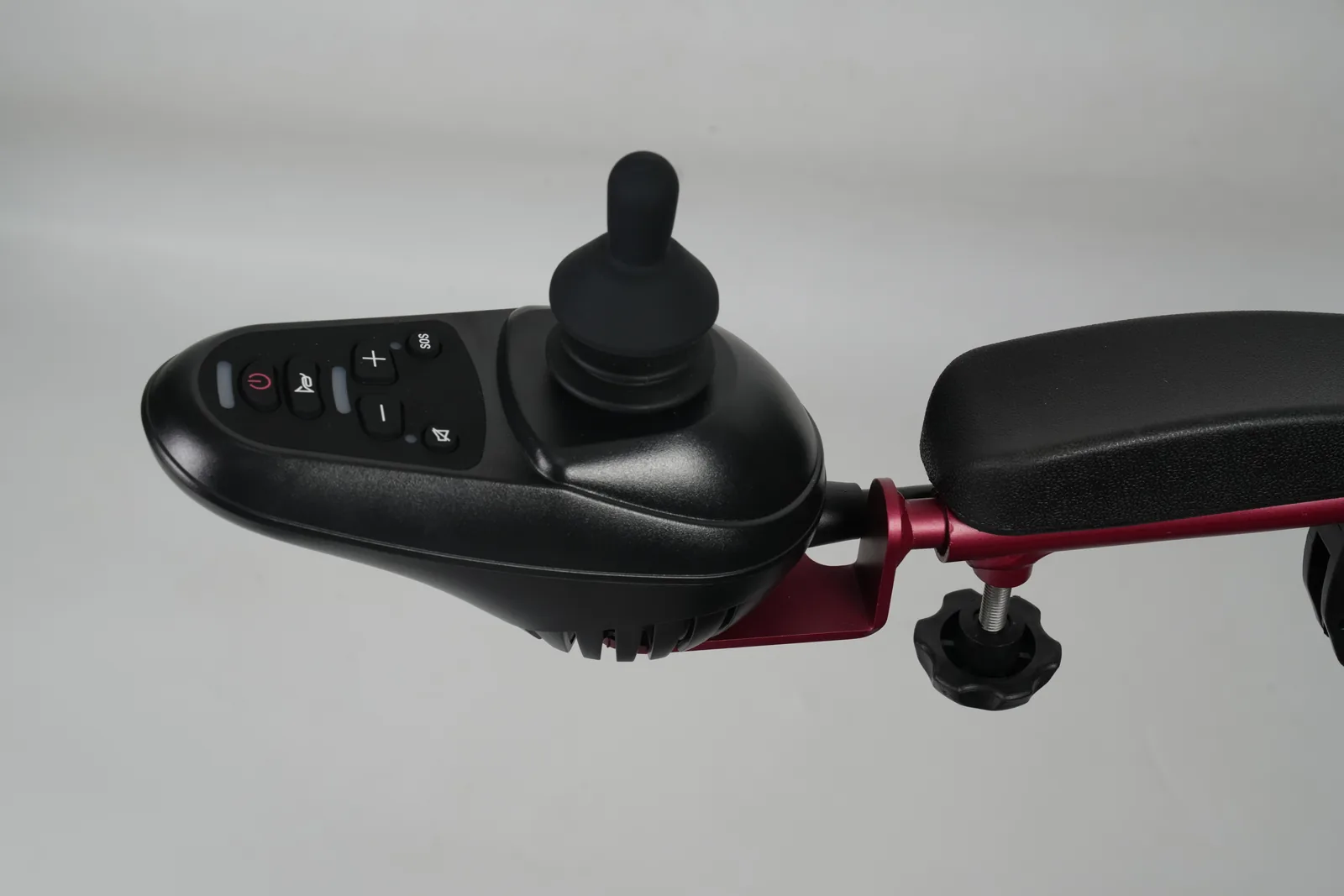
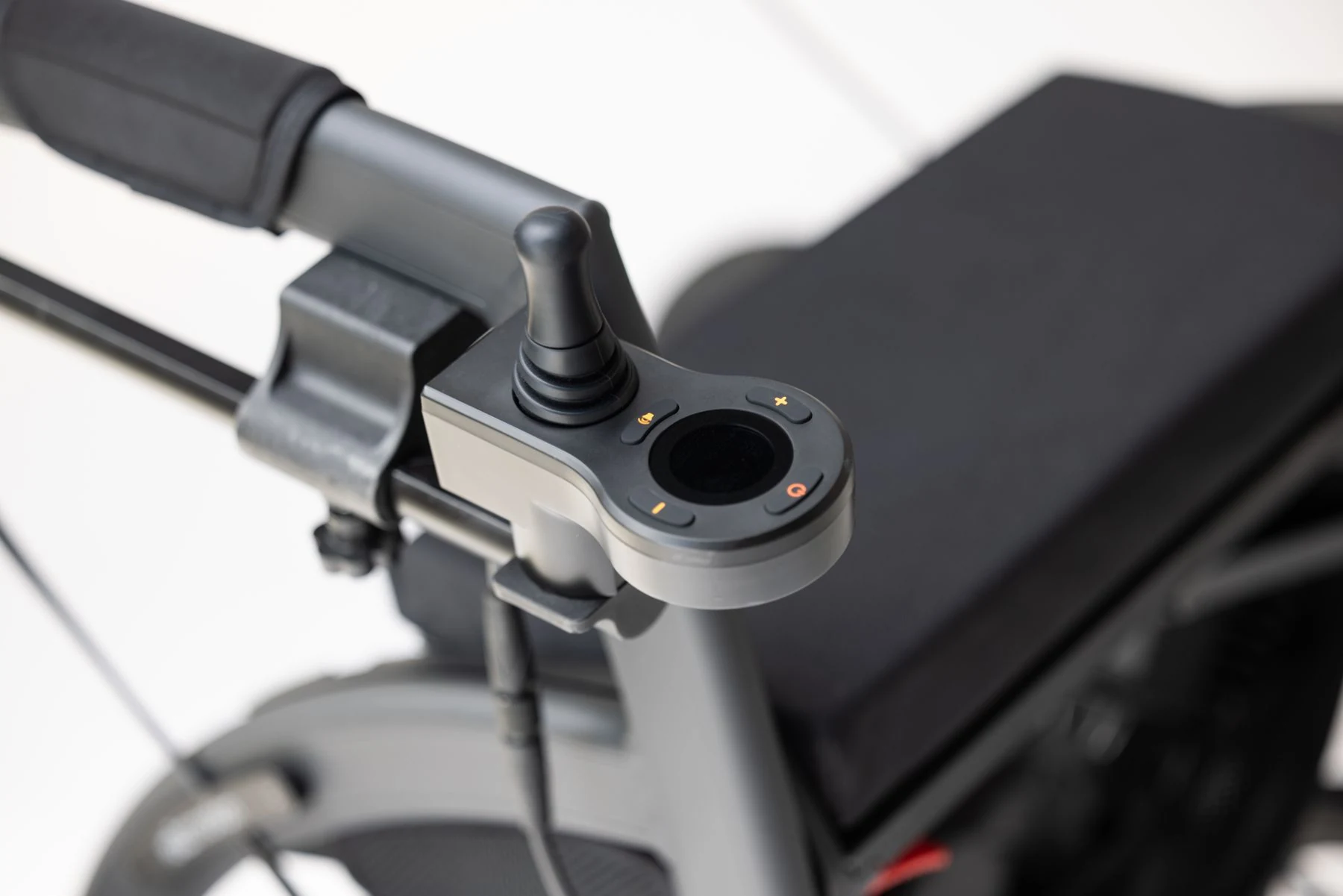
The two parts sit on the same joystick but do different jobs, and mixing them up changes what you report and who can help. The knob is the part your hand touches at the top of the shaft. The boot is the flexible rubber sleeve at the bottom, where the shaft meets the controller housing. A problem with the knob is usually about grip or fit; a problem with the boot is about the seal between the outside environment and the electronics inside the controller.
That difference matters because the two parts carry different risk. A worn or loose knob may make steering less comfortable, but it does not by itself open a path into the controller. A split boot does. Once the rubber is torn, water, dust, or spilled drinks can travel down the shaft toward the internal components. This is why manufacturer guidance treats boot damage as a stop-use condition rather than a cosmetic annoyance.
The distinction also shapes the conversation you have with whoever supports the chair. A dealer asked about a "joystick problem" may start with the handle, the cable, or the controller programming, while a report about the rubber seal at the shaft base points straight at the housing opening. Naming the part precisely saves a round of questions and helps the provider decide whether the chair needs to be seen before it is used again. It also keeps two separate spare-part conversations from being merged: a grip that needs replacing is a comfort and fit question, while a damaged boot is a protection question about the controller underneath.
Topper or knob
The top part is described in different ways across documents: topper, knob, joystick cap, or grip. It is the removable or fixed piece your palm or fingers contact. If your question is about a missing cap, a spinning knob, or ordering a replacement grip, that is a different task from boot damage. Our guide to identifying the right joystick knob covers that part in detail. Keep the two tasks separate when you contact a dealer, because a knob request and a boot or controller-seal concern may go to different people.
Protective boot
The boot is the accordion-like or conical rubber piece at the base of the shaft. It flexes as you move the joystick and is meant to keep the opening around the shaft covered. You may see it as a small rubber skirt where the stick disappears into the controller. Because it is flexible and exposed, it is also a part that can crack, split, or pull away over time. When you describe damage, say "the rubber at the base of the joystick" rather than "the joystick," so the person helping you knows which component is affected. If you are unsure which piece you are looking at, describe its position relative to your hand and to the housing rather than guessing at a part name.
Read named manufacturer warnings
Specific manuals are more useful than general advice here, because the wording and the model scope belong to the manufacturer. The Invacare Pronto M41 service manual (document DTEC000990, English version dated 22 January 2015) states on page 33 that the chair should not be used if the protective boot is cracked, and it flags the risk of water ingress. The Invacare 3G Storm user manual addresses boot damage on page 16 and joystick cap issues on page 29. These are model-specific documents; their warnings apply to the chairs they cover, and they show why the boot is treated as a safety item rather than trim.
Pride Mobility's official guidance on cleaning an electric power wheelchair also notes visible damage to the protective boot at the base of the joystick and describes the boundary between user cleaning and repair. That is consistent with the Invacare wording: the boot is something to inspect and report, not something to patch and forget. Queensland Health's user resource "You and Your Power Wheelchair" likewise asks readers to check the joystick boot for cracks, which shows this is a routine maintenance observation rather than an unusual fault.
Read those sources for what they actually say. The Pronto M41 wording is a use restriction tied to a cracked boot on that model, not a general statement that every chair with any rubber wear must be retired. The 3G Storm manual separates boot damage from joystick cap issues, which is a reminder that the two parts are documented separately even on the same chair. Pride's cleaning page sits at the maintenance end of the scale, describing what a user may clean and where that work stops. Taken together, the pattern is consistent: inspect from the outside, report what you see, and leave seal and controller work to qualified hands.
Tears and cracks
A tear is a split that goes through the rubber; a crack may start small and spread. Either way, the question is not how big the damage looks but whether the seal is intact. A hairline crack at a flex point can widen with every joystick movement. If you can see a split, a hole, or a section where the rubber has separated from the housing, treat the boot as damaged. Do not assume a small tear is harmless because the chair still drives normally; the warning is about the seal, not about whether the chair currently responds.
Water-entry concern
The reason manufacturers single out the boot is water ingress. Cleaning, rain, spills, and everyday moisture can reach the controller if the rubber no longer covers the opening. The Pronto M41 wording links a cracked boot to that risk directly. This does not mean every damp day ruins a controller, and it does not give you a test to run. It means the protective function is compromised, and the decision about continued use belongs with the manufacturer's instruction and a qualified technician, not with a visual guess about how much water might get in.
Record the chair and controller identity
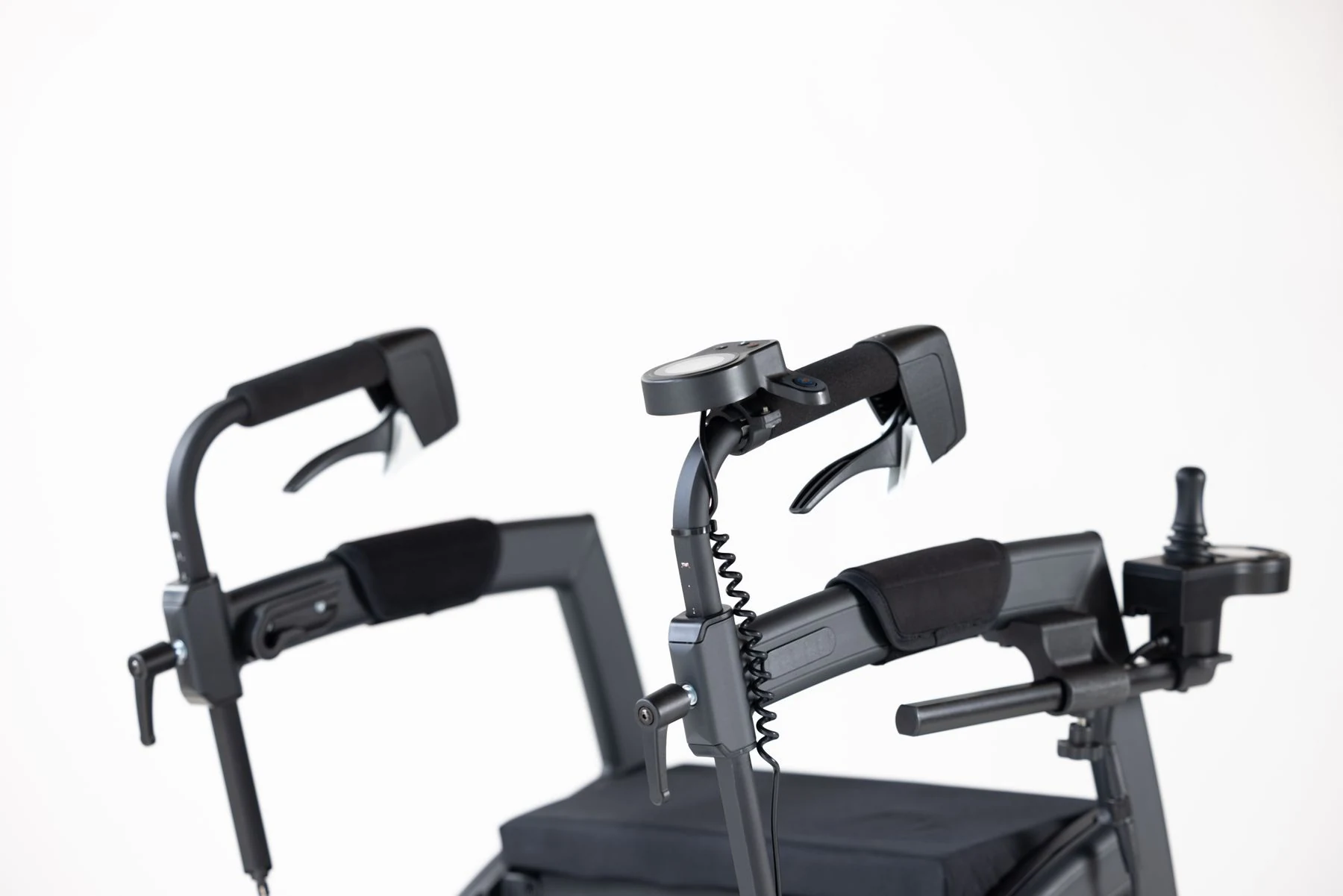
Before you call anyone, gather the details that let a dealer or service provider identify the exact configuration. Write down the chair model, the controller type if it is shown on a label or in your paperwork, and the serial number if you can reach it without disassembly. Note where the damage is: top of the shaft, base of the shaft, or the point where the boot meets the housing. Record when you first noticed it and whether anything changed beforehand, such as a cleaning session, a journey, or a knock against a doorway.
This record does the same job as a service log. It separates what you observed from what you assume, and it gives the technician a starting point. It also helps if the chair is part of a fleet, a rental arrangement, or a care setting where someone else handles maintenance. A short written note is more reliable than a phone description remembered hours later.
There is a practical reason to be thorough rather than quick. Boot condition, controller type, and model revision all influence which documentation the provider opens first, and a mismatch can send the conversation down the wrong path. If the chair has had previous joystick or controller work, that history is part of the record too, because a provider may want to know whether the current damage is new or connected to earlier service. None of this requires technical knowledge from you; it only requires careful observation and honest notes about what you cannot confirm.
Chair and controller identifiers
Use the labels and documents that came with the chair rather than guessing. The model name and serial number are usually on a frame label; controller details may appear on the module itself or in the user manual. If a label is worn or you cannot find it, say so rather than inventing a number. For dealer or institutional records, note the date of purchase and any previous joystick or controller service, because that history may affect what the service provider checks first.
Describe the visible damage
Stick to what you can see from the outside. Useful descriptions include "rubber split at the base of the joystick," "boot detached on one side," or "crack visible when the joystick is moved." Avoid opening the controller, prying the boot back, or probing inside the housing. The controller contains electrical components, and the manuals' warnings are about keeping moisture out, not about guiding an owner inspection. A clear external description plus the model details is what a service provider needs to plan the next step.
| What to record | Why it helps | What to avoid |
|---|---|---|
| Chair model and serial number | Identifies the exact configuration and the manual that applies | Guessing a model from a similar-looking chair |
| Controller type shown on a label or in paperwork | Helps the provider check the right documentation | Opening the controller to read internal labels |
| Damage location (top of shaft, base, housing edge) | Separates knob issues from boot or seal issues | Prying the boot back to see underneath |
| When damage was first noticed | Supports the service history and any warranty question | Backdating or estimating without a note |
| Recent cleaning, travel, or impacts | Gives context for the provider's inspection | Assuming a cause without evidence |
Refer repair to the provider

The repair itself belongs with a qualified service provider working from the chair's own manual. This article does not describe how to replace a boot, open a controller, or substitute a part, because those steps depend on the exact model and on electrical safety. What you can do is follow the stop-use instruction, contact the right person, and hand over the record you built. That division of responsibility is not a limitation of this guide; it is how the manufacturer's documentation frames the task.
When you contact a dealer or service center, say clearly that the joystick boot is damaged and that the manual for your model warns against use in that condition. Ask what they need from you: photographs, the serial number, the purchase date, or the chair itself. If the chair is under warranty, ask how the damage should be documented before any work is done. If it is not, ask for an assessment rather than assuming a part is available or that a particular repair is needed.
It also helps to ask what happens in the meantime. A provider may be able to tell you whether the chair should stay out of use until it is seen, or whether an assessment can be scheduled first. Either way, the answer should come from the provider and the model documentation, not from a general rule you found online. If you are coordinating for someone else, make sure the person who uses the chair knows the status, so the chair is not quietly returned to service because it still switches on.
Stop-use instruction
The Pronto M41 manual's page 33 wording is direct: do not use the chair if the protective boot is cracked. That instruction is tied to the model and document it comes from, and it is the clearest guide available when your own manual contains similar language. Stopping use can be inconvenient, especially if the chair is your main way of getting around. Plan for that: arrange alternative transport or a temporary chair if you can, and ask the service provider how soon the chair can be assessed. Do not treat a working joystick as evidence that the seal is fine.
Service and replacement responsibility
Replacement parts, compatibility, and repair methods are the provider's and manufacturer's territory. A dealer can confirm which part applies to your model and whether the controller needs inspection. Pride's cleaning guidance and the Invacare manuals both keep repair outside routine user maintenance, which is the pattern to follow. If you are coordinating for a fleet or care setting, log the report, the stop-use decision, and the service booking so the chair's status is clear to everyone who might otherwise try to use it. For related controller messages, our guide to power wheelchair joystick error codes explains how fault indications are organized, but a torn boot is a physical inspection issue, not a code to clear.
FAQ
Is the joystick boot the same as the knob?
No. The knob, sometimes called a topper or cap, is the part your hand touches at the top of the joystick. The boot is the flexible rubber cover at the base of the shaft, where it meets the controller housing. They are separate parts with separate functions, and damage to each is reported differently.
What do the named manuals say about a torn boot?
The Invacare Pronto M41 service manual states on page 33 that the chair should not be used if the protective boot is cracked, and it notes the risk of water ingress. The Invacare 3G Storm user manual addresses boot damage on page 16 and joystick cap issues on page 29. These statements apply to the models those documents cover; check your own chair's manual for the wording that applies to it.
Should a user open the controller to inspect it?
No. Inspection from the outside, plus the model and serial details, is what a service provider needs. Opening the controller or prying back the boot risks damage and exposure to electrical components, and it goes beyond the user maintenance described in the manufacturer guidance. Report the visible damage and let a qualified provider assess it.
Conclusion
A torn joystick boot is a seal problem, not a cosmetic one. Note the model, stop using the chair, and ask a qualified provider to assess it.