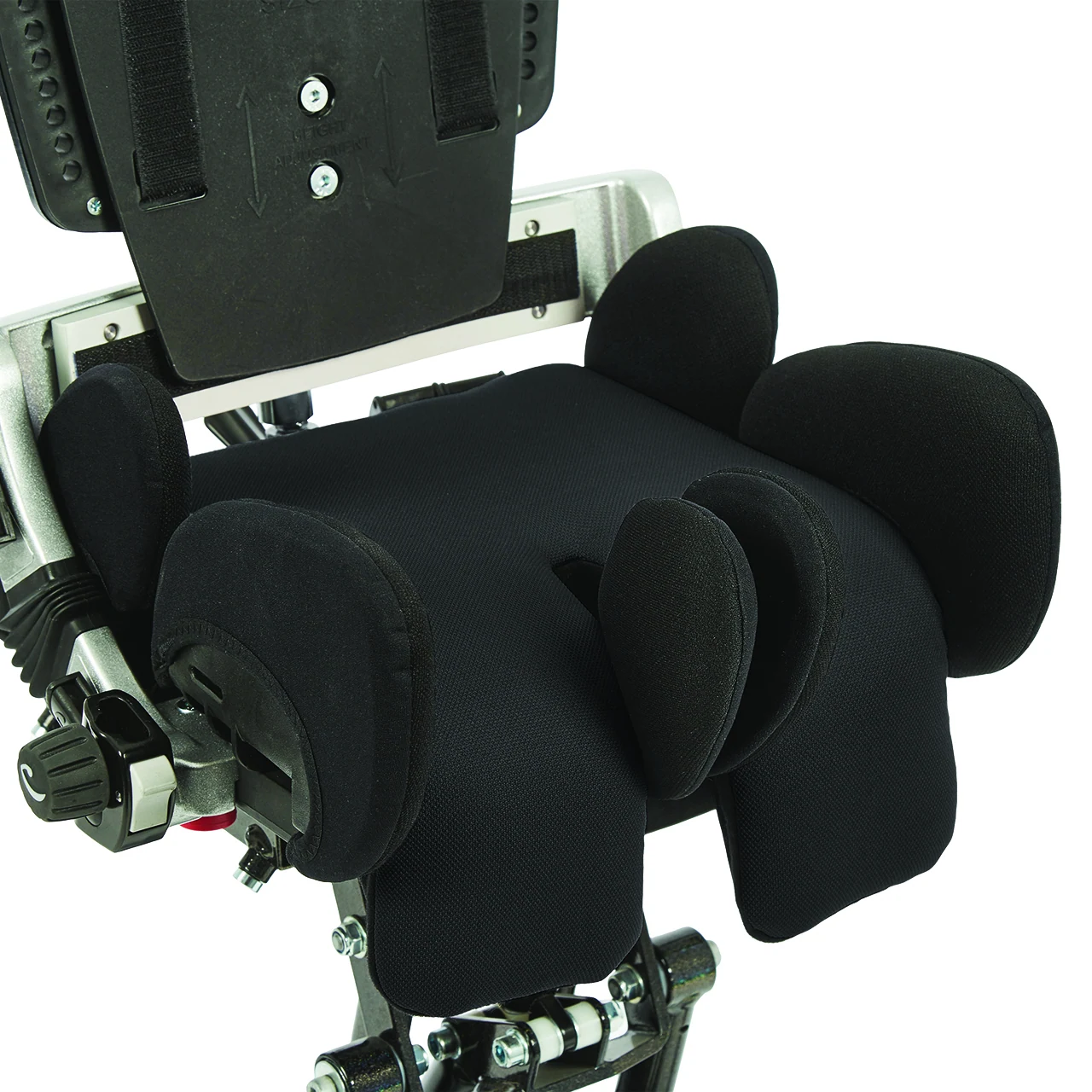
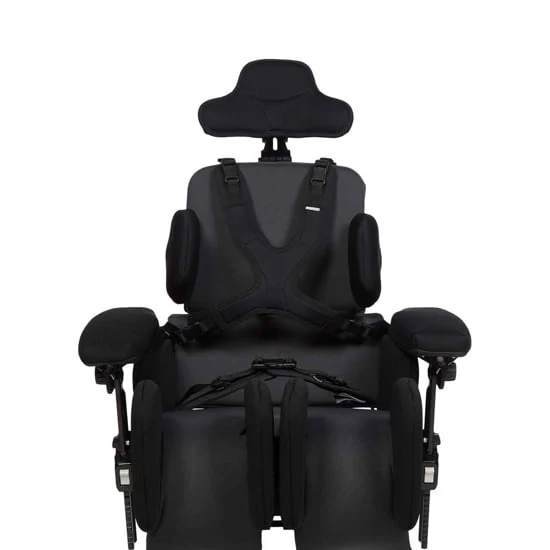
A head array can look like one simple pad behind the headrest, yet the useful questions are more specific: which input zones exist, what each one sends to the controller, and which mounting document applies to this chair. Sorting those three items before adjustment keeps the conversation concrete.
Power wheelchair head array control should be checked as a set of named inputs, a specific controller interface, and a documented mounting arrangement. Head arrays are not interchangeable, and proximity sensing, mechanical switches, and proportional behavior depend on the exact system. Confirm the model, then involve the qualified team for setup and training.
This article is written for people who support head-array users and for users who want to understand what is being adjusted. It does not describe how to program a chair, and it does not assume that every head array works the same way. The aim is narrower and more practical: build a record of what is installed, what each input is expected to do, and which documents and people own the next decision.
Power wheelchair head array control: Identify head-array input and controller
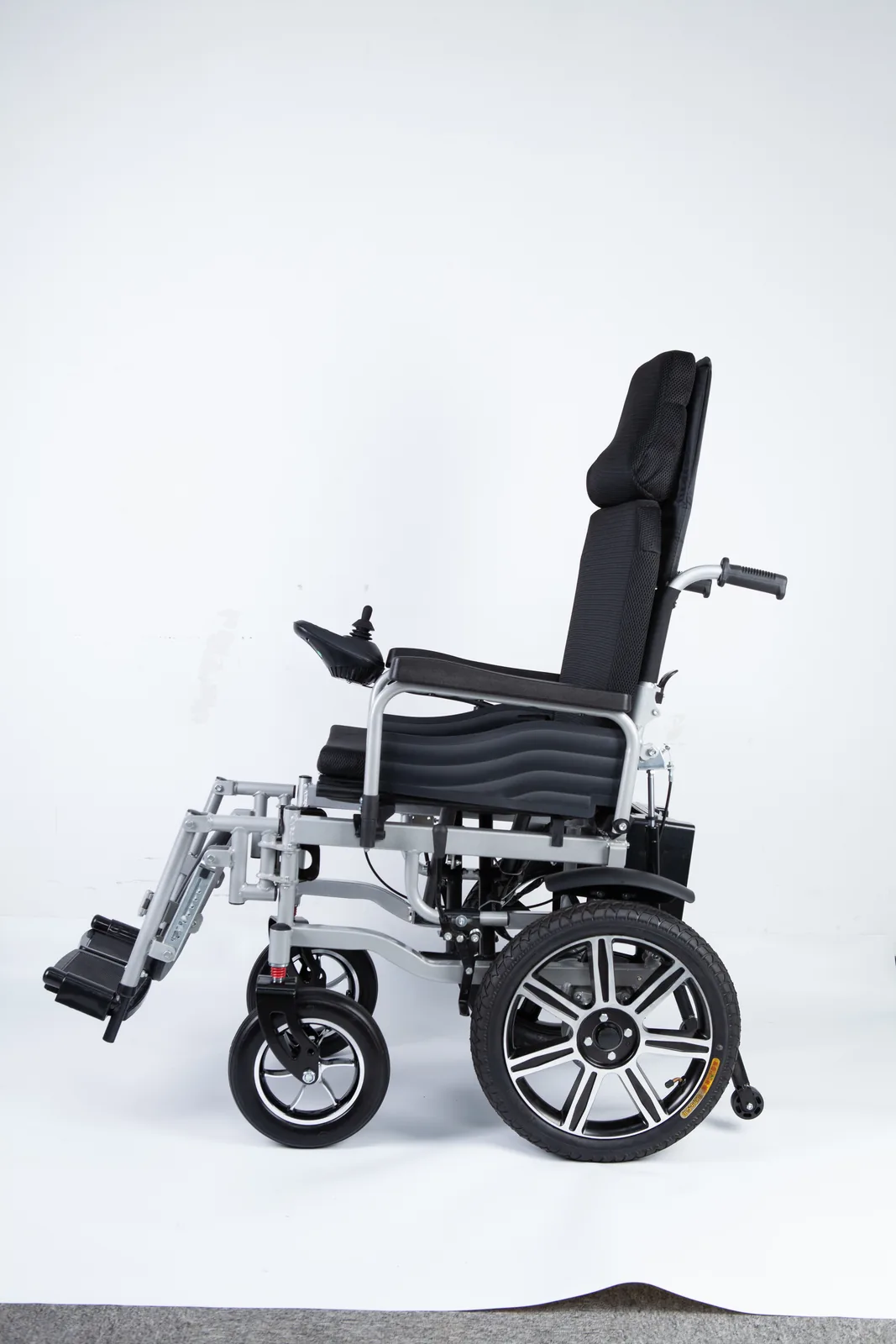
Start with identification, not adjustment. A head array is a cluster of input areas arranged around the user’s head, and the first task is to name what is physically present. Permobil’s Total Control Head Array material describes a design in which the user drives by moving the head against pads, with separate areas serving different functions. That description is specific to that product family; it is a useful example of how a head array can be organized, not a template for every array on the market.
The second task is to identify the controller the array connects to. A head array is an access method for a power wheelchair drive control system, so the array, the interface between array and controller, and the controller’s own configuration all belong in the same record. Quantum Rehab’s clinical adaptability material frames head-array control as one accessibility option among several, which is a reminder that the same user may have more than one access method considered during assessment. The record should therefore note what is installed now, not only what was once discussed.
A practical identification note answers these questions in writing:
- What is the array called, including the manufacturer and any model or part reference printed on it or in its paperwork?
- How many input areas does the array have, and what is each one labeled or described as doing in the supplied documentation?
- Which controller and interface does the array connect to, and is that connection described in the same document set?
- Which functions are assigned to the array: drive only, or drive plus mode changes and other chair functions?
- Who last configured it, and is there a record of the configuration?
That last point matters because head-array control often involves more than forward and reverse. Mode switching, speed selection, and access to other chair functions may be part of the arrangement, and the way those are reached differs between systems. Do not assume that a pad which drives the chair also changes modes in the same way, or that a second input area performs the same job across brands. Write down what the current setup actually does, then compare it with what the documentation says it should do.
Keep the identification record separate from any judgment about fit. A correct model number does not tell you whether the arrangement suits a particular person, and a comfortable-looking pad position does not confirm that the inputs are correctly assigned. Those are different questions with different owners, and mixing them makes both harder to resolve. A useful habit is to date each entry and note who supplied it, so a later reader can tell whether a note came from the product paperwork, from the person who configured the chair, or from the user’s own observation. When those three sources disagree, the disagreement itself is worth recording, because it usually points to a document that is missing or a configuration that has changed since the file was last updated.
Compare named sensor designs
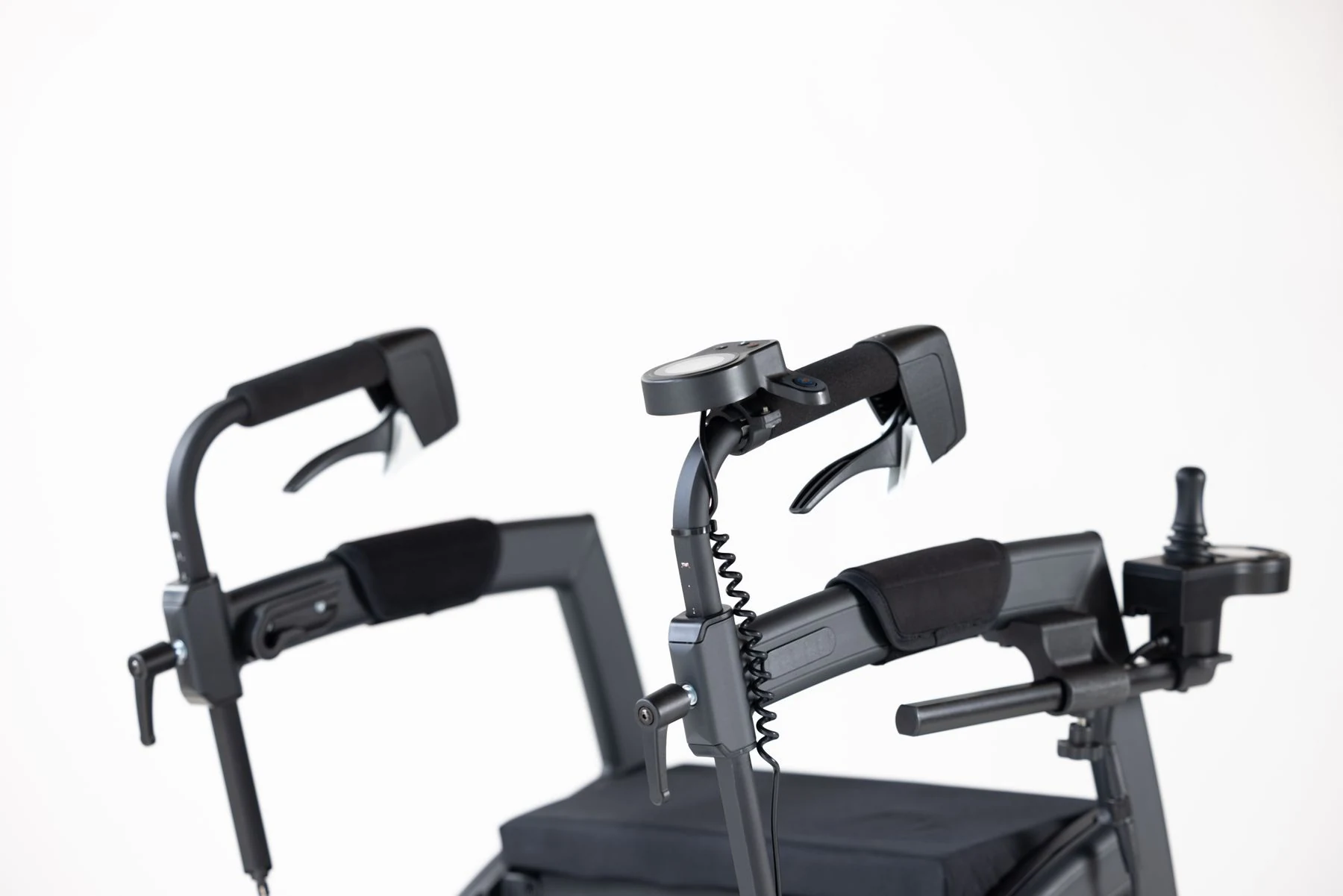
The most common mistake in comparing head arrays is treating them as one category with one behavior. They are not. A head array may use proximity sensing, mechanical switches, or a combination, and the input behavior may be proportional or switch-like depending on the exact system. The Permobil material describes a head-array design built around pads the user moves against; that is a mechanical, contact-based description. Other systems may sense the head approaching an area without contact. Both can be called head arrays, and the difference changes what a user must do to activate an input.
This is why the comparison should be made between named designs rather than between generic categories. A side-by-side table is only useful if each row refers to a specific product or a specific documented design, and if the cells describe what the supplied material actually says. Where the material does not state a detail, the honest entry is a question to confirm, not a guess.
| Comparison point | What to record | Why it changes the decision |
|---|---|---|
| Input mechanism | Contact pad, proximity sensing, or a documented combination, per the named product | Determines the movement a user needs to produce an input |
| Input areas and labels | The documented names and positions of each area | Shows which functions are reachable and how they are separated |
| Signal behavior | Proportional, switch-type, or not stated in the supplied material | Affects how finely the user can modulate speed or direction |
| Functions beyond driving | Documented mode, speed, or accessory functions | Prevents assuming a driving pad also handles every other function |
| Interface to the controller | The documented connection or module | Establishes whether the array and controller belong together |
| Mounting reference | The mounting document named for that product | Links the physical setup to the correct instructions |
Read the table as a checklist for gathering evidence, not as a ranking. A proximity-sensing design is not automatically better or worse than a mechanical one; the relevant question is which input method the assessment team and user have identified as workable, and whether the named product’s documentation supports that arrangement. Quantum Rehab’s material on clinical adaptability and accessibility options is useful precisely because it treats head-array control as one option to be matched to a person, rather than a default.
Two cautions follow. First, do not carry a detail from one named array to another. If one product’s material describes a particular pad arrangement, that description belongs to that product. Second, do not treat a feature name as a performance claim. A label such as proportional or proximity describes a design approach; it does not establish how a specific chair will behave after configuration, and it says nothing about whether an individual user can operate it comfortably or reliably.
A third point is worth adding for anyone comparing quotes or replacement parts. Two arrays can share a marketing name while differing in revision, connector, or the controller family they were built to work with. When a supplier or clinician refers to a design by name alone, ask for the revision or part reference that goes with it. That single question often separates a like-for-like comparison from one that quietly mixes two generations of hardware, and it keeps the eventual decision tied to the unit actually on the chair rather than to a brochure description.
Check mounting and operation documentation

Mounting is where general descriptions usually run out. A head array has to be held in a position relative to the user’s head, and the bracket, arm, or support structure that does this is part of the system. The correct reference is the mounting and operation document for the exact array and, where the manufacturer separates them, for the chair or seating system it attaches to. A generic article cannot substitute for that document, and neither can a photograph of a similar installation.
When you check the documentation, organize it by what it actually covers:
- Product identity. Confirm that the document names the array you have, including any revision or part reference. A document for a different model is not evidence for this one.
- Mounting arrangement. Note what the document says about the bracket or support, the adjustment points it describes, and any stated limits on positioning. Do not extend those limits by inference.
- Operation. Record how the document says each input area is used, how modes or functions are reached, and what the user is expected to do. Where the document is silent, mark the point as open.
- Interface and controller. Keep the array-to-controller connection in the same file. If the array documentation refers to a separate controller document, note that reference rather than paraphrasing it.
- Safety and handover statements. Copy any warnings or handover instructions as written, with the document name and date, so the team can see the source rather than a summary.
A document-verification matrix helps a fitting team avoid the most common confusion, which is mixing pages from two products into one working file:
| Document item | Confirm for this installation | Status |
|---|---|---|
| Array model and revision | Matches the unit on the chair | To confirm |
| Mounting instructions | Correct document for this array and support | To confirm |
| Operating instructions | Covers the input areas present on this unit | To confirm |
| Controller reference | Names the controller and interface in use | To confirm |
| Configuration record | Notes who set up the current arrangement and when | To confirm |
| Handover notes | States what the user and caregivers were shown | To confirm |
Fill the status column with what you can actually verify, and leave the rest open. An open item is not a failure; it is a question with a named owner. The value of the matrix is that it separates “we have the right document” from “we have read and applied it,” which are different steps and often handled by different people.
One more distinction belongs here. Documentation describes a product’s intended arrangement; it does not certify that a particular installation is safe for a particular person. Positioning, clearance around the head, and the interaction between the array and the seating system are matters for the qualified team working with the user. The documentation gives that team the correct reference points; it does not replace their judgment.
It also helps to keep the documents with the chair rather than in a folder at home. When the array is adjusted, serviced, or moved to a different seating system, the next person needs the same reference set, and a missing page is easier to notice than a missing memory. If a document is only available as a web page, record the title, the revision shown, and the date you consulted it, so a later reader can tell whether the reference is still the current one.
Plan assessment and training
Head-array control is an access method, and access methods are matched to people through assessment. The supplied clinical material treats head-array control as one of several accessibility options, which is the right frame: the question is not whether head arrays are good, but whether a specific arrangement works for a specific user with a specific chair. That question belongs to a qualified assessment team, and this article cannot answer it for any individual.
What a user or family member can do is prepare the assessment well. Bring the identification record, the document matrix, and a plain description of what currently works and what does not. Describe the task rather than the diagnosis: for example, note that reaching a particular input area is difficult at the end of a long day, or that a mode change takes several attempts. Those observations give the team something to check against the documentation and the configuration.
Training is a separate step from assessment and should be planned as such. A configured system is not the same as a learned one. Ask who will demonstrate the input areas, who will observe the user practicing, and who will be contacted if the arrangement needs adjustment later. Put those names and contacts in the handover record, along with the date. If the chair is used across more than one setting, such as home and a day program, note whether the people in each setting have received the same handover.
A short preparation list keeps the appointment focused:
- The array and controller identification, with any model or part references.
- The mounting and operating documents, marked with the points that remain open.
- A description of current use: which inputs are used, which are difficult, and in what situations.
- Questions about mode switching and any functions beyond driving.
- Who else supports the user and whether they need the same training.
- What should happen if the arrangement stops working as expected.
Finally, keep expectations proportionate. Assessment may confirm the current setup, may lead to repositioning, or may lead to considering a different access method. All three are legitimate outcomes. The purpose of checking the inputs first is to make sure the conversation starts from the actual equipment and documents rather than from assumptions about what a head array is supposed to be.
It is also reasonable to ask, during the appointment, how a future change would be handled. If the user’s needs shift, or if a part needs replacing, the team that configured the chair is usually best placed to say what the documentation requires and who should carry it out. Recording that route in advance saves the user and caregivers from having to reconstruct it later, and it keeps adjustments inside the process the manufacturer and clinician intended rather than in an ad hoc fix.
FAQ
Do all head arrays use the same input?
No. Head arrays differ in how inputs are sensed and in what each input area does. Some designs are described around contact pads the user moves against; others may use proximity sensing, and signal behavior can vary by system. The reliable approach is to identify the exact array and read its own documentation rather than assuming a shared standard.
What must match the chair controller?
The array must connect to a controller and interface that the documentation identifies as belonging together, and the configuration must be set up for that arrangement. Confirm the array model, the controller, and the interface as a set, and keep the configuration record with the chair. Do not assume that an array from one system will work with a different controller.
Conclusion
Identify the exact array, its input areas, and its controller, then verify mounting and operation documents before assessment and training.
Video: Switch-it Dual Pro Head Array