You use a manual wheelchair and want to understand how add-on power assist changes the effort of pushing. When weighing wheelchair power assist hub mounted vs rear mounted options, two layouts keep appearing in guides and in other users' accounts. They are not the same arrangement, and the difference affects where the device sits, how you give it input, and what you must check before anything is fitted.
Both hub-mounted and rear-mounted systems are power-assist devices added to a manual wheelchair, not a separate class of powered wheelchair. A hub system usually places drive units at the wheel hubs, while a rear-mounted system places a drive unit behind the chair; the input method and the fit depend on the specific model.
Wheelchair power assist hub mounted vs rear mounted: Identify both as power-assist arrangements
Start with the chair, because the assist device is defined by what it is added to. A manual wheelchair is propelled by the user, an attendant, or a combination of both, and its frame, wheels, and seating are chosen as a manual chair. Power assist adds motorized help to that existing setup. It does not convert the chair into a powered wheelchair in the sense of a chair designed around an integrated drive, joystick, and battery from the outset. Keeping that distinction clear prevents a common mix-up: a device that adds power is still an add-on, and its capabilities are described by its own model documentation.
That distinction also shapes how you read any comparison. A powered wheelchair is specified as a complete system, with the drive, controls, and battery treated as part of the chair's design. A power-assist device is specified as an addition, which means its documentation has to address the chair it attaches to, the connection method, and the conditions under which the combination is intended to be used. When a guide or a forum post calls a hub system a "powered wheel," the phrase describes the hardware, not a change in the chair's category. The chair remains a manual chair with assistance fitted.
A manual chair with assistance
The Permobil manual wheelchair guide lists hub, rear, and front power-assist layouts as categories of assistance for manual chairs. That framing is useful because it treats all three as arrangements around a manual chair rather than as rival chair types. For a reader comparing options, the practical question is not "which is the real power assist" but "which arrangement suits this chair, this user's tasks, and the way the device will be controlled." A rehabilitation team member or a dealer may work through the same question from a different angle, but the starting point is identical: the manual chair stays the base, and the assist device is matched to it.
Keeping the base chair in view has a second benefit. It reminds you that the chair's own features, such as wheel type, axle position, frame design, and folding behaviour, remain part of the picture after a device is added. A layout comparison can tell you where hardware goes; it cannot tell you how a particular chair will behave once that hardware is in place. That answer belongs to the chair and device documentation together, and often to the provider who fits the combination.
What the layout describes
A layout description tells you where the drive hardware sits and, often, how the user's input reaches it. Hub-mounted systems place drive components at or near the wheel hubs, so the assistance acts around the wheel position. Rear-mounted systems place a drive unit behind the chair, typically in the space behind the backrest and between or behind the rear wheels. The SCI BC article on choosing a power-assist device describes hub drive and rear-mounted devices as distinct options and notes that input methods differ. That is the level of detail a layout label can responsibly carry: position and general input approach, not a performance promise for every chair or every user.
It is worth being precise about what a label cannot do. "Hub-mounted" does not tell you the size, weight, or control style of a specific unit, and "rear-mounted" does not tell you how a specific unit attaches or what space it needs. The label is a starting point for questions, not an answer to them. Readers comparing categories should use the label to organise their questions, then move to the named product and the named chair for the answers that matter.
Compare named hub and rear examples
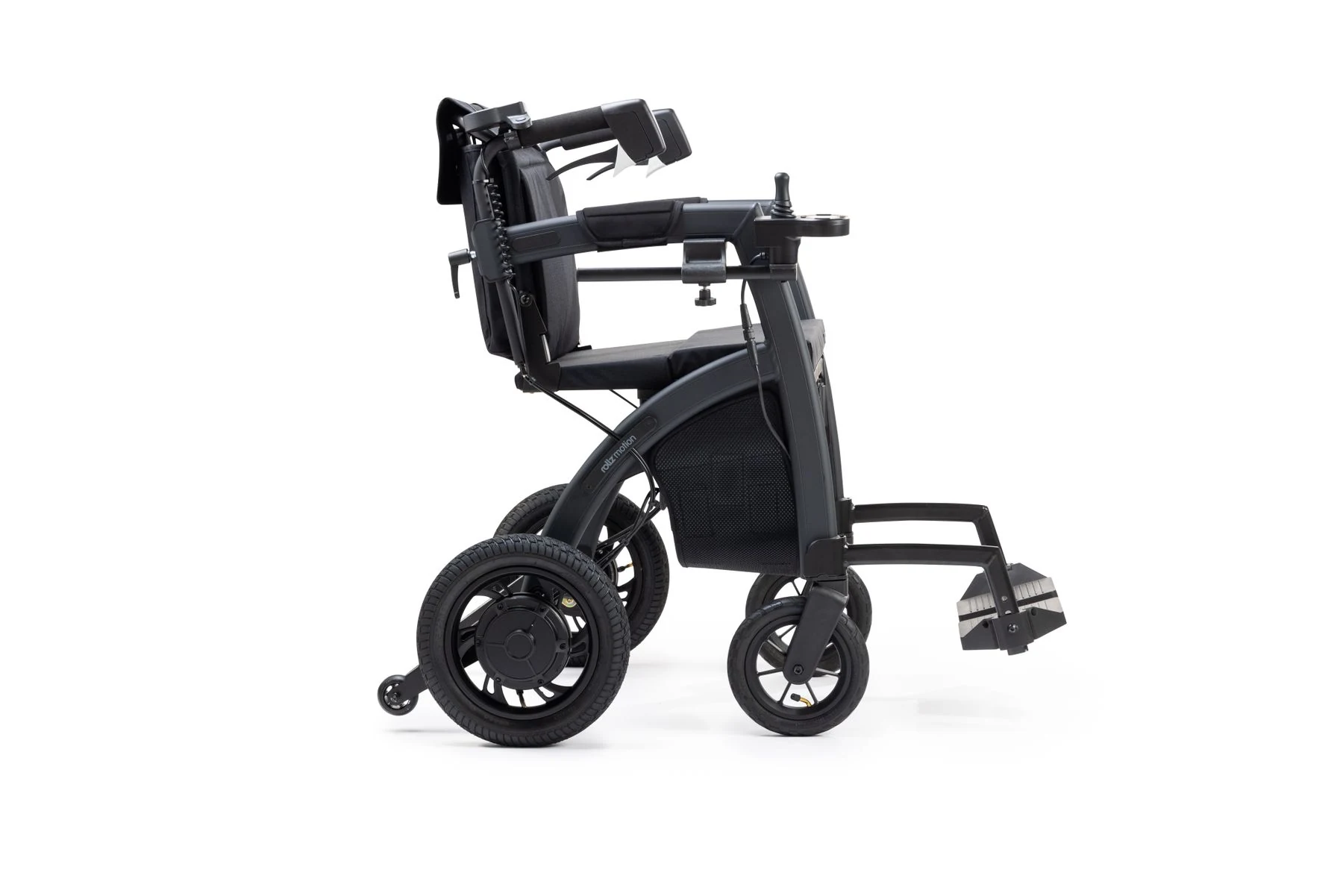
The two sources supplied for this article describe the categories rather than a full model catalogue. That is enough to compare structure and input at a general level, and it is also a limit worth respecting: a category description does not tell you the weight, range, speed, or fit of any particular product. When you move from category to a named device, the device's own manual and the chair's own documentation take over.
This is why the comparison below stays at the level of arrangement. A reader who wants to know whether a specific hub unit suits a specific chair will not find that answer in a category article, and a category article that pretended otherwise would be misleading. What the sources do support is a clear structural contrast that helps you frame the right questions for a dealer, a rehabilitation team, or a supplier.
Hub-integrated examples
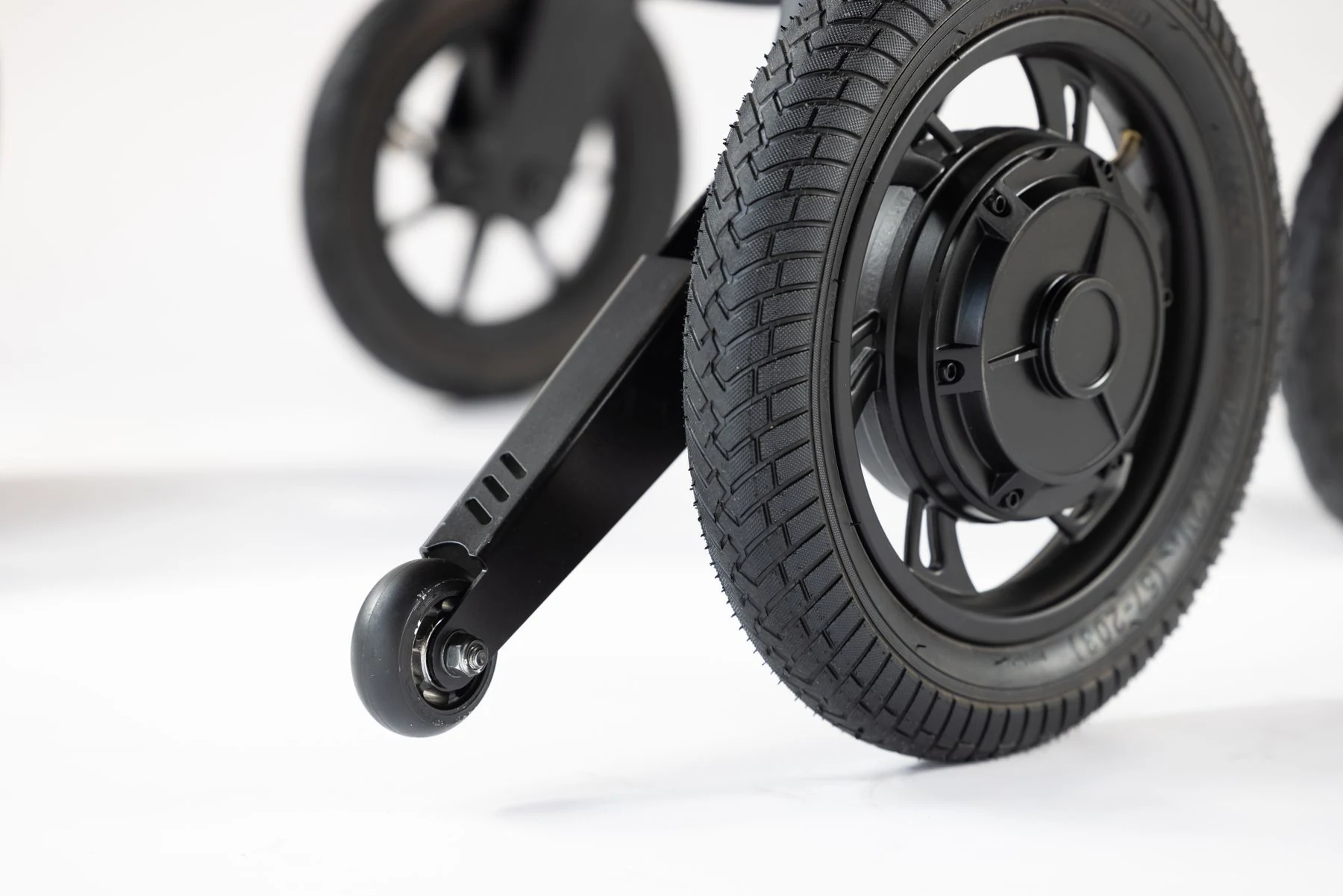
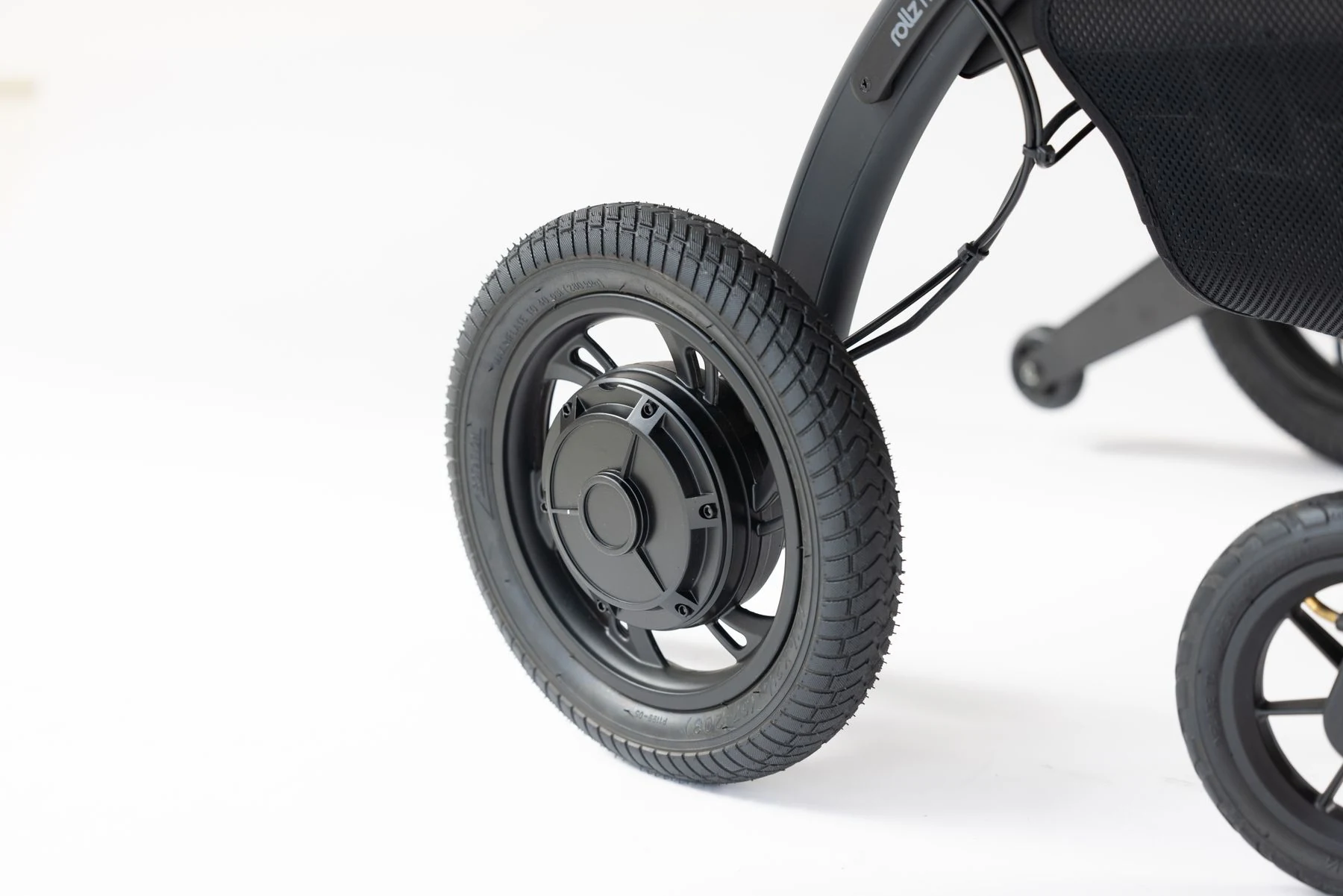
A hub-mounted wheelchair power assist integrates drive hardware at the wheel hub area. In the SCI BC description, hub drive is presented as one route to powered assistance for a manual chair, with its own input arrangement. The appeal of the layout, as a structural matter, is that the drive sits where the wheel already is, so the device follows the wheel position rather than occupying separate space behind the chair. What that means for a given user depends on the chair's wheels, axle position, and frame, all of which are model-specific. The category label does not tell you whether a particular hub unit fits a particular chair, and it does not tell you how the chair will handle once the unit is installed.
Because the drive is associated with the wheel position, questions about wheel removal, tyre care, and wheel maintenance become natural follow-ups for a hub layout. Those questions are not answered by the category description, but they are the right questions to put to the device documentation and the provider. A dealer preparing a demonstration can use the same list: which wheels the unit is intended for, how the unit relates to the chair's existing wheel hardware, and what the documentation says about the combination.
Rear-mounted examples
The same SCI BC article describes rear-mounted power-assist devices as another option, again with input methods that differ from hub systems. A rear-mounted unit occupies the space behind the chair, which changes what is around the backrest and rear wheels. For some users and some daily routines, that rear position is the relevant fact; for others, the hub position is. Neither source supplied here ranks the two, and a comparison written from these materials should not invent one. What the sources support is a structural contrast: hub at the wheel, rear behind the chair, with input handled differently depending on the device.
For a rear layout, the natural follow-up questions concern the space behind the chair: how the unit relates to the backrest and rear wheels, what that means when the chair is folded or stored, and how the input is arranged for the user. Again, the category label only points to these questions. The answers come from the named device and the named chair, and from whoever is responsible for fitting and servicing the combination.
| Comparison point | Hub-mounted power assist | Rear-mounted power assist |
|---|---|---|
| Where the drive sits | At or near the wheel hubs | Behind the chair, around the rear/backrest area |
| Input described by sources | Device-specific; differs from rear systems | Device-specific; differs from hub systems |
| What the category label tells you | General position of drive hardware | General position of drive hardware |
| What it does not tell you | Fit, weight, range, speed, handling for your chair | Fit, weight, range, speed, handling for your chair |
| Next check | Exact device and chair model documentation | Exact device and chair model documentation |
Read the table as a map of where information runs out. The first two rows come from the supplied descriptions. The last three rows are the questions a buyer, clinician, or dealer has to answer from the actual product documents, not from the category name.
Consider handling and daily context
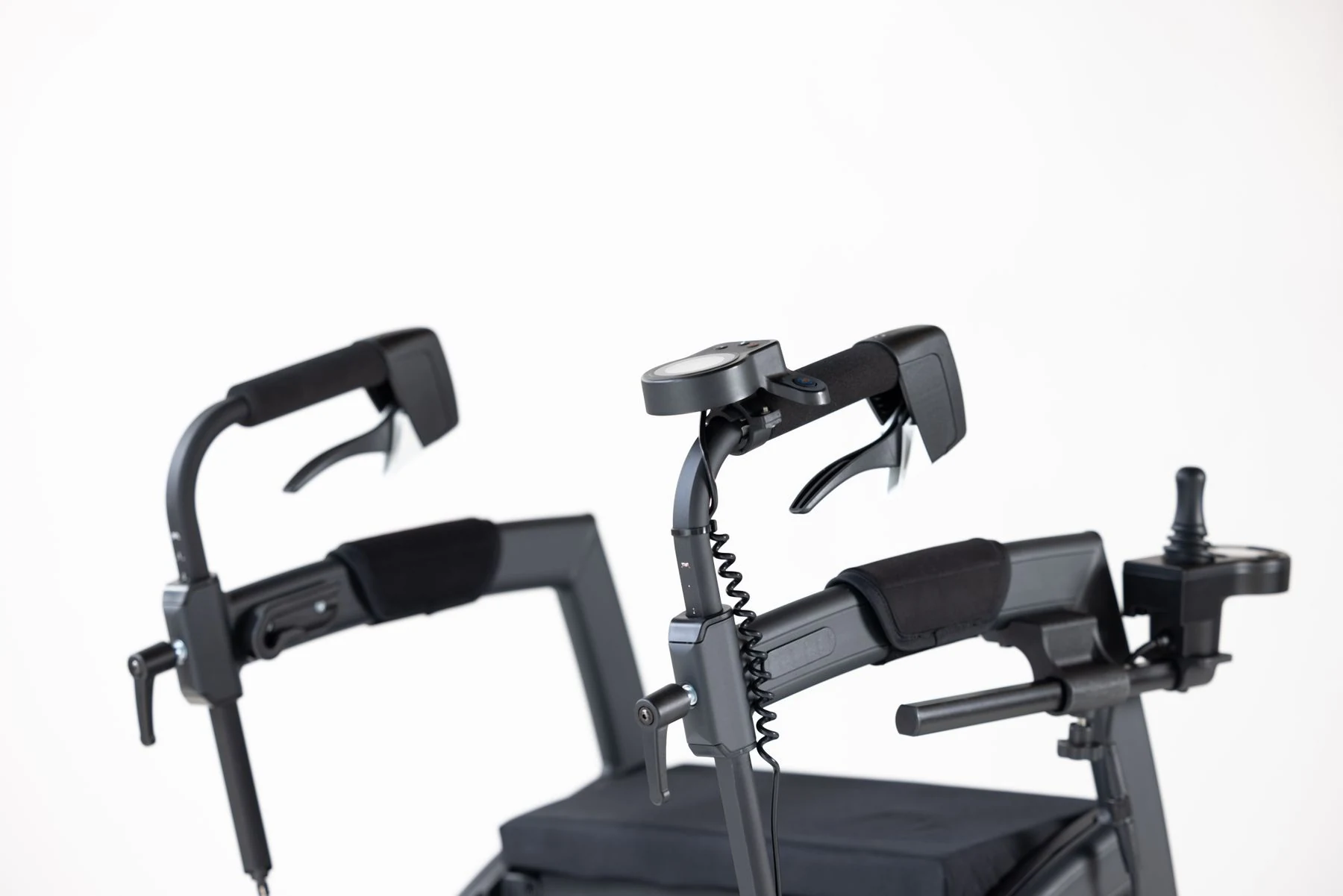
Daily context is where layout differences start to matter in practical terms, but it is also where unsupported claims creep in most easily. The supplied sources describe structure and input; they do not provide measured handling results, removal times, or storage dimensions for named devices. So the honest approach is to name the questions that a layout raises, then point to where each answer must come from. A user who folds a chair into a car, a user who mostly travels on smooth indoor floors, and a dealer preparing a demonstration all need the same discipline: ask the device-specific question rather than assuming the category settles it.
A useful way to organise those questions is by task rather than by product. Think about the parts of a day when the chair is used, moved, stored, or handed to someone else, and note which of those moments a layout change would touch. That list becomes the agenda for a demonstration or a conversation with a provider, and it keeps the discussion grounded in the reader's actual routine rather than in a general preference for one category.
Input and handling
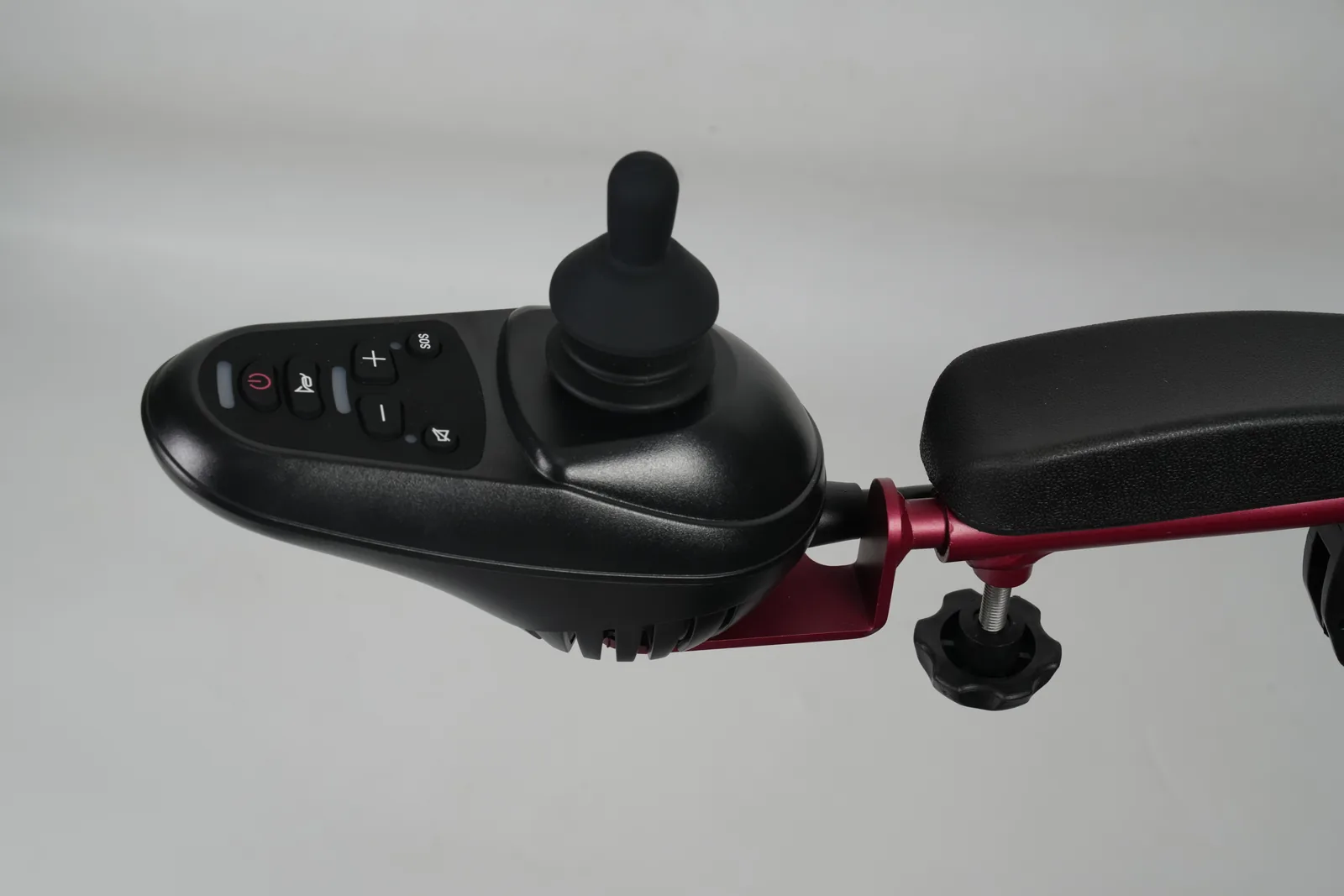
Input is the clearest supported difference. SCI BC notes that hub drive and rear-mounted devices use different input methods, which means the way a user commands assistance is not identical across the two categories. For a reader, that changes what to look at during a trial or demonstration: how the input is given, where the controls sit, and whether the arrangement suits the user's hands, posture, and usual routes. Handling is a related but separate question. A device's position can affect how the chair feels to push, turn, and manoeuvre, but the supplied materials do not quantify that effect for any model. Treat handling as something to confirm with the specific device and, where relevant, with the rehabilitation team that knows the user's needs.
It helps to separate the two ideas when you talk to a provider. Input is about how the user tells the device what to do; handling is about how the chair responds once assistance is applied. A demonstration can address both, but they should be asked as separate questions so that an answer about controls is not mistaken for an answer about manoeuvring. Where a user has specific posture, seating, or upper-limb considerations, those belong with the appropriate professional rather than with a layout comparison.
Transport and storage questions
A rear-mounted unit occupies space behind the chair, so questions about folding, lifting into a vehicle, and storing the chair between trips are natural. A hub-mounted unit sits at the wheels, so questions about wheel removal, tyre and wheel maintenance, and how the chair breaks down are equally natural. Neither source supplied here gives removal procedures, weights, or folded dimensions, and this article will not invent them. Instead, list the transport and storage questions you actually need answered and take them to the device documentation and the supplier. If a carrier or vehicle is involved, its own rules apply, and those rules should be checked separately from the device's marketing description.
For a dealer or an institutional fleet team, the same questions apply at a different scale: how chairs are stored between uses, who moves them, and what happens when a device needs service. Recording those answers per model keeps the comparison practical and avoids carrying an assumption from one device to another.
Verify compatibility separately

Compatibility is the step where category comparisons stop being useful and exact records begin. A hub-mounted device and a rear-mounted device may both be power assist, but neither label says it fits a given chair. The chair's model, the device's model, the connection points, and the party responsible for fitting and service all have to be checked against documents. This is not a repeat of a general compatibility checklist; it is the specific verification that follows a layout decision. The earlier WCF article on manual wheelchair power assist compatibility covers the broader document-checking process, and this section stays with the questions that the hub-versus-rear choice adds.
A useful habit is to keep the layout decision and the fit decision in separate notes. The layout note records why a reader is considering hub or rear assistance. The fit note records what the documents actually say about the specific chair and device. Mixing the two makes it easy to treat a category preference as evidence of fit, which is exactly the mistake this section is meant to prevent.
Chair and device model
Record the exact chair model and the exact assist device model, including any revision or configuration details the documentation provides. A category description such as "hub-mounted" is not a model number, and two devices in the same category can have different fitting requirements. Ask whether the device's documentation names the chair type or connection method it is designed for, and keep the answer with the chair's records. If the documentation is silent on a point that matters to you, that silence is itself information: it means the point needs confirmation rather than assumption.
Readers who want a general orientation to chair components can use the WCF guide to parts of a wheelchair alongside the device documents, so that the terms used in a fitting conversation are clear. That guide describes chair parts; it does not establish that any particular assist device fits any particular chair.
Provider confirmation
Fitting, adjustment, and service responsibilities should be confirmed with the provider who will actually handle the device. Ask who is authorised to install and service it, what the warranty covers, and what information the provider needs from the chair's records. A dealer preparing a demonstration or an institutional fleet manager comparing options can use the same questions. The goal is a written, model-specific answer rather than a verbal assurance that "it usually works." Where a clinical or seating question arises, the appropriate professional should address it; a layout comparison cannot substitute for that assessment.
FAQ
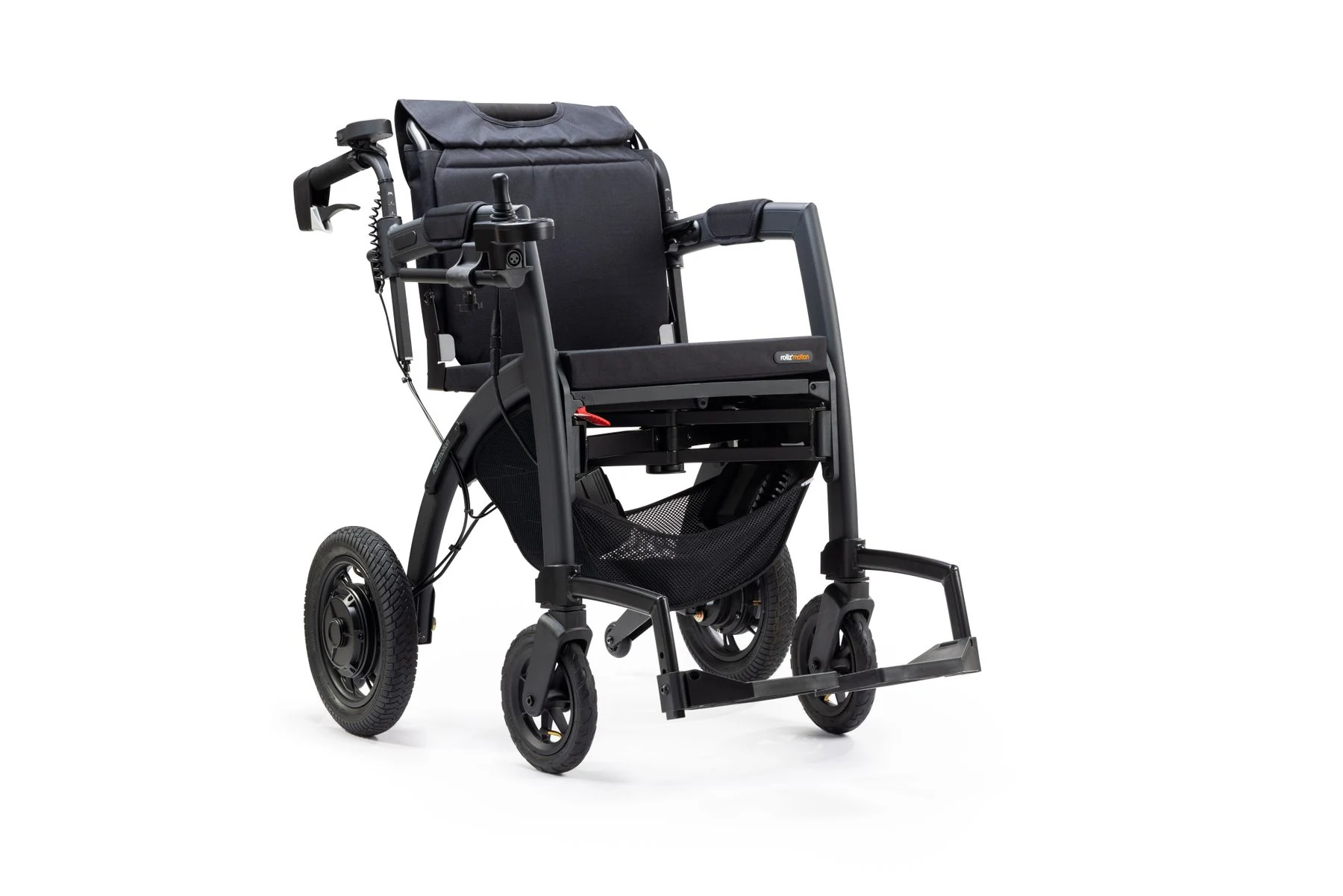
Are hub-mounted systems also add-on devices?
Yes. The supplied sources present hub drive as a power-assist option for a manual wheelchair, alongside rear and front layouts. It is an add-on arrangement, not a separate powered-wheelchair class.
Does a rear drive use the same input as every hub system?
No. SCI BC describes hub drive and rear-mounted devices as having different input methods. Input should be checked per device rather than assumed from the category.
Will either fit any manual wheelchair?
No category label establishes fit. Chair model, device model, connection method, and provider confirmation all need to be checked for the specific combination.
Conclusion
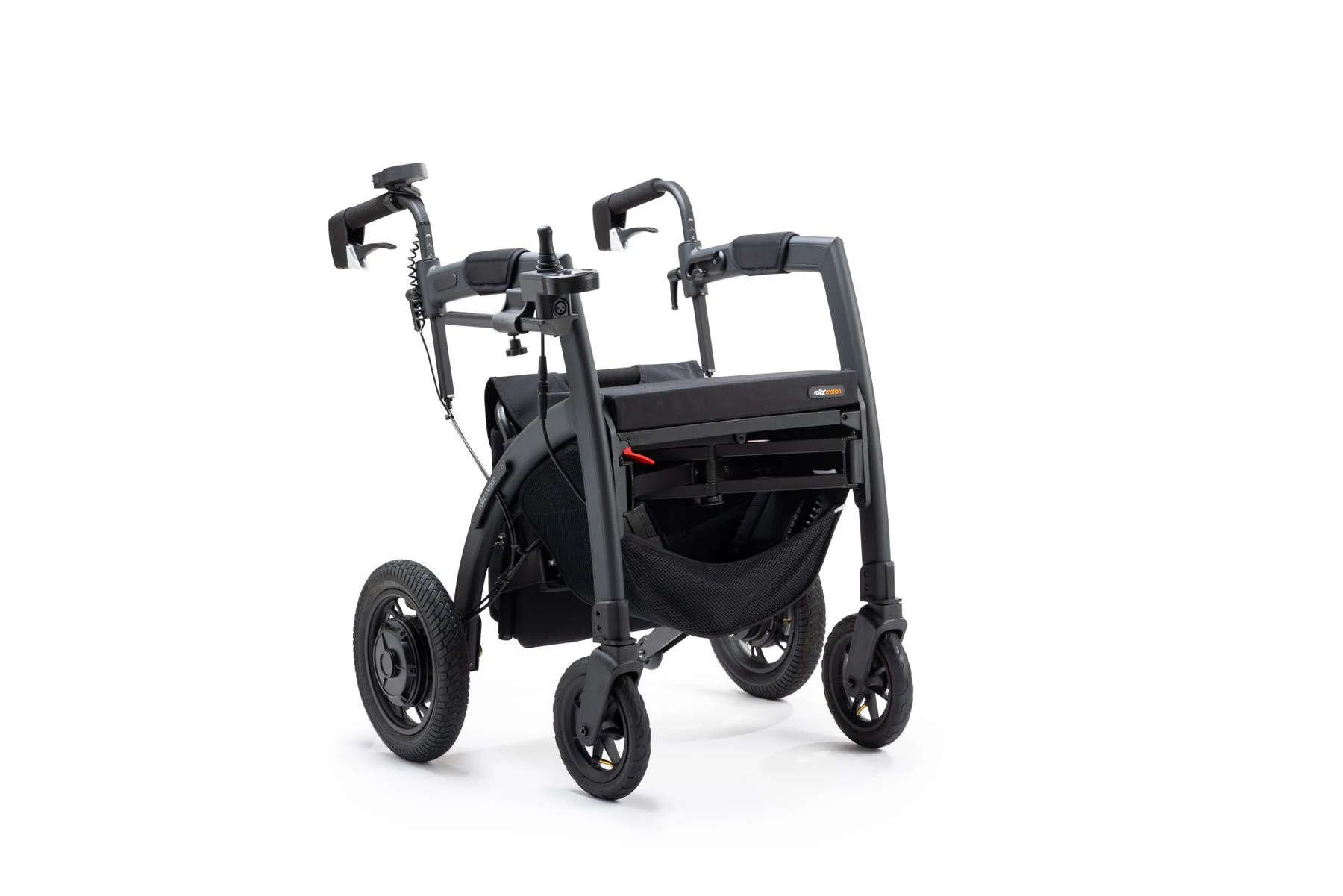
Hub and rear power assist differ in drive position and input. Confirm the exact chair and device before deciding.