A rehabilitation equipment team, dealer, or power chair user is reviewing a joystick described as light-touch and needs to know what actually differs from a standard handle. The question is rarely just about force; it is about force, travel, neutral return, and the controller interface behind the handle. For anyone comparing a light touch joystick power wheelchair option with a conventional handle, the useful work is to break the phrase into parts that a specification can actually describe.
A light-touch joystick changes the mechanical input a user must produce, but it does not automatically change deadband, programming, or suitability. Compare the named product's stated activation force, its travel and neutral behavior, and its connection requirements separately, then have the seating team confirm the setup for the individual user.
Light touch joystick power wheelchair: Describe force and movement
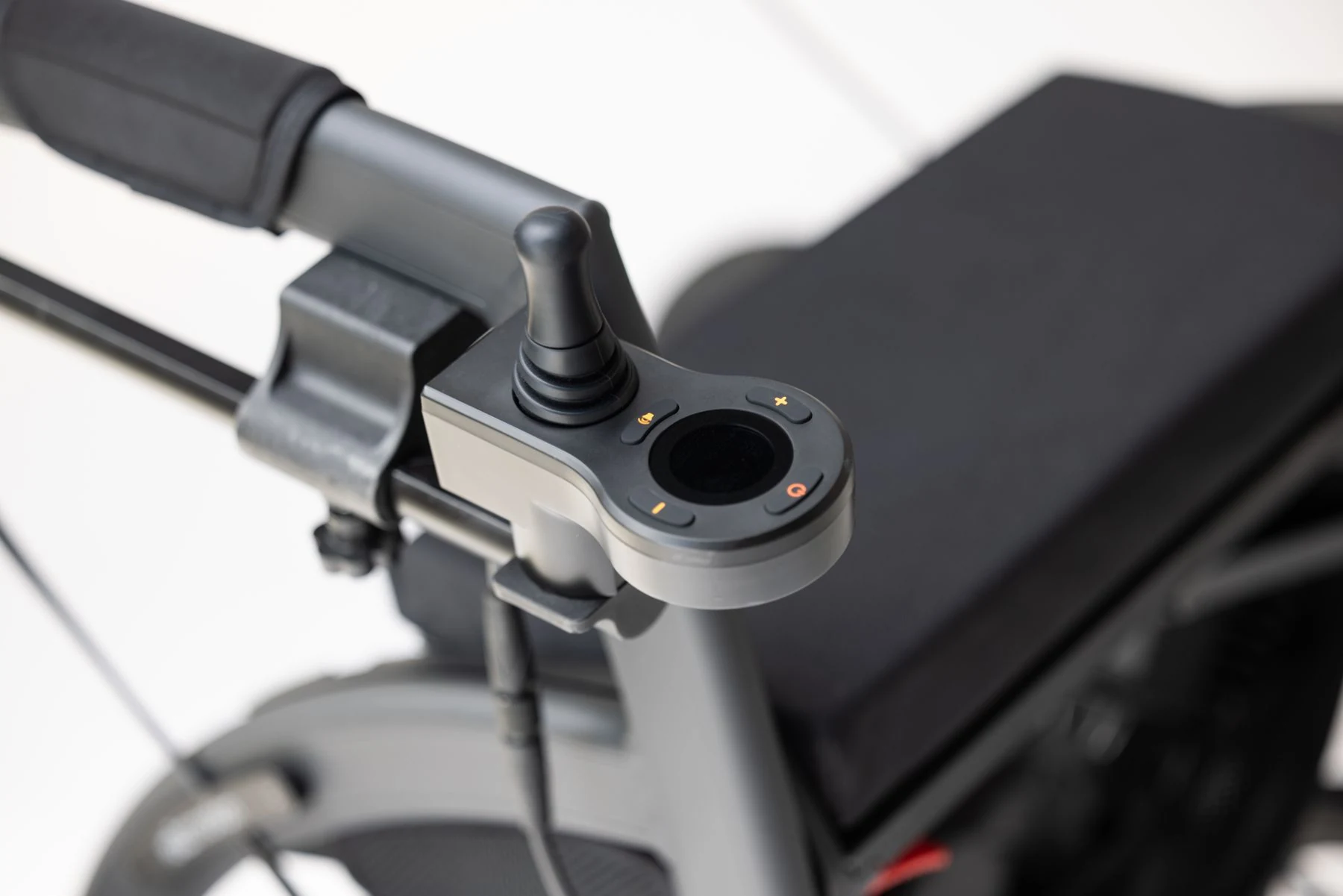
Before comparing products, it helps to separate the physical quantities that a joystick specification can describe. A supplier may state how much force is needed to begin a command, how far the handle moves, and whether it returns to a neutral position when released. These are different properties, and a product that is light in one respect is not necessarily light in all of them. A handle that starts moving with little effort may still require a certain displacement before the controller registers a direction, and a handle with a short travel may feel different again from one with a long sweep.
This separation matters because the words used in product descriptions tend to blur the categories. "Light," "low force," "micro," and "compact" can each refer to a different combination of effort, displacement, and physical size. A compact handle is small; it is not automatically low-force. A low-force handle is easy to start; it is not automatically short-travel. When a reader is comparing a light touch joystick power wheelchair configuration against a standard handle, the useful first step is to list which of these properties the supplier actually documents, rather than assuming that a marketing word covers all of them. The same discipline applies when the comparison is being made for a procurement file, where an undocumented property should be recorded as an open question rather than filled in from memory or from a similar-looking product.
Activation force
Activation force is the effort needed to move the joystick from its resting position enough to produce a control input. It is the quantity most often associated with the phrase low force wheelchair joystick. The important qualification is that force is measured under particular conditions: at what point in the movement, in which direction, and with what handle fitted. A single figure without those conditions is a starting point for questions, not a complete description of how the control will feel during a long period of use.
Readers should also remember that the effort a user experiences depends on the handle shape, the mounting position, and the posture from which the handle is reached, none of which a force figure alone captures. A handle mounted close to the body and reached without shoulder effort will demand something different from the same handle mounted further away. That is why a force value belongs in a comparison table as one line item, not as the headline that settles the decision.
Travel and neutral
Travel describes how far the handle moves, and neutral describes the resting position it returns to or is held at. These matter because a short travel can concentrate the control range into a small movement, while a longer travel spreads it out. Neither is inherently better; they change what the user must do to reach a given command level. A user with a limited comfortable range of motion may find a short travel easier to use fully, while another user may find that a longer travel gives finer separation between slow and faster commands.
Neutral behavior is equally practical: a handle that returns to center when released behaves differently from one that stays where it is left, and the difference affects how a user pauses or resumes movement. A light activation force does not tell you anything reliable about travel or neutral return, so these should be checked as separate items in any comparison. When a supplier page states one of the three and is silent on the others, the silent items are the ones to raise with the dealer before an order is placed.
Compare two named joystick examples
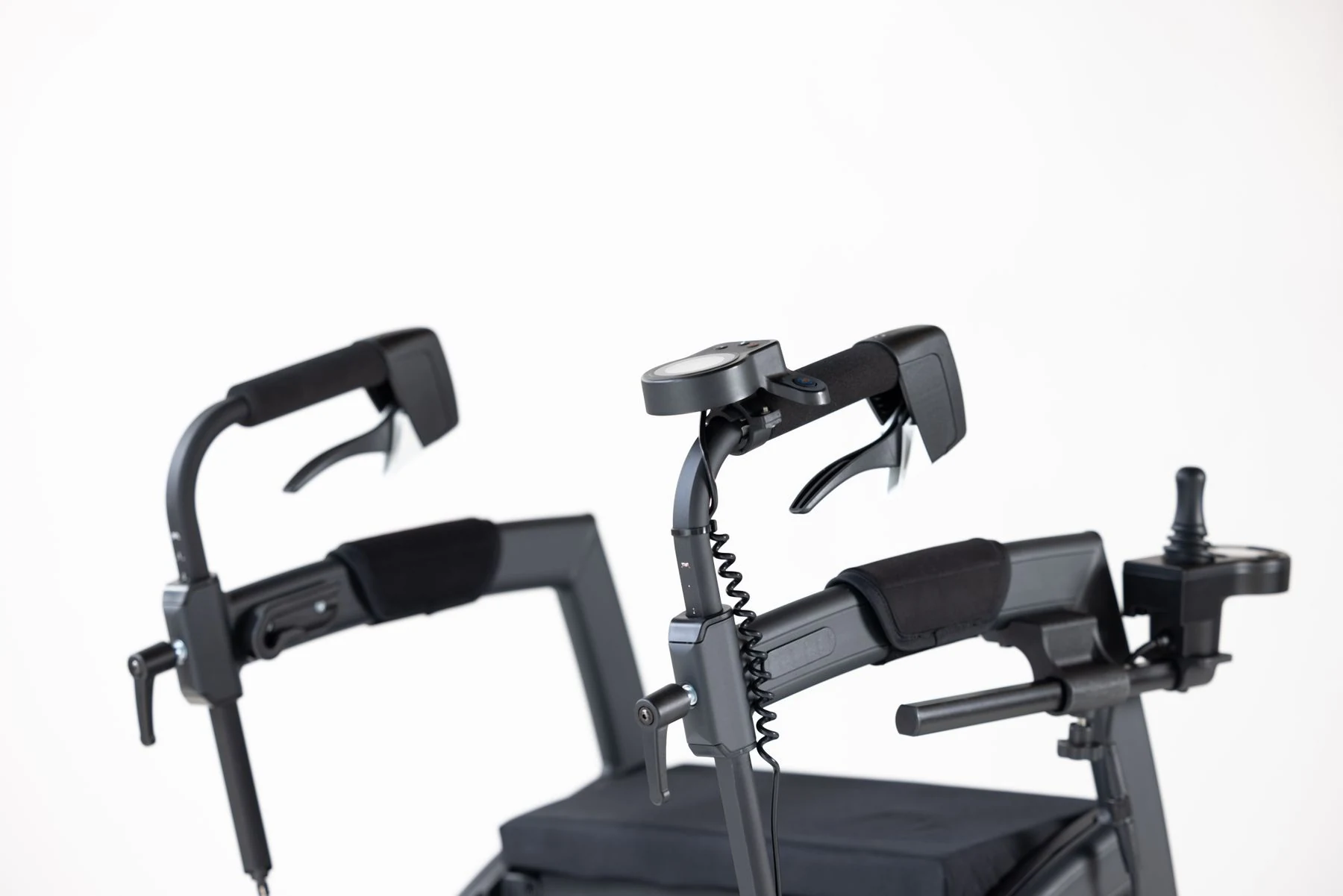
The brief for this article names two products whose published information can be compared: the Sunrise Medical MicroGuide joystick and the mo-vis Micro Joystick. Both are described by their suppliers as compact or micro-style controls, and both are relevant to the light-touch discussion. The comparison below is deliberately narrow. It reflects only what each supplier states about its own product, and it does not transfer any figure from one product to another or to any wheelchair brand. Where a comparable value is not stated in the supplied material, the cell is left open as a question to confirm rather than filled with an estimate.
| Comparison item | Sunrise Medical MicroGuide | mo-vis Micro Joystick |
|---|---|---|
| Product type as described by supplier | Compact joystick for power wheelchair control | Micro joystick for special controls |
| Activation force | Supplier states an activation force for this model | Supplier addresses force and control requirements for this model |
| Travel / displacement | Confirm from the model's current documentation | Confirm from the model's current documentation |
| Neutral / return behavior | Confirm from the model's current documentation | Confirm from the model's current documentation |
| Controller or interface requirement | Confirm the compatible electronics for the exact configuration | Confirm the compatible electronics for the exact configuration |
| Suitable for a given user | Not established by the product page; requires individual assessment | Not established by the product page; requires individual assessment |
What each supplier states
The value of naming these two products is that it shows how differently suppliers present similar-sounding controls. One supplier frames its joystick around a stated activation force for a specific model within a power wheelchair electronics range. The other frames its micro joystick around force and control requirements as part of a special-controls product line. Those are different kinds of statements, made for different product contexts, and they should be read as such.
Neither page, as supplied here, provides a full matched set of force, travel, and neutral figures that would allow a like-for-like numerical ranking. That absence is itself informative: it tells an evaluation team that the comparison cannot be completed from public product pages alone. A reader who needs that ranking has to request the missing values from the supplier or the dealer handling the configuration, and should ask for the values in the same terms for both products so that the answers can sit side by side.
Different measurements
A frequent error in comparing low-force controls is to place two numbers side by side as if they were measured the same way. Activation force can be quoted at first movement, at a defined displacement, or as a range across directions. Without the measurement method, two figures are not directly comparable, even when both are expressed in the same unit. The same caution applies to travel: a total sweep and a usable control range are not the same thing, and a figure taken at the handle tip differs from one taken at the base of the shaft.
For procurement and evaluation work, the practical response is to record the source, the date, and the exact wording of each figure, and to mark any unmatched item as pending. That record is more useful than a tidy table built on incompatible numbers, because it shows the next reader exactly what still needs confirming. It also protects the evaluation team if a later revision of a product page changes a value: the dated note preserves what was relied on at the time of the decision.
Separate hardware from programming
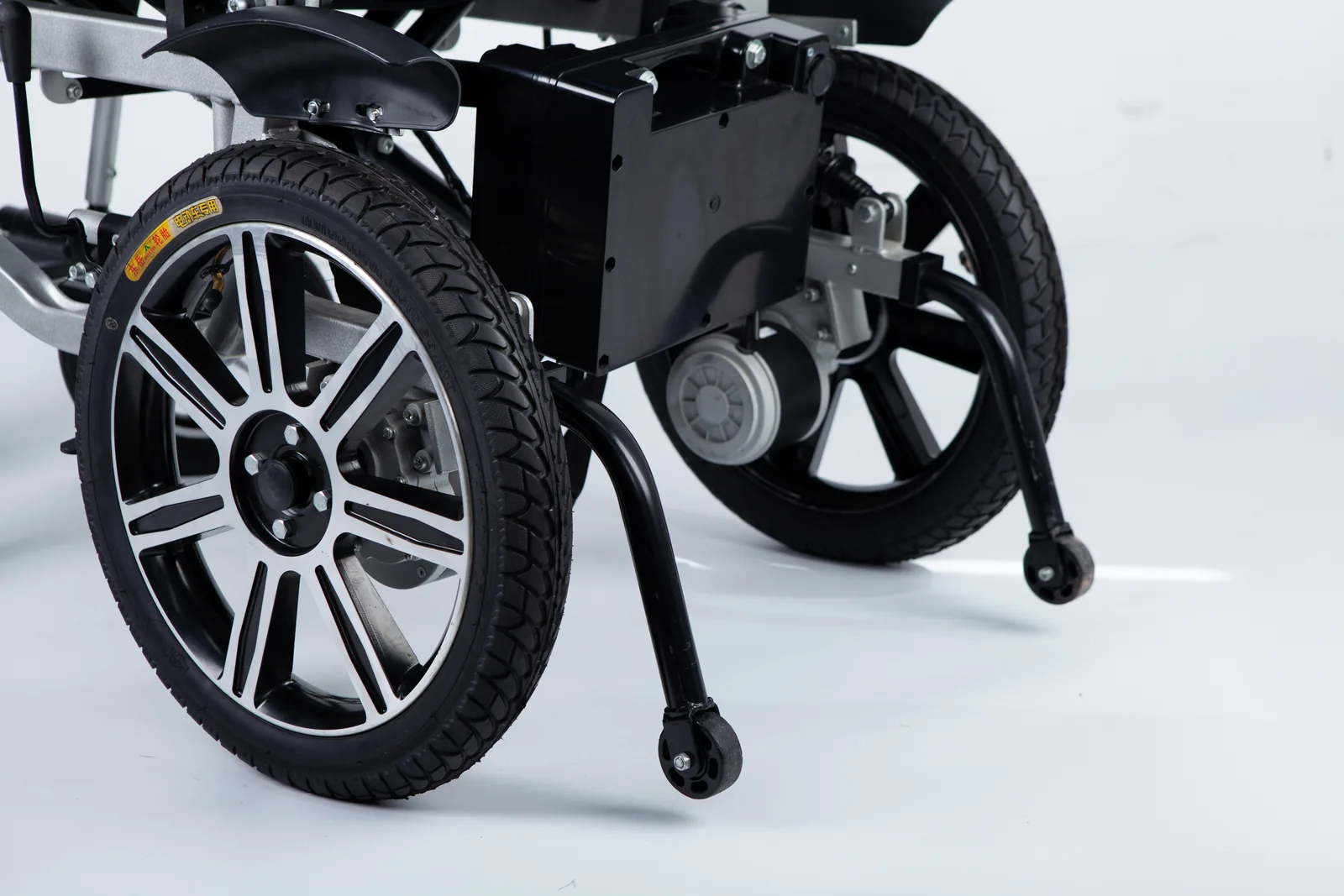
A light-touch joystick is a hardware item, but the behavior a user experiences comes from hardware and controller settings together. Keeping these apart prevents two common mistakes: assuming that a lighter handle will fix a control problem caused by settings, and assuming that a programming change can substitute for a handle the user cannot comfortably operate. The distinction also matters for responsibility. Hardware selection and fitting usually involve the equipment supplier and the seating team, while controller settings are handled by whoever is qualified to configure that specific electronics system. Neither task should be improvised from a general article.
A useful way to hold the distinction is to ask, for each complaint about control, whether the cause could plausibly sit on either side. If the handle is hard to start moving, that points to the physical input. If the chair responds sluggishly or ignores small movements near center, that points toward settings. If the handle is comfortable but the chair is difficult to steer precisely, the answer may involve both. Sorting the complaint this way before contacting anyone makes the conversation with the supplier or clinician more productive.
Physical input
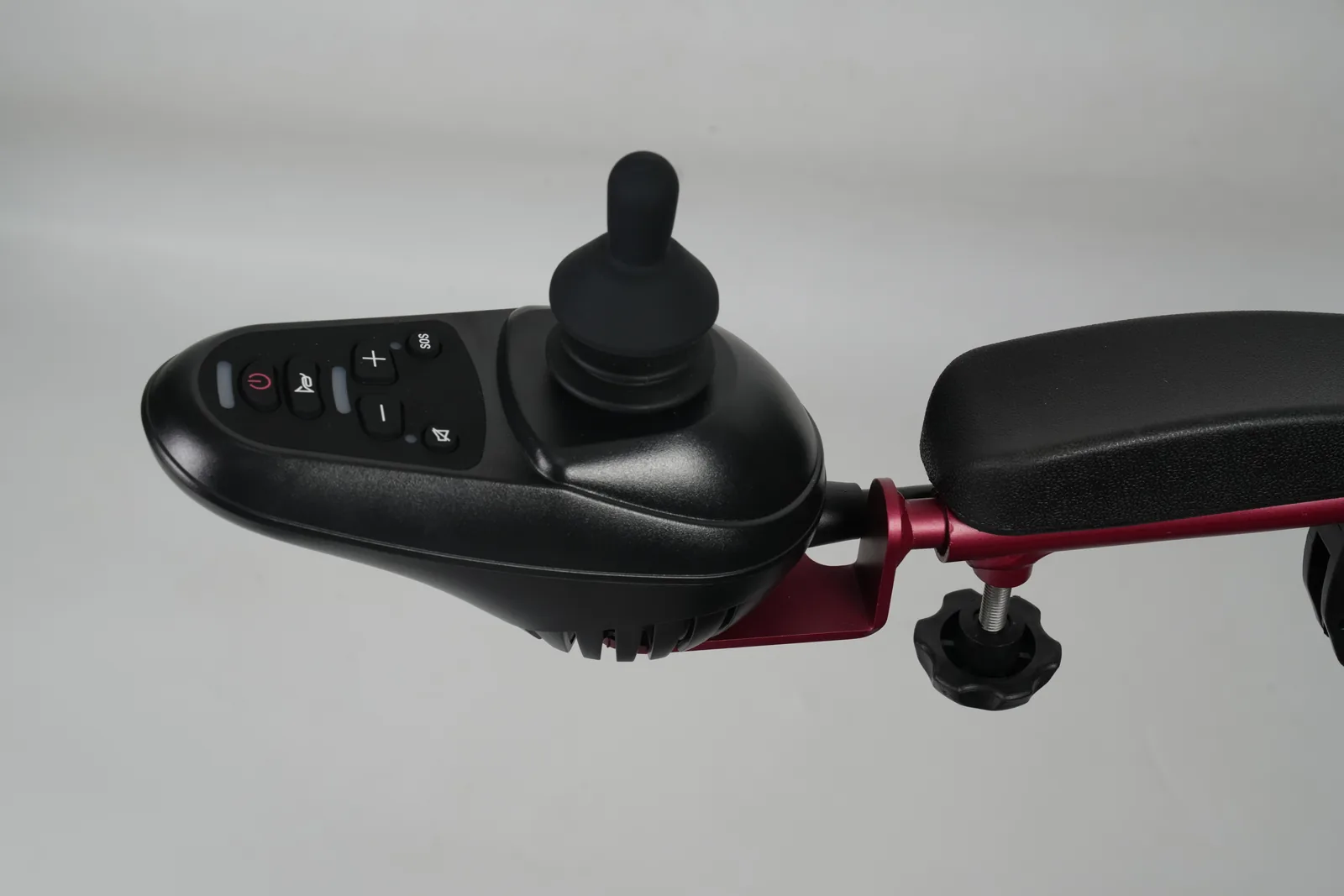
The physical input side covers the handle, its activation force, its travel, its neutral behavior, the knob or grip fitted to it, and the mount that positions it within reach. These are the parts a user actually contacts. Changing any of them changes the physical demand of operating the chair, which is why a light touch joystick power wheelchair configuration should be evaluated as a complete input arrangement rather than as a handle in isolation. The existing WCF guide to identifying the right joystick knob is a useful reminder that the contact surface is its own part with its own fit questions.
A knob change is often the least invasive way to alter how a handle feels in the hand, but it does not change the force the mechanism requires. Conversely, a lower-force mechanism paired with a knob that the user cannot grip securely does not deliver the intended benefit. Both parts belong in the same conversation.
Controller settings
Controller settings include the electronic parameters that shape how input becomes output, such as deadband and speed or profile settings. Deadband is the range around neutral within which input is ignored, and it is a setting, not a force. A joystick can have a very light activation force and still be paired with a wide deadband, or a firmer handle with a narrow one. Speed profiles similarly change how much output a given deflection produces.
These settings belong to the specific controller and its documentation, and adjusting them is a configuration task for a qualified person, not a self-service procedure to be copied from an article. The reason is practical rather than ceremonial: the correct values depend on the controller model, the drive configuration, and the user, and an inappropriate change can alter how the chair responds in ways the user did not intend. The safe assumption is that settings are reviewed by the party responsible for that electronics system, with the hardware decision made alongside it.
Discuss fit with a seating team
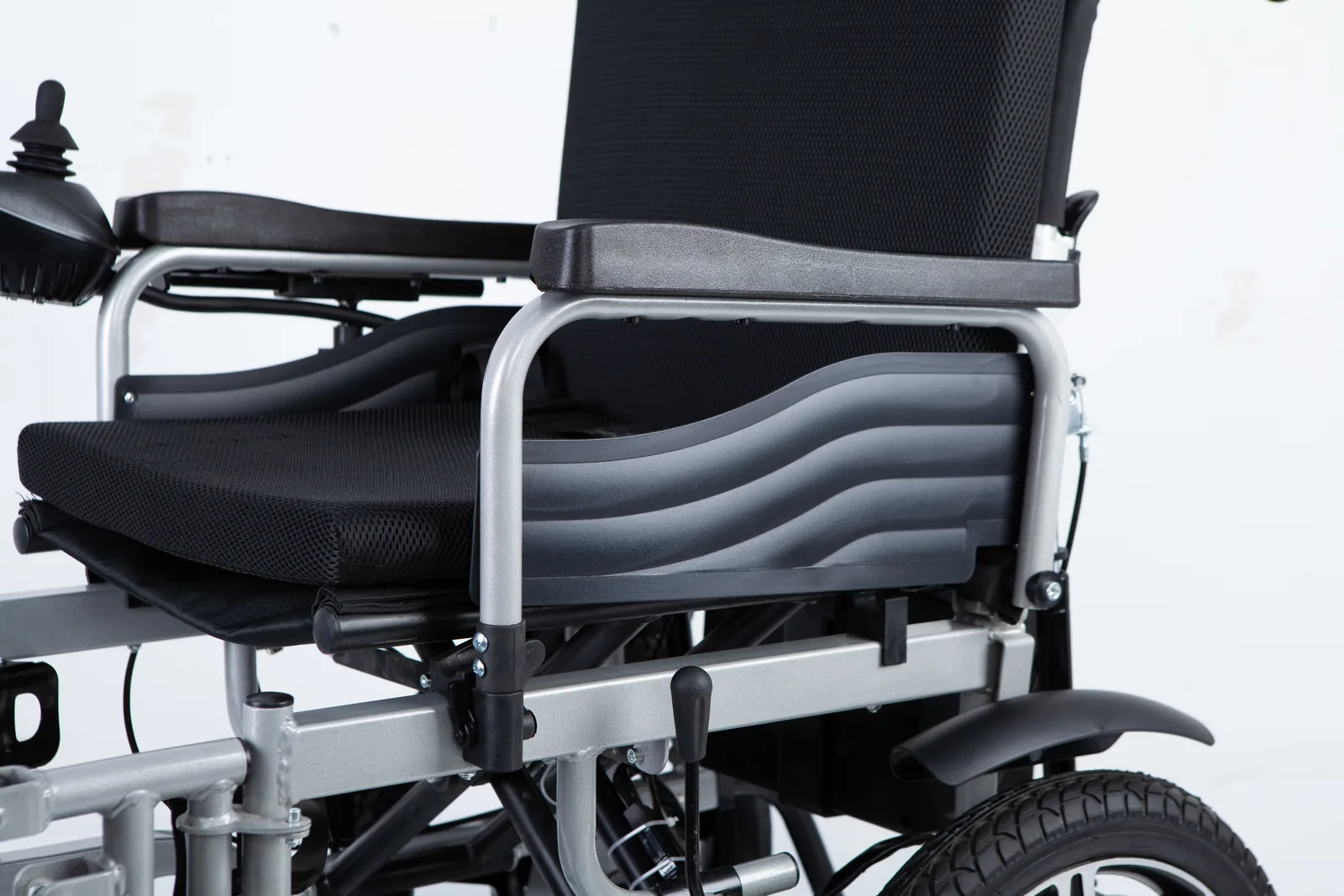
Whether a light-touch joystick is appropriate is an individual question, and the supplied product pages do not answer it for any particular person. What they do is give the evaluation team concrete items to discuss: the force and travel the product offers, the interface it requires, and how it would be mounted. A seating team can then consider the user's sustained operating ability, the position from which the control is reached, and how the chair is used across a day. This is the point where a product comparison stops and an individual assessment begins, and the two should not be merged into a single recommendation.
The word "sustained" deserves emphasis. A brief demonstration of a lighter handle can feel encouraging, but the relevant question is whether the user can operate it comfortably across the periods that matter in their day, including the moments when they are tired or hurried. That is an observation the user and the team make together over time, not a conclusion available from a specification sheet.
Mounting and compatibility
Mounting and compatibility questions are often the practical bottleneck. A compact joystick may need a specific controller or electronics system, a particular mounting arm, and enough clearance to be reached without an awkward posture. The supplier pages name their own products and electronics contexts; they do not establish that either joystick fits an arbitrary power chair. Before ordering, the evaluation team should confirm the exact chair electronics, the required interface, the mount, and the handle or knob to be fitted. A short written confirmation from the supplier or dealer, tied to the exact model, is more reliable than an assumption based on a product photo.
It also helps to record the chair's existing configuration before any change, so that the starting point is documented. If a later question arises about what was replaced or why, that record answers it without relying on recollection.
Training and follow-up
A change in control hardware usually calls for a period of learning and a review. The user needs time to become familiar with the new force and travel, and the team needs a way to record what works and what does not. Useful follow-up questions include whether the user can sustain operation over the periods that matter, whether the mounting position remains comfortable, and whether any controller settings need review by the qualified person responsible. These are observation and review tasks, not clinical prescriptions, and they should be planned before the change rather than after a difficulty appears.
Frequently asked questions
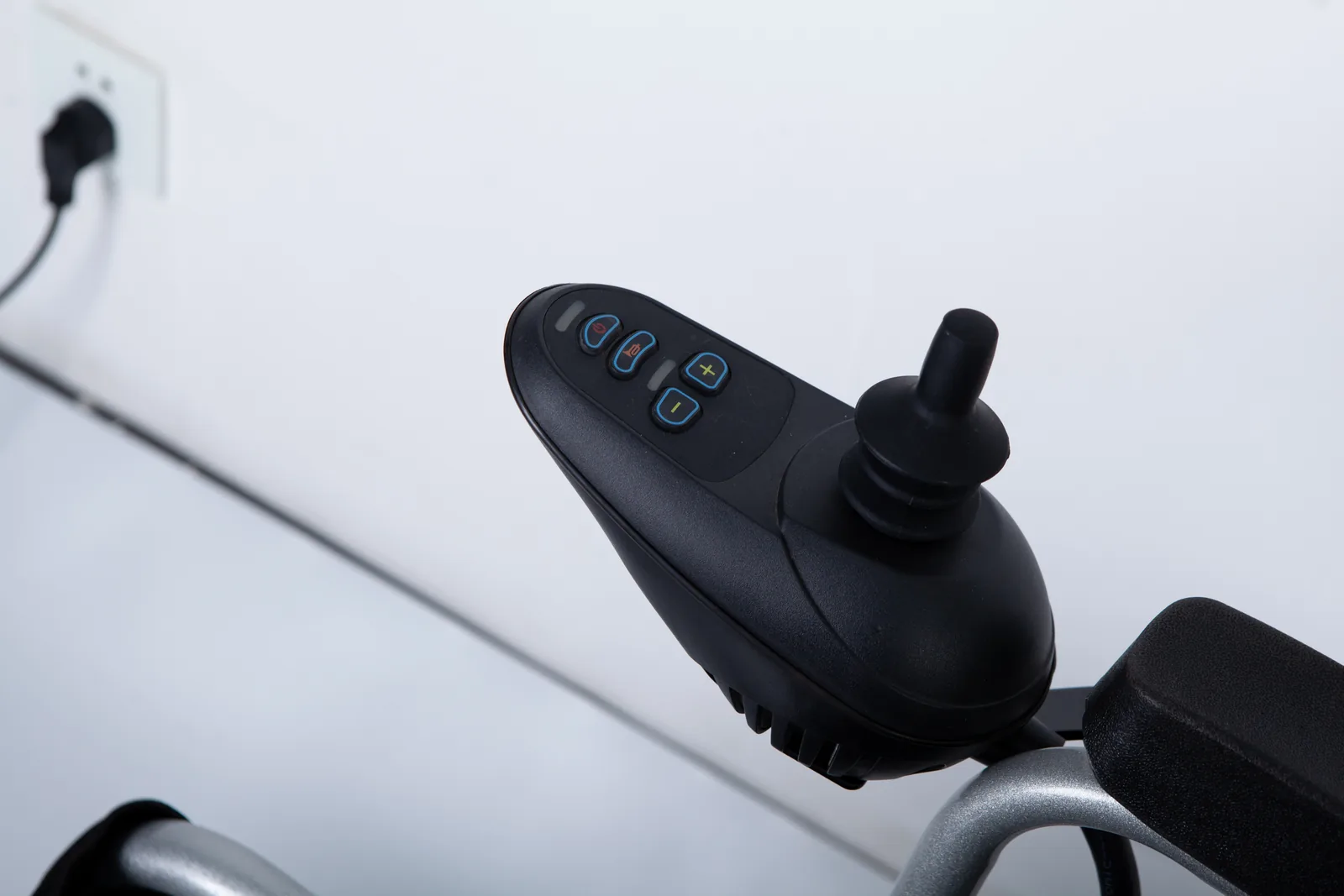
Is light-touch force the same as joystick deadband?
No. Activation force is a mechanical property of the handle; deadband is an electronic setting that ignores input near neutral. A light handle can be paired with a wide or narrow deadband, so the two should be checked separately.
Can a micro joystick fit every controller?
No such general claim can be made. Each named product has its own interface and electronics requirements. Confirm compatibility for the exact chair and controller with the supplier or dealer before purchase.
Who should confirm the control setup?
The seating or rehabilitation equipment team, together with the supplier or dealer responsible for the specific electronics, should confirm the hardware, mounting, and settings. A general article cannot determine an individual's setup.
Conclusion
Compare force, travel, neutral, and interface as separate items, and let a seating team confirm the setup for the individual user.