You need the serial number to order a part, ask about warranty, or describe a fault, and the chair in front of you has several small labels. Knowing which one carries the chair identity, and which belongs to a single component, saves a round of emails.
The wheelchair serial number location is normally a manufacturer label attached to the chair frame, and the exact position is defined in that model’s own manual. Record the brand, model, and manual revision first, then read the label without dismantling or tipping an occupied chair.
This guide is for wheelchair users, family caregivers, and service-desk staff in the US who need to find and describe that label. It does not assume any position for a Wheelchairs Factory model, because no model-specific labeling record is supplied here. Instead, it shows how to work from the correct document, how two named manufacturers describe their labels, how to separate a chair number from a part number, and how to hand the information over privately.
Wheelchair serial number location: Start with the exact chair and its manual
Begin by writing down what you already know: the brand name on the frame, the model name or number, the approximate purchase or delivery date, and any configuration details you can see without moving the chair. This matters because label position is a model-level instruction, not a general rule for a whole brand. Two chairs that look similar from a photograph can carry different frames, different side guards, and different label placements. A caregiver who sends only “a folding wheelchair” to a service desk gives the desk very little to work with, while “brand, model, rigid frame, delivered in March” narrows the search considerably.
Next, find the manual that belongs to that exact model. Look for a section headed Product Labeling, Identification, or similar wording. Manufacturers use these sections to show where the serial number label sits and what else appears on it. The manual revision matters too: a service manual is a dated document, and a later revision can change or clarify where a label is placed. Note the document number and revision date if the manual shows them, so the service desk knows which version you used.
Avoid identifying the model from appearance alone. Visual similarity is a weak signal, and guessing wrong sends the reader to the wrong page and the wrong label location. If the manual is not with the chair, ask the supplier or the manufacturer’s support channel for the document that matches the model and, where possible, the build date. If you cannot confirm the model, say so plainly in your notes rather than filling the gap with a guess. The goal at this stage is not to find the number yet; it is to establish which document is authoritative for this chair.
One practical habit helps here: keep the manual reference with the chair’s paperwork rather than in a separate folder. When a part is needed months later, the person making the request may not be the person who bought the chair, and a recorded document number is faster to act on than a search from scratch. It also helps to note who confirmed the model, because a later reader may need to ask that person a follow-up question. A short line such as “model confirmed from delivery note, not from the frame” tells the next person how much confidence to place in the record.
Compare two scoped label-location examples
Two published sources show why the manual, not memory, should drive the search. Each example below is scoped to a named manufacturer and document, and neither should be read as a rule for all wheelchairs or for any Wheelchairs Factory model.
| Source | Scope of the statement | What it tells a reader | What it does not establish |
|---|---|---|---|
| Sunrise Medical US QUICKIE manual wheelchair FAQ, serial-number subsection (publication date not shown on the page) | A FAQ answer about QUICKIE manual wheelchairs, describing common label positions in general terms | That a serial-number label is typically found on the chair and that the FAQ describes usual locations | A guaranteed position on every QUICKIE model, or any position on another brand |
| Permobil TiLite CR1 Service Manual, document PD13917_1, revision 2023-08-29, Product Labeling section (PDF page index 3) | One named model and one dated manual revision | That this manual contains a Product Labeling section identifying label content and reference points for the CR1 | That the same location applies to other TiLite models, other revisions, or other brands |
The contrast is the useful part. The Sunrise FAQ is written as general guidance about where labels are usually found on that line of manual chairs. The CR1 service manual is a model-specific document with a revision date, and its Product Labeling section is the reference for that chair. A reader who treats the FAQ as a universal map may look in the wrong place on a different chair; a reader who treats the CR1 page as universal makes the same mistake in the other direction.
Notice also what these sources do not require. Neither example asks a reader to turn a chair upside down with someone seated in it, remove housing, or reach into moving mechanisms to find a label. If a label cannot be seen from a safe, comfortable position, the sensible next step is to check the manual’s diagram again or ask the service provider where to look, rather than to improvise. Chairs differ in frame design, and a label that is easy to see on one chair may sit behind a component on another.
Finally, keep the scope attached when you pass the information on. Writing “the manual says the label is at the reference point shown in the Product Labeling section” is accurate. Writing “the label is always on the frame” is not, even if it happens to be true for the chair in front of you. Scope statements protect the next reader from a wasted search, and they also make it easier for a provider to correct you politely if a newer revision has moved the reference point.
Identify what each number refers to
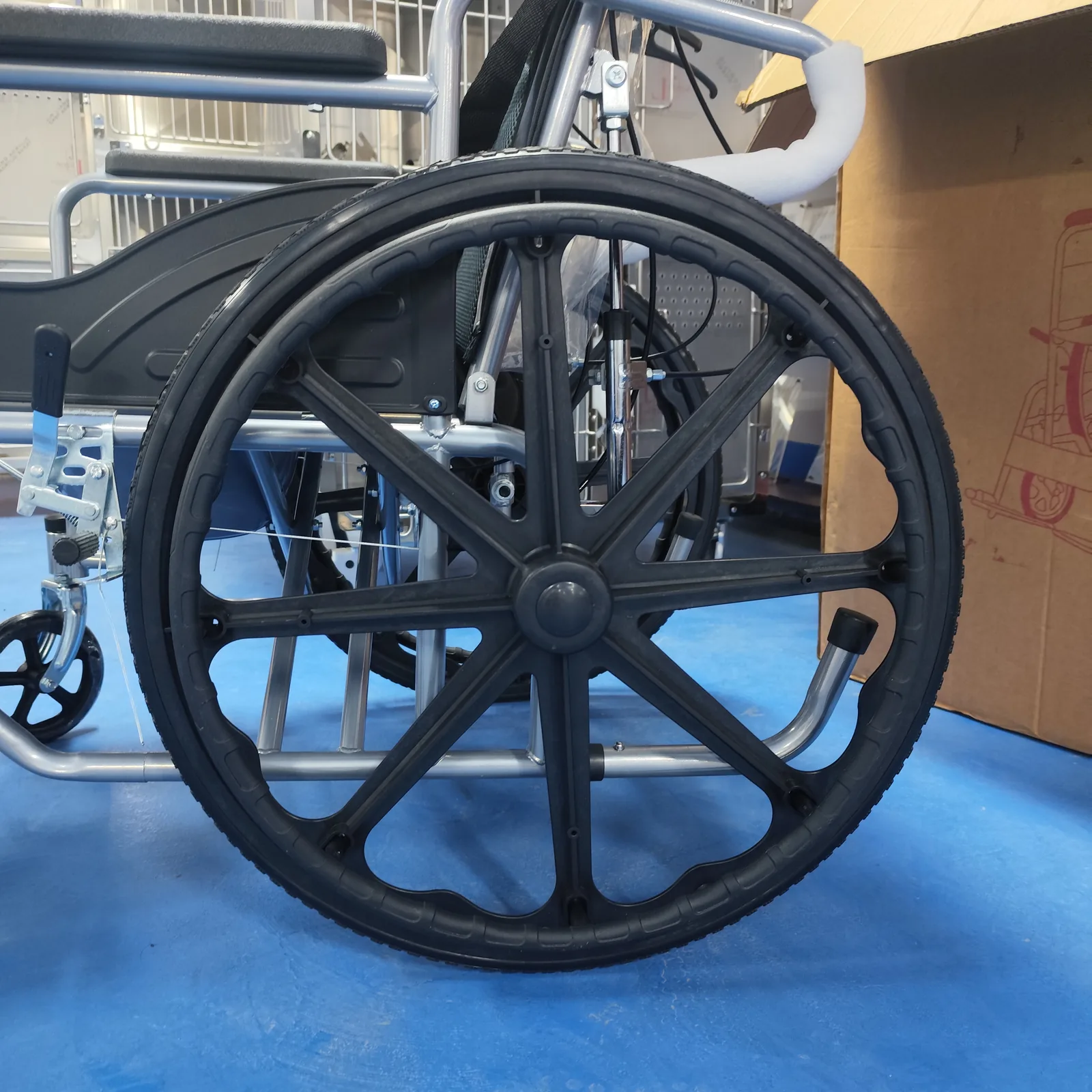
A label can carry more than one number, and mixing them up is one of the most common reasons a parts request stalls. Before sending anything to a provider, decide which field you are reading and what it identifies. The table below sets out the distinction in general terms; the exact fields printed on any label depend on the manufacturer and model.
| Field | What it typically identifies | Typical use in a service conversation |
|---|---|---|
| Chair serial number | The individual completed chair | Warranty questions, service history, identifying the unit |
| Component part number | A specific replaceable part or assembly | Ordering or checking a replacement component |
| Manufacture date | When the chair or component was produced | Age-related questions, batch or revision context |
| Device identifier (for example, a UDI) | A code used in device identification systems | Regulatory or records context; not a statement of approval |
Chair serial numbers and component part numbers
The chair serial number belongs to the finished unit. It is the field a service desk uses to look up the build, check warranty status, and keep a history of what has been done to that chair. A part number belongs to a component: a wheel, a brake assembly, a seat cushion model, a joystick module. If you send a part number and call it the serial number, the desk may still help, but the record will be attached to the wrong thing, and the next request may not match.
A useful way to keep them apart is to ask what the number would identify if the chair were rebuilt. The chair serial number would still point to that unit’s history. A part number would point to a component that could be fitted to many chairs. The parts of a wheelchair overview is a helpful reminder of how many separate components a chair contains, and therefore how many part numbers may exist for one unit.
Manufacture dates and device identifiers
A manufacture date is not a serial number, and it does not identify a single chair. It places the unit in time, which can matter when a manual revision or a component change falls on either side of that date. Record it as its own field rather than folding it into the serial line.
Device identifiers deserve particular care. A label may carry a code used in device identification systems, sometimes described as a UDI. Seeing such a code on a label tells you the manufacturer has included an identifier in its labeling; it does not tell you that the device holds any certification, approval, or registration, and it is not a basis for drawing conclusions about regulatory status. If a service conversation turns to regulatory questions, those belong with the manufacturer or the appropriate authority, not with an interpretation of a label field. For teams that manage several models and need to keep identity and spare-part records aligned, the electric wheelchair spare parts page is a reasonable next read on how parts information is organized.
If the label is missing or unreadable
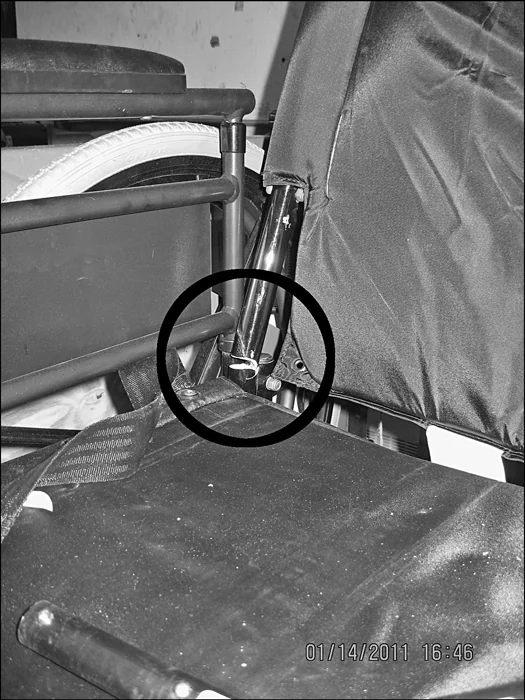
Labels wear. They can be scuffed by footrests, faded by cleaning, painted over during a repair, or removed when a frame component was replaced. When the label cannot be read, the task changes from reading a number to assembling enough evidence for the provider to identify the chair another way.
Start with what can be obtained safely. A photograph of the label area, even a poor one, is useful because it shows the provider what remains and where it sits. A photograph of the whole chair from the side, taken without moving an occupied chair or lifting it, gives context about the model and configuration. Then gather the paperwork: the purchase receipt, delivery note, insurance or funding record, and any previous service invoice. These often carry the model and sometimes the serial number that was recorded at handover.
Write down the known facts in plain language: brand, model if known, approximate delivery date, frame type, any visible component brand names, and the exact wording of any partial text on the label. If only some digits are legible, say which ones and where the gap falls, rather than guessing the missing characters. A service desk can work with a partial string and a photograph; it cannot work with a confident guess that turns out to be wrong.
Then contact the provider or manufacturer’s support channel that handles that brand. Ask what they need in order to identify the chair, and send only what they ask for through the channel they specify. Do not attempt to look up a customer record through an internal or hidden interface, and do not ask a third party to do so. Identification should come from the manufacturer’s own records and the evidence you can legitimately supply.
If the chair is still under warranty, mention that early, because the provider may have a separate process for locating the original build record. If it is not, the same evidence still helps with parts matching. Either way, keep a copy of what you sent and the date you sent it, so a later conversation can pick up from the same point. A short log of who replied and what they asked for next prevents the same questions being answered twice.
Prepare a private service handover card

A short handover card turns a scattered set of facts into something a caregiver, a clinic, or a service desk can use without a long explanation. Keep it private: it holds identifying information about a specific chair and, in some cases, about its owner. Share it with the provider handling the request, not in a public post or an open forum.
The template below uses placeholders only. Fill it in on paper or in a private document, and update the manual reference whenever a new document version is confirmed.
| Field | What to enter | Example format (placeholder) |
|---|---|---|
| Brand and model | As printed on the frame or paperwork | Brand: [BRAND]; Model: [MODEL] |
| Manual reference | Document number and revision date used for label location | Doc: [DOCUMENT NUMBER]; Rev: [DATE] |
| Label location description | Where the label sits, in your own words, based on the manual | [e.g., “per Product Labeling section, reference point shown in figure”] |
| Chair serial number | The full string as printed, or the legible portion | [SERIAL NUMBER] |
| Component part numbers | One line per part, with the component named | [PART NAME]: [PART NUMBER] |
| Manufacture date | As printed, if present | [DATE] |
| Open questions | What still needs confirmation from the provider | [e.g., “confirm label position for this build”] |
| Evidence held | Photos and documents available on request | [e.g., “label photo, delivery note”] |
Two habits make the card more useful. First, keep the chair serial number and the part numbers in separate rows, never combined into one line; the distinction described earlier survives only if the record preserves it. Second, write the label location as a description tied to the manual, not as a bare claim. “Label on frame” is hard to check; “label at the reference point shown in the Product Labeling section of document [number], revision [date]” can be checked by the next person.
Review the card when anything changes: a new manual revision, a replacement component, a new service contact. A card that still cites an old document can send a reader to a location that no longer matches the current manual. None of this requires special tools or a technical background; it requires a few minutes and the discipline to keep unknown fields marked as unknown. A card with three honest blanks is more useful to a provider than one filled with assumptions, because it shows exactly where the conversation needs to start.
Frequently asked questions
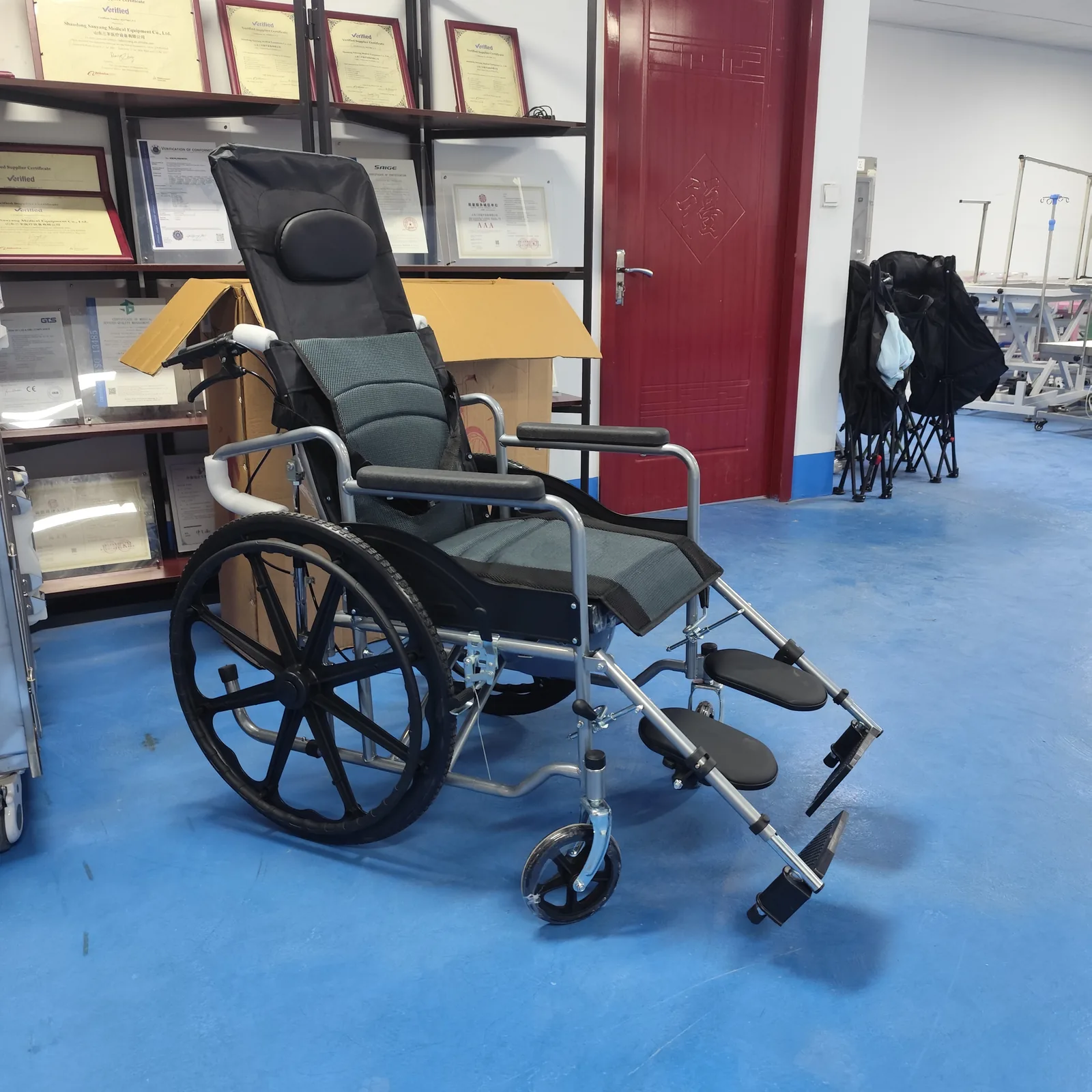
Is the number on a joystick the wheelchair serial number? Not necessarily. A joystick or control unit may carry its own part number, serial number, or both, and those identify that component rather than the completed chair. Check the model’s manual for what the chair label contains, and record control-unit numbers in the component row of your handover card rather than the chair serial row.
Do all folding wheelchairs use the same label location? No. Label position is set by the manufacturer and model, and it can differ between frames that look similar. The Sunrise QUICKIE FAQ describes usual locations for that line in general terms, while the TiLite CR1 service manual gives a model-specific Product Labeling section. Use the document for your exact chair.
What can I send the provider if I cannot read the label? Send what you can obtain safely: a photograph of the label area, a photograph of the whole chair, purchase or delivery records, previous service invoices, and a written description of any partial text. State clearly which fields are unknown, and ask the provider what else they need rather than guessing digits.
Conclusion
Find the manual for your exact model, read its labeling section, and record the chair serial number separately from part numbers. Keep the card private and share it only with the provider handling your request.
Video: Where is the Serial Number on a Power Wheelchair or Scooter? | FAQ Friday #aginginplace