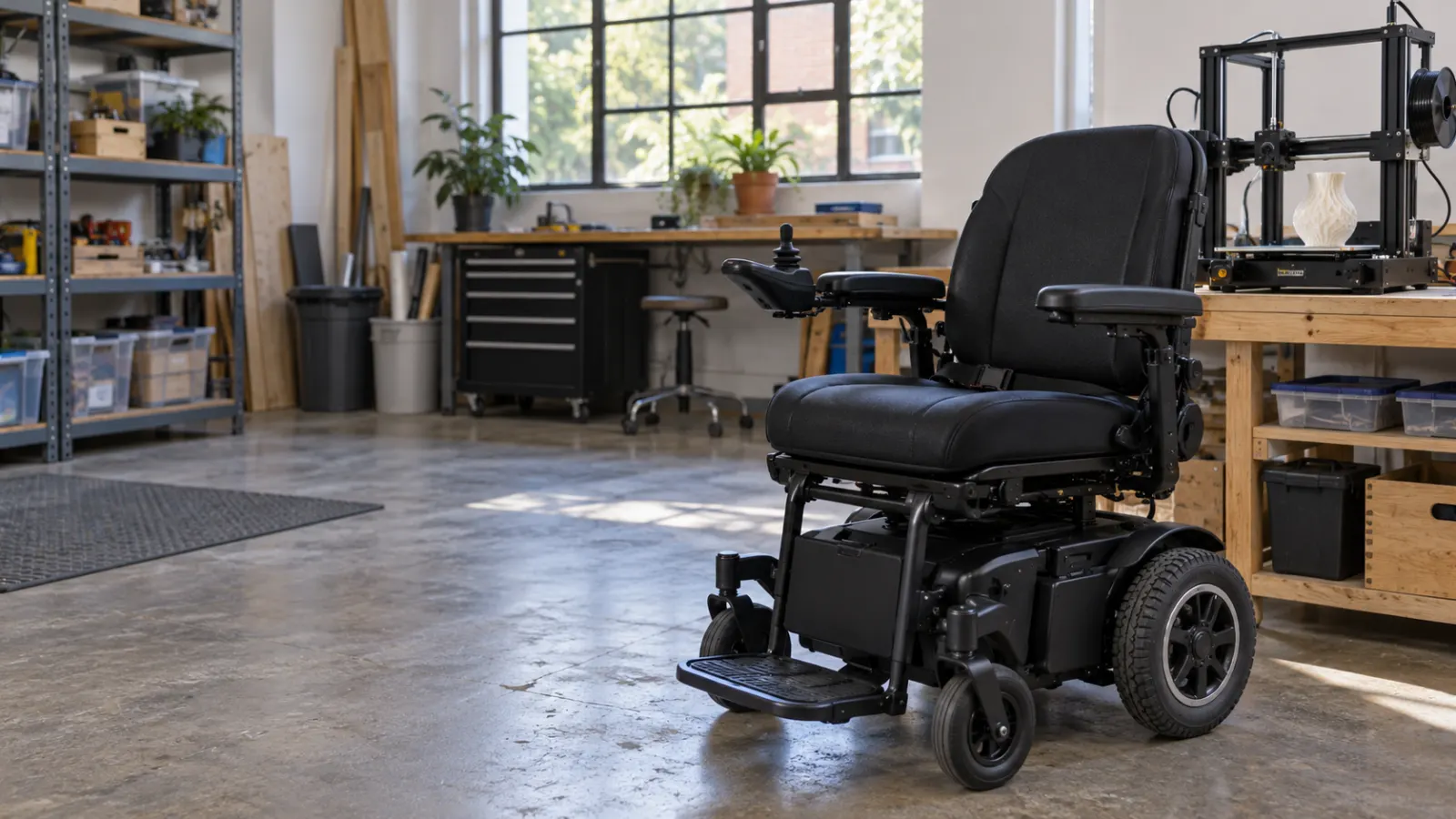
Public 3D printing near Seattle is available through several library makerspaces and community workshops, but the rules vary by location. Some facilities provide free DIY access, others require printer reservations or training, and membership-based workshops may offer guided assistance or separately quoted services.
Six locations worth checking are Bellevue Library Makerspace, Federal Way Library Makerspace, Shoreline Library, NE Seattle Tool Library, Shoreline Tool Library, and Seattle Makers. The most suitable option depends on whether you already have a printable design, need instruction, want to operate the printer yourself, or would rather have someone handle the job.
This guide compares the public 3D printing options near Seattle, including published equipment, access requirements, reservations, and fees. Information was reviewed on October 26, 2026. It is an independent resource, not a live reservation service or an offer to manufacture parts.
Public 3D Printing Near Seattle: Choose Your Access Type
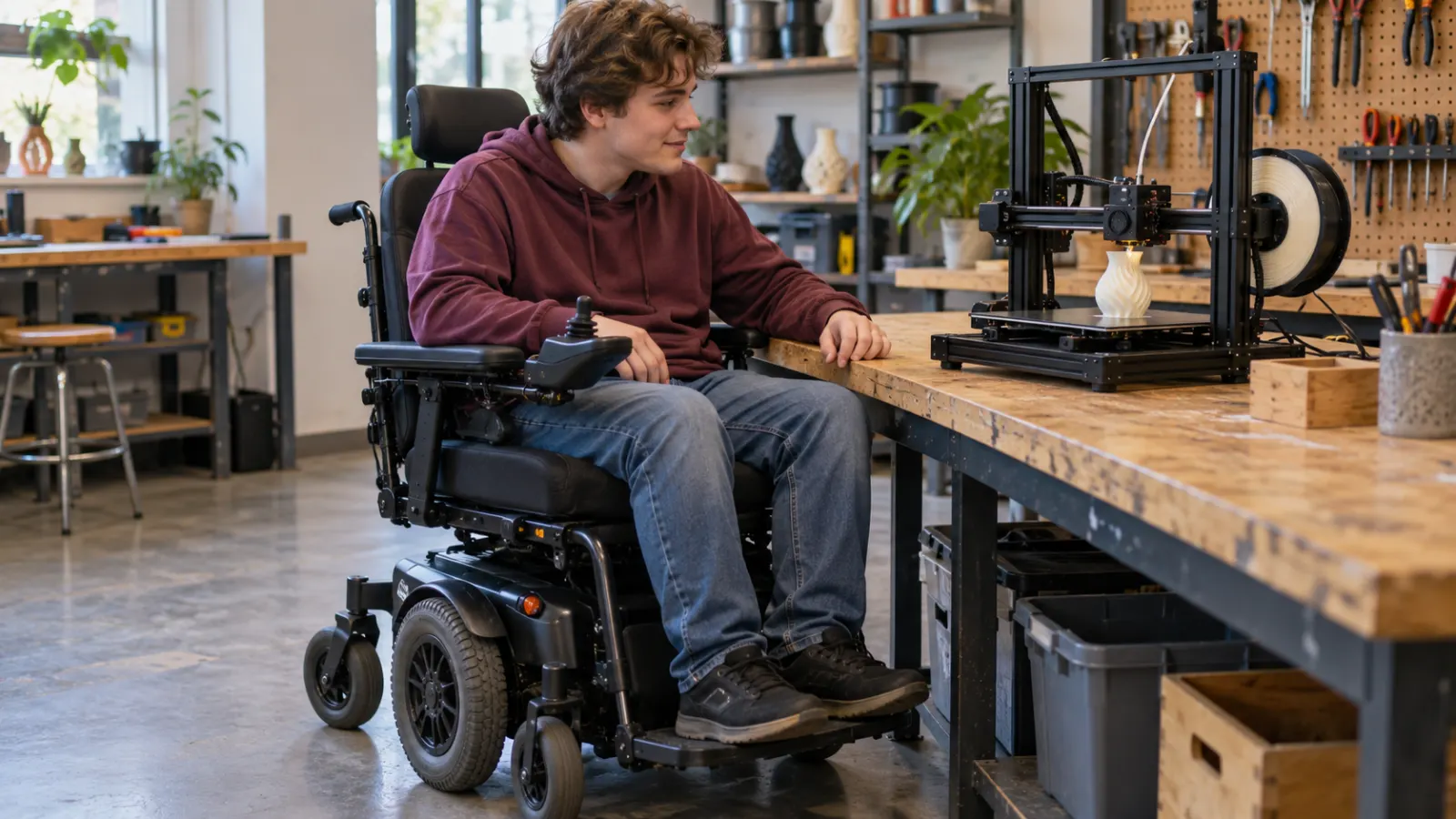
Before choosing a location, identify what you actually need. Public access to a 3D printer does not necessarily mean that an employee will design, prepare, and print an object for you.
Free DIY Library Makerspaces
King County Library System (KCLS) provides free public access to makerspace equipment. Its official FAQ states that a library card is not required for general makerspace use.
However, the service is DIY. Library staff do not operate a general commercial printing service or promise to manufacture an item for you. The equipment and available assistance vary between locations.
Reserved Library Printer Sessions
Shoreline Library offers a more specific reservation arrangement for its 3D printers. Customers can reserve machine time, subject to a weekly time allowance and advance booking rules.
Its reservation policies are different from the general access schedules at Bellevue and Federal Way. Check the branch-specific 3D printer page before assuming that every KCLS printer can be reserved in the same way.
Membership-Based Community Printing
Seattle REconomy operates 3D printers through its tool libraries. Members need a printer-use credential, and the published reservation charge is $10 for one day of in-house use.
Seattle Makers is another membership-based option. Its published printer rates apply to certified members using the equipment. Guided use and printing handled by another person require separate confirmation of availability and charges.
Start with the service model: Free DIY access, reserved printer time, guided printing, and a complete print-on-demand job are different arrangements. Confirm what you receive before comparing prices.
6 Places Offering 3D Printing in the Seattle Area
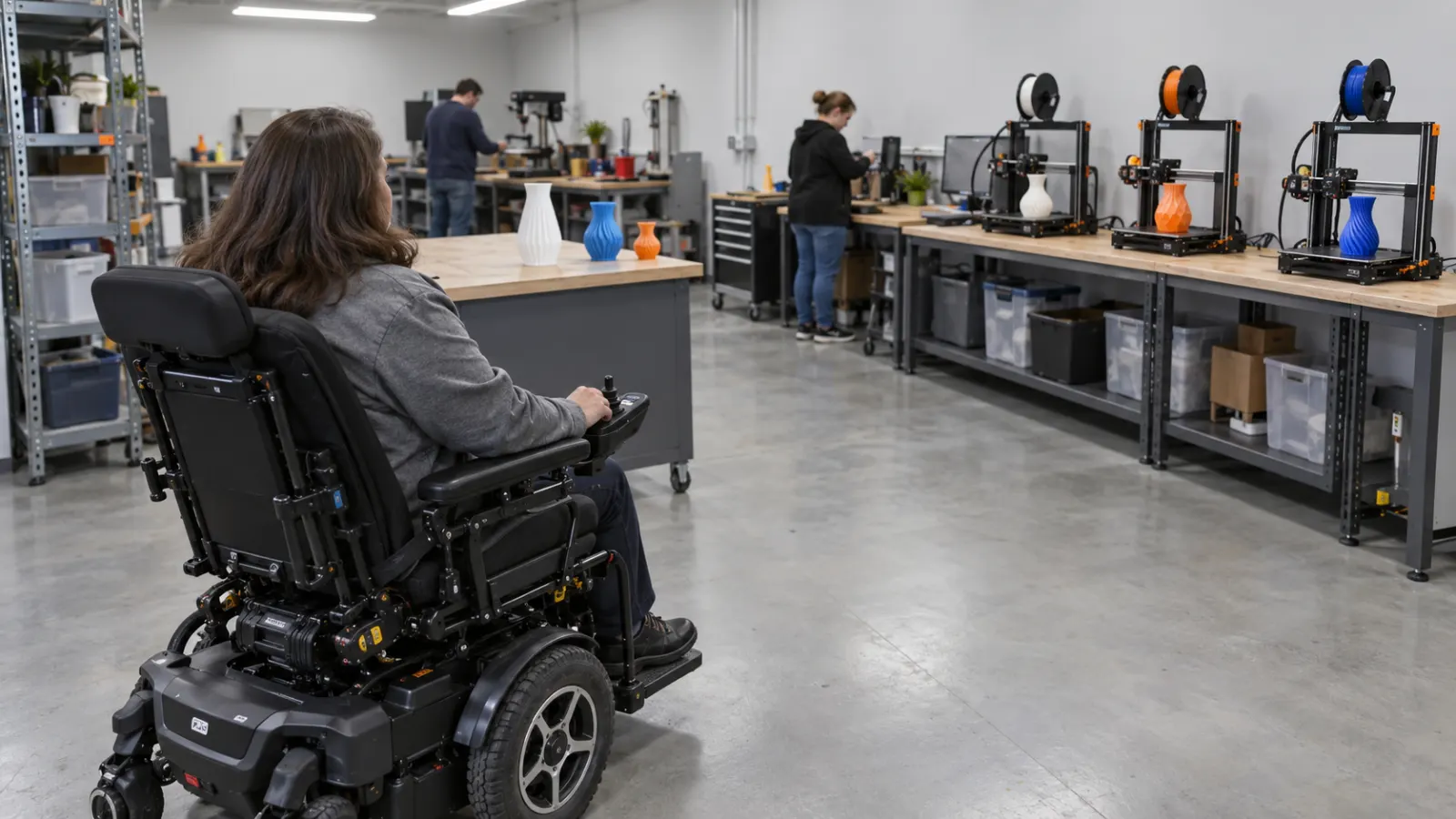
The following facilities publish information about their 3D printing equipment. These are real locations, but a listing does not establish that a printer is available for immediate use on a particular date.
1. Bellevue Library Makerspace — Free DIY Printing
Address: 1111 110th Avenue NE, Bellevue, WA 98004.
The Bellevue Library Makerspace is part of King County Library System. It provides free public access to various fabrication tools, including Prusa Core One, Prusa MK4, and Prusa i3 MK3S 3D printers.
Its published equipment information lists 1.75 mm filament, including PLA and PETG. Visitors can bring compatible 3D design files such as STL or OBJ and prepare them using the available makerspace computers.
KCLS’s general makerspace policy states that use is free and a library card is not required. However, access is offered during designated makerspace sessions rather than automatically during every hour the library building is open.
- Use type: Free public DIY makerspace.
- Equipment: Prusa Core One, MK4, and i3 MK3S printers.
- Materials: PLA and PETG are listed.
- Staff support: Learning assistance may be available during designated programs.
- Main limitation: Jobs must finish within the applicable program or reservation window.
Before visiting: Check the current Bellevue Makerspace calendar, printer access times, file requirements, and materials policy. Do not assume that the library will complete a print job after your session ends.
2. Federal Way Library Makerspace — Free Printing and Learning Support
Address: 34200 1st Way S, Federal Way, WA 98003.
The Federal Way Library Makerspace offers free public access to a range of maker equipment. Its official equipment list includes Prusa i3 MK3S, MK4, MK4S, and Core One 3D printers.
The library provides classes and maker learning opportunities. KCLS also identifies Federal Way and Bellevue as locations where staff assistance with 3D printing may be available.
That assistance does not turn the makerspace into a guaranteed print-on-demand service. A visitor should expect to learn or participate in the printing process unless a specific program states otherwise.
- Use type: Free public DIY makerspace.
- Equipment: Multiple Prusa 3D printer models.
- Card requirement: General makerspace use does not require a KCLS library card.
- Assistance: Check scheduled staffed sessions, classes, and available support.
- Main limitation: Printer access follows the branch’s program schedule and equipment rules.
Before visiting: Ask whether a printer will be available for independent use, whether a class is required for your planned activity, and whether your expected printing time fits the session.
3. Shoreline Library — Free Reserved 3D Printer Time
Address: 345 NE 175th Street, Shoreline, WA 98155.
The Shoreline Library 3D printing program provides two Prusa Core One printers for independent learning and exploration.
The official page lists 0.4 mm nozzles, 1.75 mm PLA filament, and a build volume of 250 × 220 × 270 mm. Users can bring STL or OBJ files and prepare them using the library’s configured laptops. Prepared G-code may also be brought on a USB drive when created for the correct printer configuration.
Its published reservation rules are specific:
- Weekly limit: Up to two hours of printer time per week.
- Advance booking: Reservations must be requested at least two hours before the session.
- Booking horizon: Reservations can be made up to four weeks ahead.
- Late arrival: A reservation is held for 15 minutes before it may be canceled.
- Print duration: Jobs must finish within the reserved time, including setup and cleanup.
- Age rule: Children aged 12 and under must be accompanied by an adult.
Shoreline’s program is intended for independent printer use. Its official page directs customers who want staff assistance toward the Bellevue or Federal Way Makerspaces.
Before visiting: Confirm your reservation, prepare the correct printer file, and check that the estimated print duration fits the two-hour limit. Call 206-362-7550 for branch-specific questions.
4. NE Seattle Tool Library — Member-Based Printing in Seattle
Address: 10228 Fischer Place NE, Seattle, WA 98125.
The NE Seattle Tool Library is operated by Seattle REconomy. Its official 3D printer program identifies two Prusa MK3S+ printers at this location.
Unlike the KCLS public makerspaces, Seattle REconomy requires users to become members and obtain a printer-use credential before independent operation.
New users can complete a 3D Printer Orientation. The organization currently publishes these training fees:
- The Basics: $25–$60 on a sliding scale.
- Foundations of CAD: $35–$75 on a sliding scale.
- Alternative credentialing: Experienced users may ask about another qualification process.
After credentialing, members may request a single-day printer reservation through MyTurn. The published charge is $10 per reserved day, with in-house filament included.
The printers allow PLA and PETG filament. Users must observe the first layer of their print and follow the organization’s printer-use protocol. Staff or volunteers may help, but assistance is not guaranteed.
Seattle REconomy uses a contribution-based membership system. Its membership page publishes suggested amounts, including $25 monthly or $80 annually, and explains that applicants are not refused solely because they cannot contribute the suggested amount.
Before visiting: Confirm membership, the credentialing requirement, the printer reservation, and the actual opening shift. Do not treat the $10 reservation charge as the complete first-time cost of joining and learning to use the service.
5. Shoreline Tool Library — Another Seattle REconomy Printer Location
Address: 16610 Aurora Avenue N, Shoreline, WA 98133.
The Seattle REconomy printer program also operates at Shoreline Tool Library. Its published equipment list identifies three Prusa MK3S+ printers at this location.
The access model is the same as the NE Seattle Tool Library: membership, printer credentialing, and approved MyTurn reservations.
Credentialed members can request one day of use for $10, with approved in-house PLA or PETG filament included. The reservation is for in-library use, not for taking the 3D printer home.
The reservation request is reviewed by a coordinator. Users should not assume a printer is available merely because the tool library building is open.
Important distinction: Shoreline Tool Library and Shoreline Library are different organizations at different addresses. Shoreline Tool Library uses Seattle REconomy’s membership and credentialing system, while Shoreline Library belongs to KCLS and offers its own free two-hour-per-week reservation program.
Before visiting: Confirm that you reserved a printer at the correct Shoreline location and have met the applicable membership and training requirements.
6. Seattle Makers — Certified Self-Service and Guided Printing
Address: 3012 16th Avenue W, Seattle, WA 98119.
Seattle Makers is a community makerspace in Seattle’s Interbay neighborhood. Its published equipment list includes four Prusa MK4S printers and one larger Prusa XL printer.
The facility lists PLA+, PETG, and NinjaFlex as available materials. It states that ABS filament is not currently supported because of fumes.
Seattle Makers requires certification for independent 3D printer use. Guided use is also described as an option for an additional charge.
Its current published self-service machine rate for certified members is $3 per 30 minutes, with material included in machine-time charges. Consulting time is not included.
Membership is a separate cost. The membership page currently lists a Tinkerer plan at $75 per month and a Maker plan at $125 per month, with different benefits and machine-time credits.
Non-members can attend eligible classes and certification events, but attending a class is not the same as receiving unrestricted independent machine access.
If you want someone to handle a complete print job for you, ask Seattle Makers whether it accepts that specific type of request and obtain a written quote. The public machine-time rate is not a confirmed fixed price for a non-member, staff-handled printing service.
Before visiting: Confirm your membership or class status, certification requirements, available machine time, material choice, and whether guided or handled printing is available for the project.
Public 3D Printing Near Seattle: Location and Cost Comparison
These six locations represent three operating arrangements: free library makerspaces, member-operated tool libraries, and a paid makerspace with certified machine use.
The table summarizes published fees and access requirements. It does not show live equipment availability.
| Location | Access type | Published cost | What to arrange first |
|---|---|---|---|
| Bellevue Library Makerspace | Public DIY with learning support | Free makerspace access | Check the program calendar and equipment access times. |
| Federal Way Library Makerspace | Public DIY with learning support | Free makerspace access | Check the schedule, available instruction, and printer use rules. |
| Shoreline Library | Independent, reserved printer time | Free; up to two hours weekly | Make an eligible advance reservation and prepare the print file. |
| NE Seattle Tool Library | Member DIY with credentialing | $10 per reserved day; membership and training arrangements separate | Become a member, obtain credentials, and request a printer day. |
| Shoreline Tool Library | Member DIY with credentialing | $10 per reserved day; membership and training arrangements separate | Complete required access steps and book the correct location. |
| Seattle Makers | Certified member use; guided support may be available | $3 per 30 minutes for certified self-service members; membership separate | Confirm certification, access, available time, and any guided-service fees. |
Cost warning: A free library program may still require suitable supplies or file preparation. A $10 reservation at Seattle REconomy assumes approved member access. Seattle Makers’ $3 machine rate does not include the cost of becoming a member or obtaining certification.
For an accurate comparison, calculate the entire cost of reaching a completed print, not just the machine-use fee shown on the website.
What to Confirm Before Visiting a Public 3D Printer
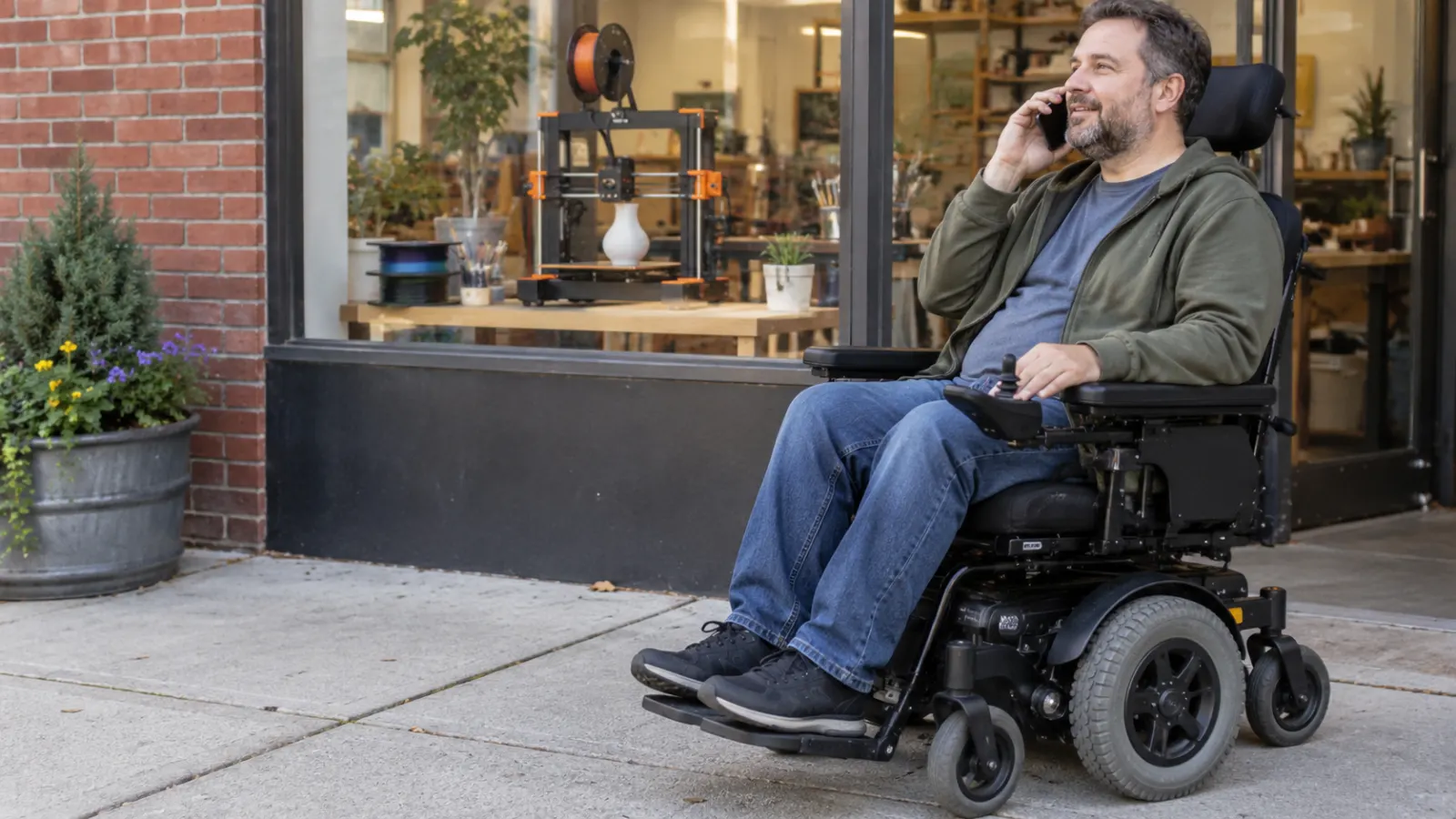
Access rules and equipment schedules can change. Before traveling, contact the branch or makerspace and confirm the specific printer service you need.
- Public access: Can I use the 3D printer without a membership, library card, or certification?
- Reservation: Is a booking required? What is the earliest booking time and maximum permitted session?
- Staff assistance: Will someone help me prepare the design and operate the machine, or is the service completely DIY?
- Equipment: What exact printer model, nozzle size, and build volume are available for my session?
- File formats: Do you accept STL, OBJ, 3MF, or G-code, and who is responsible for slicing?
- Materials: Which filaments are allowed, and are they supplied or purchased separately?
- Print duration: Must the job finish during my reserved time, or can it continue afterward?
- Fees: Are orientation, membership, machine time, material, consultation, and cleanup charged separately?
- Collection: If I am not staying during the entire print, how and when can I retrieve the finished object?
For wheelchair users, ask about the accessible entrance, workbench height, printer controls, usable floor space, and accessible restrooms if these details matter to your visit.
For example, Seattle Makers’ official FAQ identifies different accessible entrances for its upstairs and downstairs areas. Shoreline Library also publishes building accessibility details, including automatic entrance doors and an accessible restroom. Confirm the route to the actual printer area rather than assuming building access establishes equipment access.
Prepare Your 3D Model Before Booking Printer Time

A public printer reservation is easier to use when your model is already prepared. Many locations provide tools for making or adjusting print files, but those tools do not guarantee that staff will design an object for you.
Before arriving, organize these details:
- Prepare the design: Bring a complete digital model in a format accepted by the facility, such as STL or OBJ where supported.
- Confirm dimensions: Check that the intended object fits the printer’s build volume.
- Review the mesh: Make sure the model is suitable for slicing and has no obvious missing surfaces or unintended geometry.
- Select an approved material: Confirm whether PLA, PETG, or another filament is permitted at that printer.
- Estimate print time: Check whether the model can be completed within the scheduled session or applicable machine-use rules.
- Confirm slicing responsibility: Ask whether to bring the original model, prepared G-code, or both.
- Plan collection: Find out whether the finished print must be removed before the session ends.
Shoreline Library provides a useful example of why printer-specific preparation matters. Its Prusa Core One instructions identify the correct PrusaSlicer printer profile and state that printing must finish within the reservation window.
Do not bring G-code prepared for a different machine and assume it will work. Printer model, hardware, filament, and slicing settings must match the facility’s current instructions.
Need Someone to Print Your File? Ask for a Complete Quote

If you do not want to operate the printer yourself, a free DIY makerspace may not be the right service. KCLS explicitly states that its makerspaces are do-it-yourself environments and that staff do not provide a general service to manufacture objects for customers.
Seattle Makers publishes guided printer use as an available arrangement, but the cost of a fully handled non-member printing job is not established by the posted certified-member machine-time price.
For a handled print, ask whether the organization accepts your project and request a written quote covering:
- Original model file, quantity, and final dimensions.
- Required filament or material characteristics.
- File review, repair, or model preparation.
- Slicing, printer setup, and monitoring.
- Machine time and material charges.
- Support removal, cleanup, or other finishing work.
- Expected turnaround, pickup arrangements, and any delivery charge.
- Conditions for a failed print or requested rework.
Do not assume a guided-use session is the same as a complete print-on-demand service. One may require you to participate in operating the machine, while the other involves someone else taking responsibility for production.
Confirm which arrangement is available before comparing prices with a dedicated commercial 3D printing service.
Which 3D Printing Option Should You Choose?

Choose the service according to your experience, the design you want to print, and how much assistance you need.
If You Want Free DIY Access
Start with Bellevue Library Makerspace or Federal Way Library Makerspace. Both are KCLS public makerspaces with listed 3D printing equipment and learning opportunities.
Check the event and access calendar before traveling, particularly if you are unfamiliar with printing and need staff assistance.
If You Already Have a Small Print-Ready Project
Shoreline Library may be practical when your print fits its published two-hour reservation limit and approved printer configuration. Prepare the appropriate file before your appointment.
Longer print jobs that cannot finish in the available session need a different service or a redesigned print plan.
If You Want Repeat Access Through a Tool Library
NE Seattle Tool Library and Shoreline Tool Library offer member-operated printing after credentialing. Their single-day reservation structure may work for projects that do not fit a short library session.
Remember to include orientation and membership arrangements when comparing first-time costs.
If You Want a Makerspace With Guided Support
Seattle Makers is worth checking for certification, member machine time, and guided printer use. Its published Prusa MK4S and XL equipment may also offer a different build-size choice from other locations.
Ask separately about handled printing, consulting, and any required membership before assuming a quoted machine rate covers the whole project.
What Public 3D Printing Services Do Not Guarantee

Public access to a 3D printer does not guarantee that a design will print successfully, meet a specified tolerance, carry a particular load, or be suitable for a safety-critical application.
Small printed objects can be useful for educational projects, display models, prototypes, and other appropriate non-critical applications. Actual strength and performance depend on the material, design, printer settings, production conditions, and intended use.
Do not use an unverified public makerspace print as a replacement wheelchair component, occupant-support part, medical-device component, or other safety-critical item. Such parts require appropriate design, compatibility, manufacturing, and safety review by qualified parties.
This guide does not establish that any named makerspace offers approved medical-device manufacturing, wheelchair repairs, or certified structural production.
Public 3D Printing Near Seattle: Frequently Asked Questions
Where Can You Use a 3D Printer for Free Near Seattle?
King County Library System lists free public 3D printing equipment at Bellevue Library Makerspace, Federal Way Library Makerspace, and Shoreline Library. Bellevue and Federal Way use makerspace access schedules, while Shoreline provides a specific printer reservation program.
Do You Need a Library Card for KCLS 3D Printing?
KCLS states that a library card is not required for general makerspace use. However, particular computer resources, online learning accounts, equipment reservations, or sessions may have their own access procedures. Check the branch before visiting.
How Much Does Seattle REconomy 3D Printing Cost?
Seattle REconomy publishes a $10 charge for one reserved day of printer use by credentialed members, with in-house filament included. Membership arrangements and initial orientation or credentialing requirements must be considered separately. Its basic orientation is currently listed at $25–$60.
Can You Reserve a 3D Printer at Shoreline Library?
Yes. Shoreline Library publishes a reservation program for its Prusa Core One printers. Use is limited to two hours per week, and requests must be made at least two hours before the intended session. Printing must finish within the reservation window.
Will a Public Library Print a 3D Model for You?
Do not assume so. KCLS describes its makerspaces as DIY workspaces rather than a staff-operated print-on-demand service. If you need someone else to produce the entire object, ask a suitable fabrication provider for a complete quote.
Can You Use a Makerspace Without Becoming a Member?
Yes, some facilities provide non-member access through public library programs or classes. KCLS makerspaces are free to use. Seattle Makers also welcomes non-members at eligible classes and events, but independent machine operation has separate membership and certification requirements.
Final Checklist Before Booking Public 3D Printing Near Seattle
Before making a reservation or traveling to a makerspace, confirm the following:
- The exact location offers a 3D printer for my intended type of use.
- The available printer model and build size fit my design.
- I know whether access is free, member-only, certified, or part of a class.
- Any required orientation, reservation, or machine-use fee is understood.
- My file is in a supported format and can be prepared for the correct printer.
- The selected material is accepted at that location.
- The printing time fits the allowed session or approved operating arrangement.
- I know whether staff assistance is available and what it includes.
- My transportation, building access, and any required wheelchair accommodations are confirmed.
- I have checked how and when the finished print can be collected.
The best starting point for public 3D printing near Seattle is usually a free KCLS makerspace if you want to learn and operate a printer yourself. Shoreline Library provides a defined short reservation option. Seattle REconomy’s two tool libraries offer credentialed member access, while Seattle Makers provides additional equipment and guided-use possibilities under separate terms.
Always confirm current schedules, equipment availability, and the full cost before traveling. None of the listed prices is a guarantee that your particular model can be printed within that amount.
Source review: October 26, 2026. This article references the King County Library System Makerspaces, Bellevue Makerspace, Federal Way Makerspace, Shoreline Library 3D printers, Seattle REconomy 3D printing program, and Seattle Makers tools and pricing. Equipment, fees, reservation availability, and membership requirements may change. Wheelchairs Factory provides this informational guide and is not affiliated with the named makerspaces or their reservation systems.
Video: Federal Way Library MakerSpace: 3D Printing Access — KCLS (official example)