A power wheelchair that will not drive after a pause can look like a dead battery, a brake fault, or a locked joystick. The first useful step is not pressing buttons at random; it is identifying which controller is fitted and what its own manual says about a power wheelchair joystick lock mode.
A joystick lock mode is a deliberate controller state that blocks drive input until the controller’s own documented unlock procedure is followed. Because the procedure, indicator, and behavior differ between controllers, confirm the exact controller model and manual revision before trying anything.
Power wheelchair joystick lock mode: What a controller lock mode does
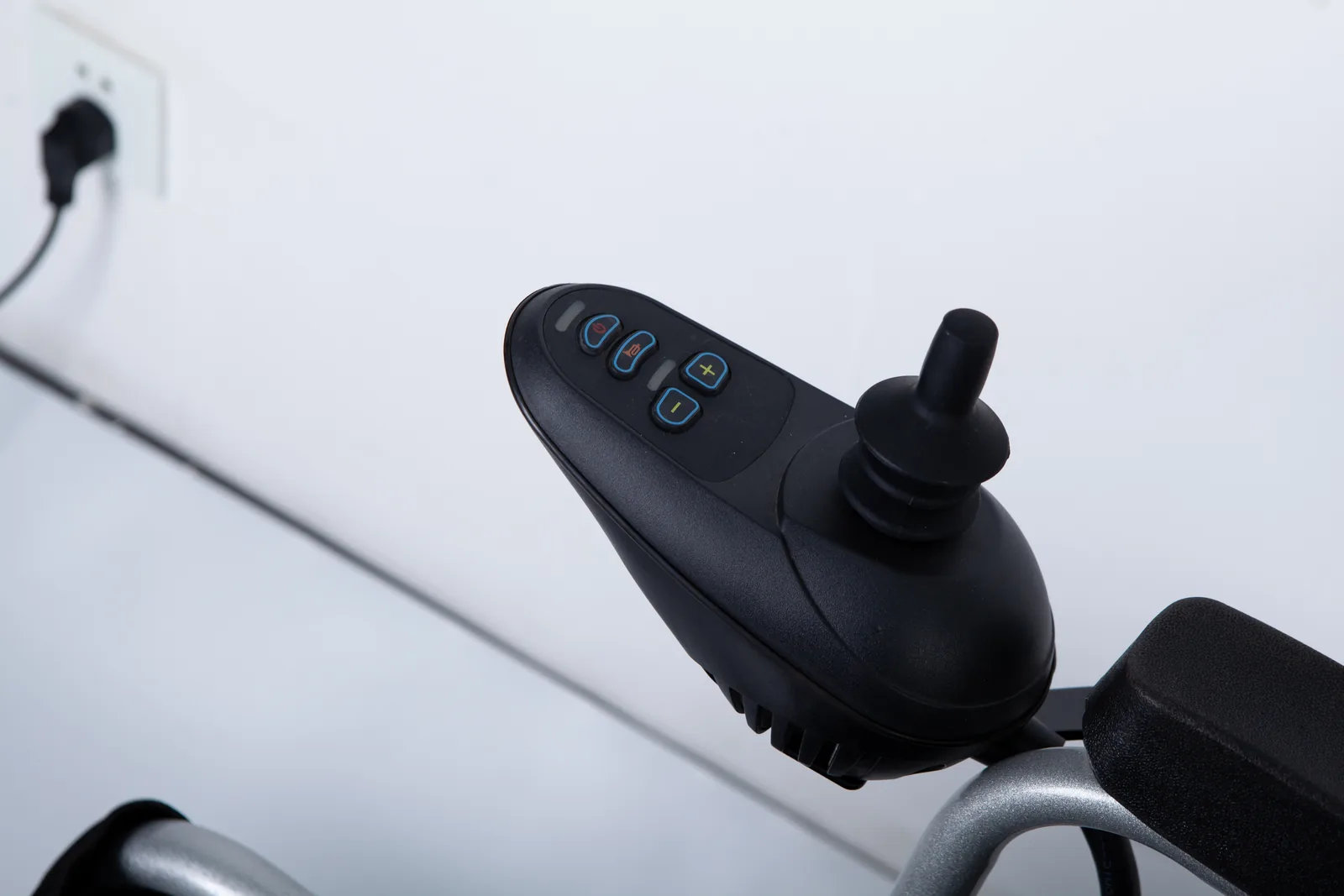
Lock mode is best understood as a controller-level state, not a mechanical condition of the chair. The controller is the electronics unit that receives joystick input and decides what the motors do. When a lock function is engaged, the controller is designed to ignore or restrict drive commands until it is released in the way its own documentation describes. That is different from a chair that has been switched off, from a controller reporting an error, and from a chair whose motors have been mechanically released.
This distinction matters because the same visible symptom — the chair does not move when the joystick is pushed — can come from several unrelated causes. A switched-off controller may show a dark display. An error state may show a fault code, a flashing indicator, or a specific pattern the manual explains. A mechanically released chair may roll freely when pushed, which is a brake or motor-release condition rather than an electronic lock. Treating all of these as “the joystick is locked” can send a user or caregiver toward the wrong procedure, and in the case of a mechanical release, toward a state that should be restored before driving.
A lock mode is also not a diagnosis. If the chair’s behavior does not match what the manual describes for lock mode, the responsible next step is to record what is displayed and contact the dealer or service provider rather than assume a fault or attempt an undocumented reset. The purpose of identifying lock mode is to rule a documented, intentional state in or out — not to explain every non-moving chair. A chair that refuses to drive after being switched on, after a period of inactivity, or after transport may be in a deliberate state, but it may equally be reporting a condition the controller considers unsafe to drive with. Only the documentation for that controller can tell you which reading is plausible, and only a service contact can resolve the ones the manual does not cover.
Lock mode and freewheel are different functions
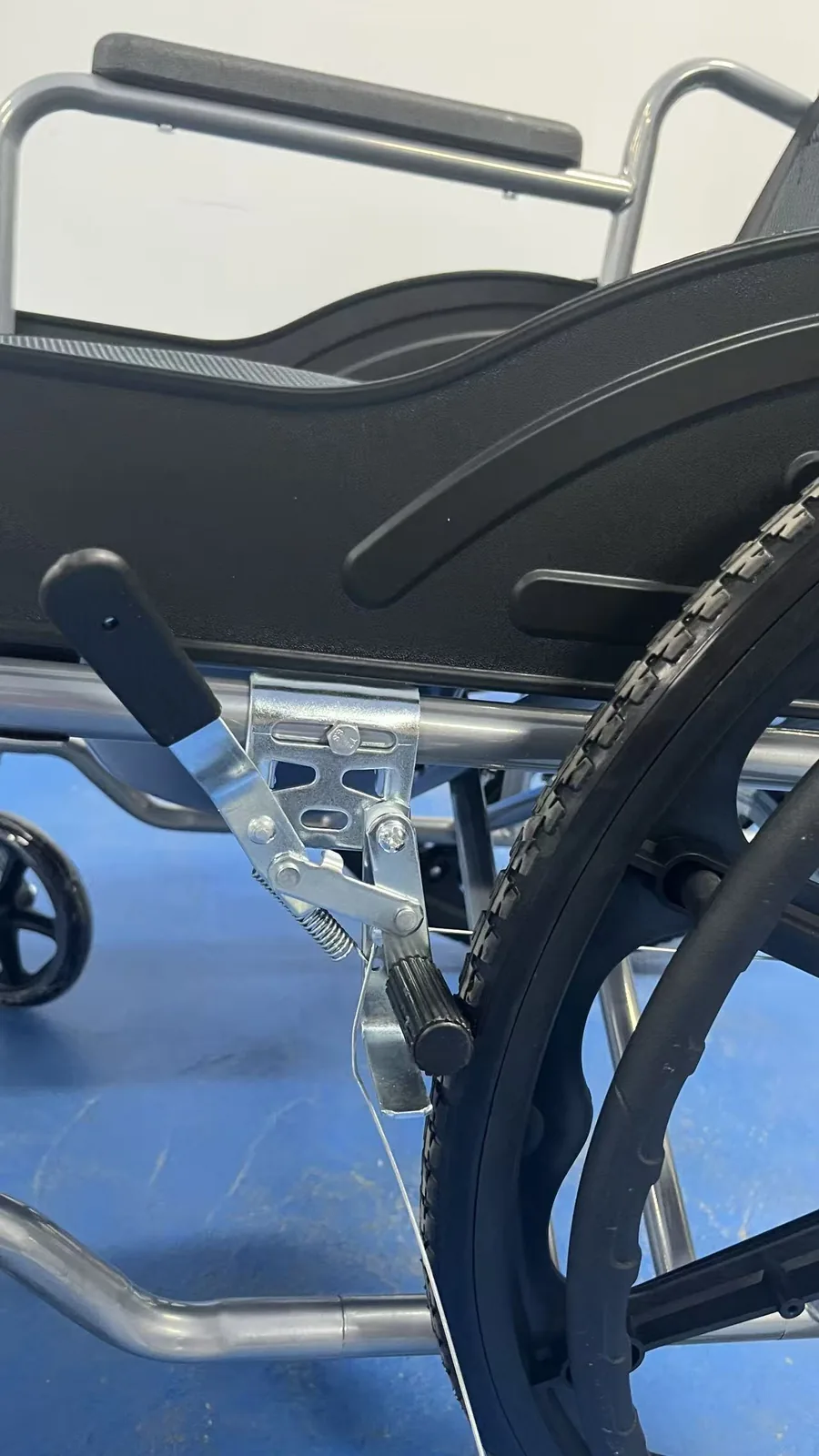
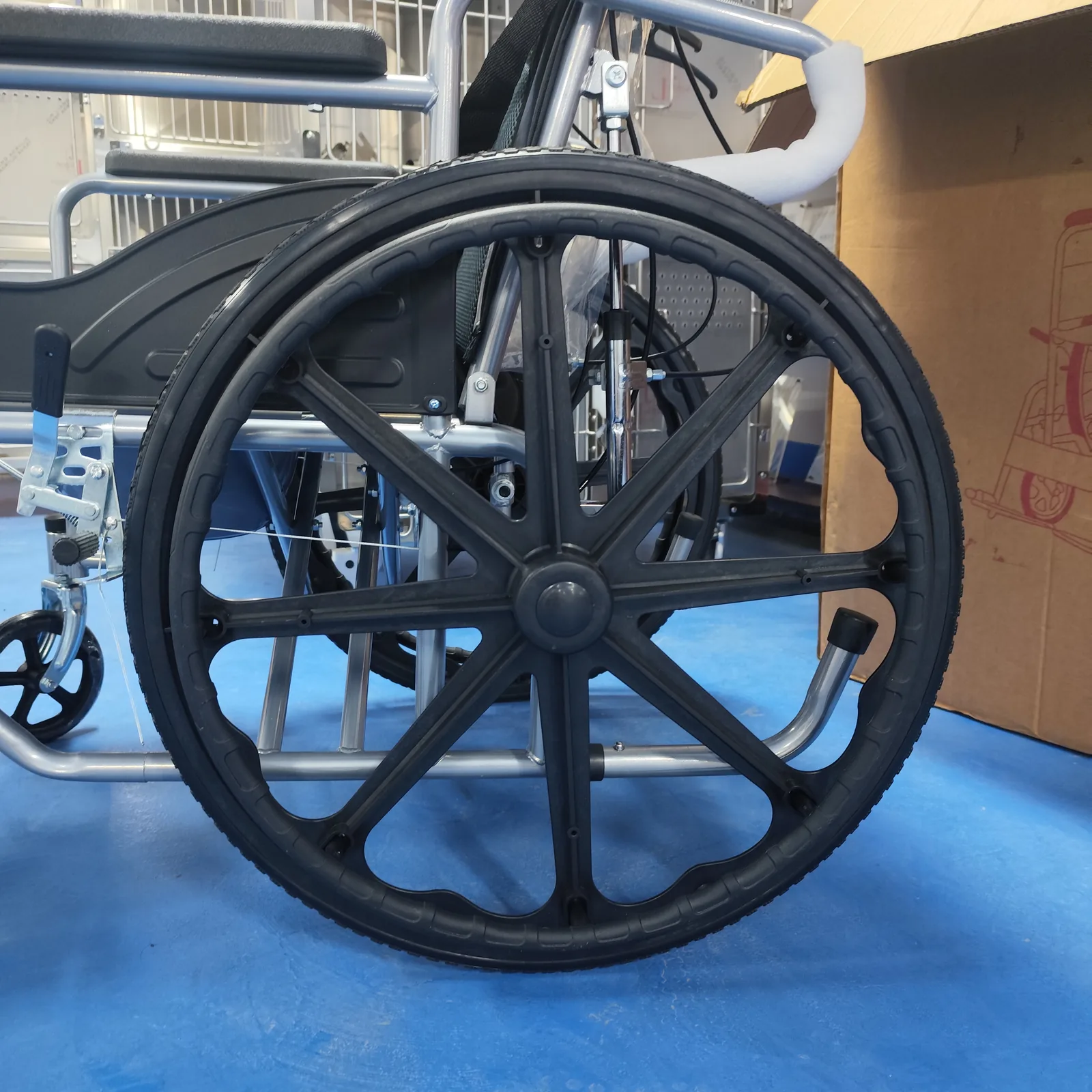
Freewheel, sometimes described as a motor or brake release, is a mechanical function that lets the chair be pushed. Lock mode is an electronic controller state. A chair in freewheel may be electrically powered and still roll when pushed; a chair in lock mode may have working brakes and simply refuse drive input. Because these are different systems, a procedure that releases one does not release the other, and a chair should not be left in a mechanical release state for normal driving. If you are unsure which state the chair is in, note whether it rolls freely when pushed and whether the controller display is active, then describe both to the service contact. Those two observations alone often let a service provider narrow the question before any procedure is attempted.
Find the exact controller and manual
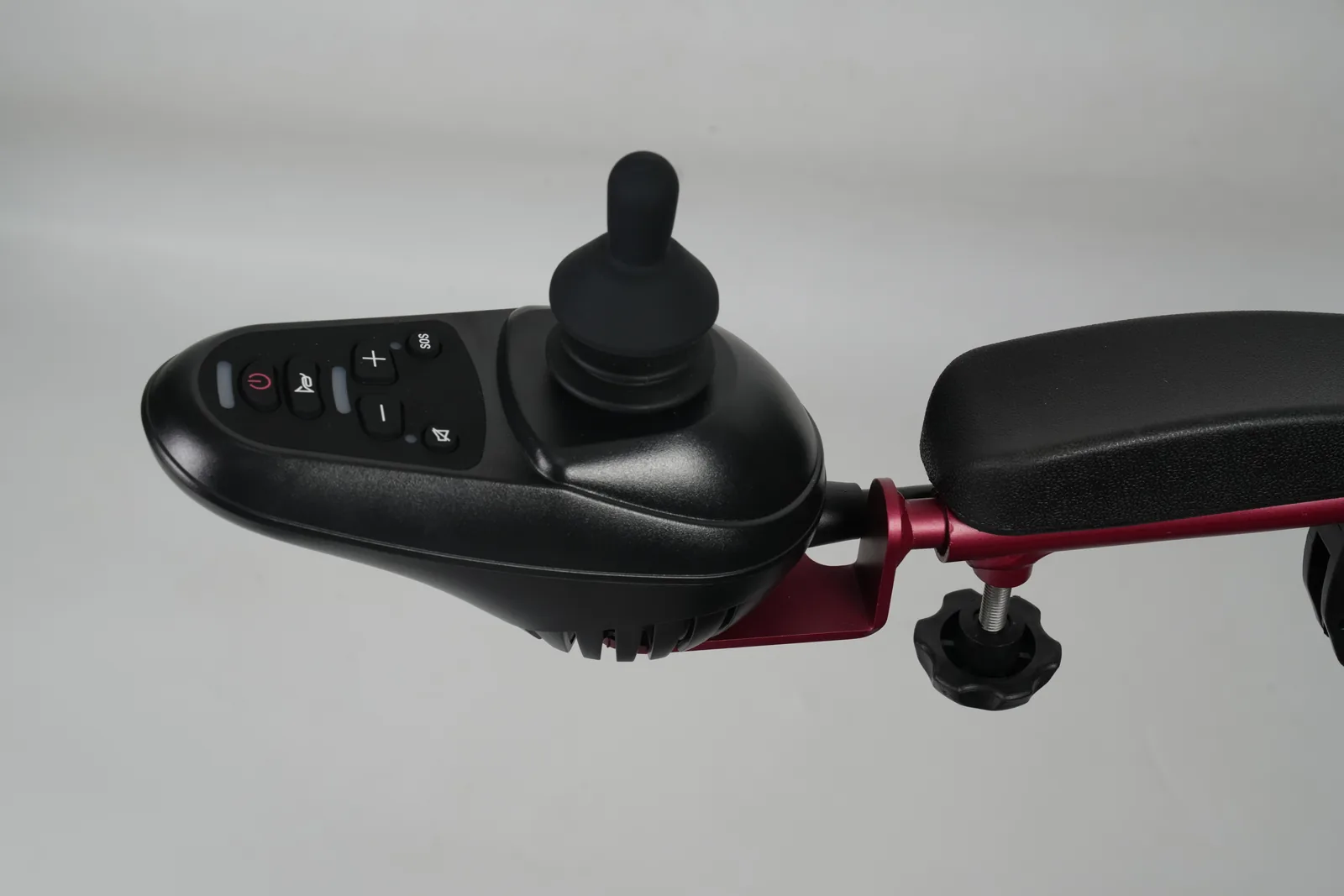
Before any unlock attempt, establish which controller is on the chair. Controller families share housings, joystick shapes, and display styles across models and production years, so appearance alone is weak evidence. The reliable route is to read the identification on the controller or chair itself and match it to the manual that covers that unit. A manual for a different controller, even one from the same brand, may describe a different lock procedure, a different indicator, or no lock function at all.
Record the chair model, the controller name or part number as printed, and any version or revision marking you can see. If the manual is supplied with the chair, note its revision or print date, because instructions can change between editions. If the manual is not at hand, the dealer or manufacturer’s service contact is the appropriate source for the correct document. A generic web page about “locking a power wheelchair joystick” is not a substitute for the document that covers the fitted controller, even when the page is written by a reputable organization.
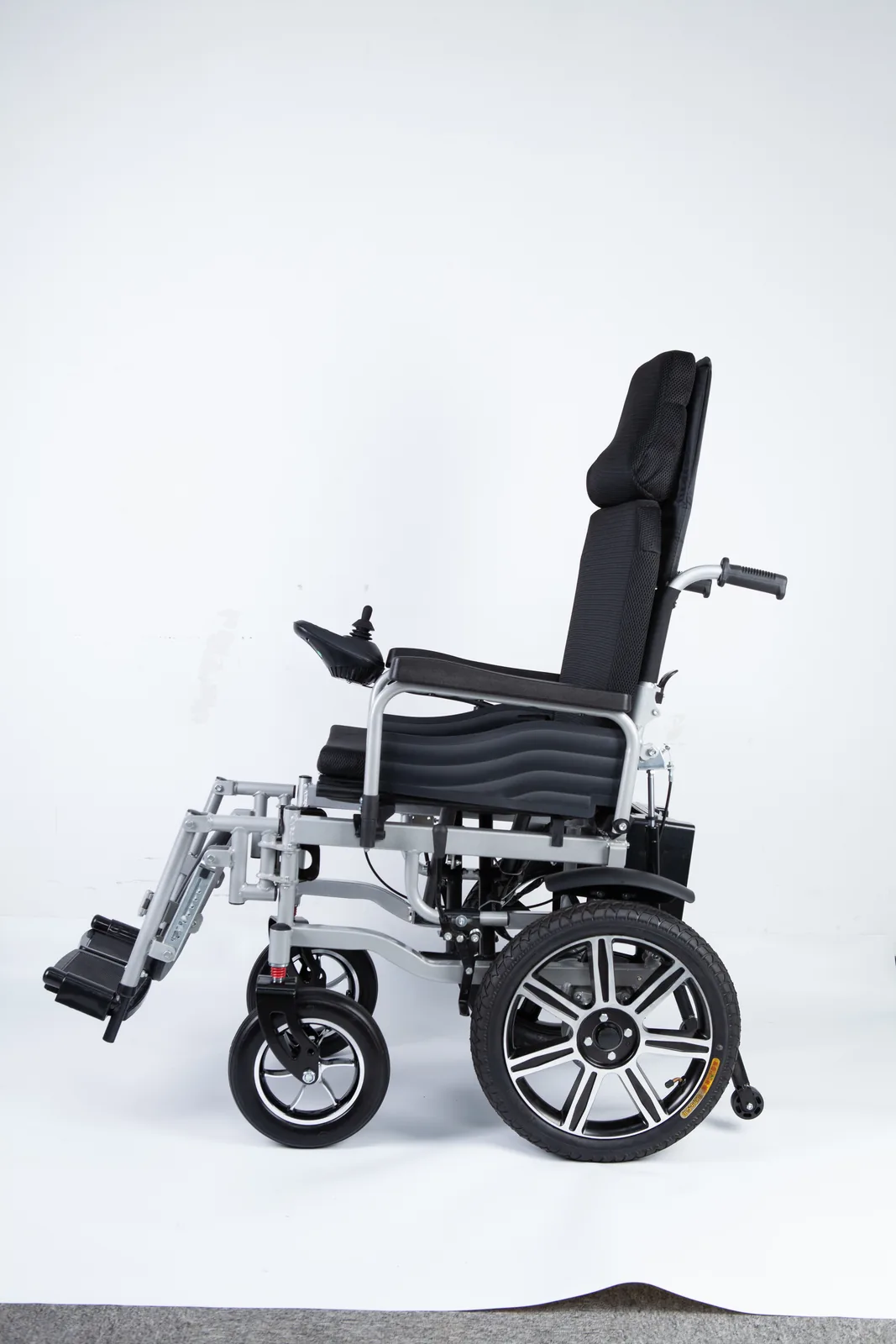
It also helps to describe how the controller communicates. Does it have a display that shows text, a set of indicator lights, or only a joystick and simple buttons? The way a lock state is signalled depends on the controller, and knowing the display type helps a service provider interpret your description. Take clear photographs of the controller face, any label, and the display as it appears when the chair will not drive. Photographs taken in the same lighting and from the same angle as the problem occurred are more useful than a single wide shot of the whole chair.
Controller name and manual revision
A controller name and a manual revision are two separate facts, and both belong in your notes. The controller name tells you which device you have; the manual revision tells you which instructions apply to it. Where a chair has been serviced or a controller replaced, the fitted unit may not match the original manual supplied with the chair. In that case, the document for the replacement controller is the one to follow. If you cannot establish either fact, say so plainly in your service request rather than guessing a model from a photograph. A dealer who knows the answer is missing can supply it; a dealer given a confident but wrong model may send the wrong instructions.
Compare two named controller examples
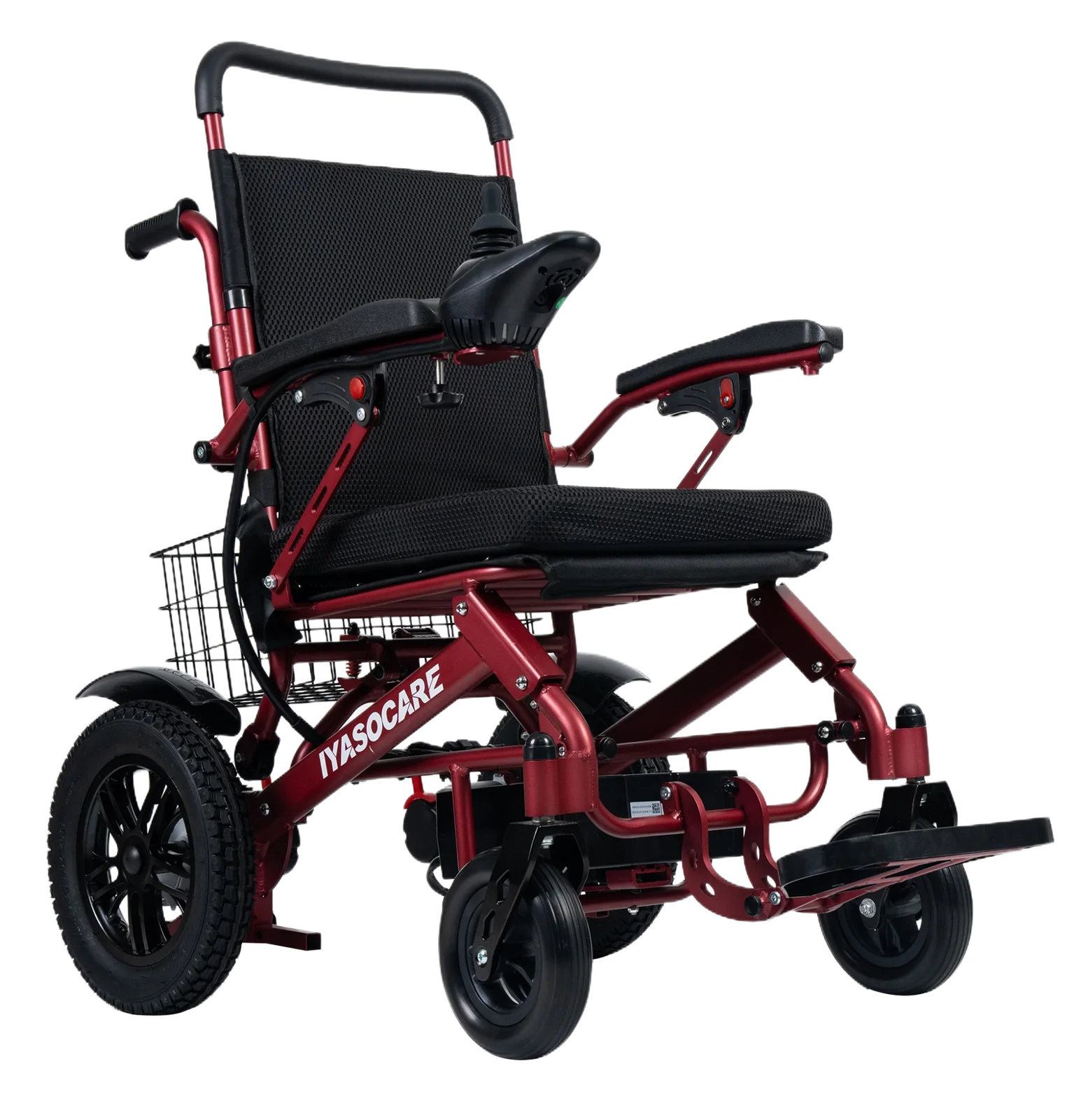
The table below compares what two named sources address. It is a comparison of documentation coverage, not a claim that these controllers behave identically or that either procedure applies to a chair you own. Pride Mobility publishes a support page on locking a power wheelchair joystick, and Ottobock publishes a user manual for the Juvo powerchair. Each source speaks for its own product and scope.
| Source | Product scope | What the source addresses | Indicator or feedback described | What to confirm for your chair |
|---|---|---|---|---|
| Pride Mobility support page, “Locking a Power Wheelchair Joystick” (observed 2026-11-01) | Pride electric wheelchairs, as scoped by the page | A lock function for the joystick on the covered models | Refer to the page and the model’s own manual | Whether your exact Pride model and controller are covered, and the current manual for that unit |
| Ottobock Juvo Powerchair User Manual (observed 2026-11-01) | Ottobock Juvo powerchair | Chair operation and controller information as set out in that manual | Refer to the manual’s own description | The manual revision that matches your chair and any controller variant |
| Your own chair | The fitted controller | Whatever its manual states | Whatever its display or indicators show | Controller name, manual revision, and dealer or manufacturer contact |
Read the table as a map of where to look, not as a set of interchangeable instructions. The Pride page and the Ottobock manual are separate documents with separate scopes; neither should be used to interpret a controller it does not cover. The final row is the one that matters most: your chair’s own documentation, matched to the fitted controller. A reader who owns neither a Pride chair nor an Ottobock Juvo still gains something from the comparison, because it shows how differently two manufacturers frame the same question — one through a support page tied to a product line, the other through a full user manual tied to a named chair.
What each document actually shows
Each named source describes its own product’s controls and states. Neither source, as supplied here, establishes a universal lock indicator, a shared button sequence, or a common display message across brands. That is why the comparison is organized by source and scope rather than by a single “lock mode” column that would imply equivalence. When you consult either document, look for the section that names your controller and follow its wording exactly, including any conditions such as the chair being switched on, stationary, or in a particular mode. If the document does not clearly cover your unit, stop and ask the dealer or manufacturer’s service contact which document applies. The same caution applies to video tutorials and forum posts: they can show what one controller does, but they cannot confirm what yours does.
Follow the model-specific instructions
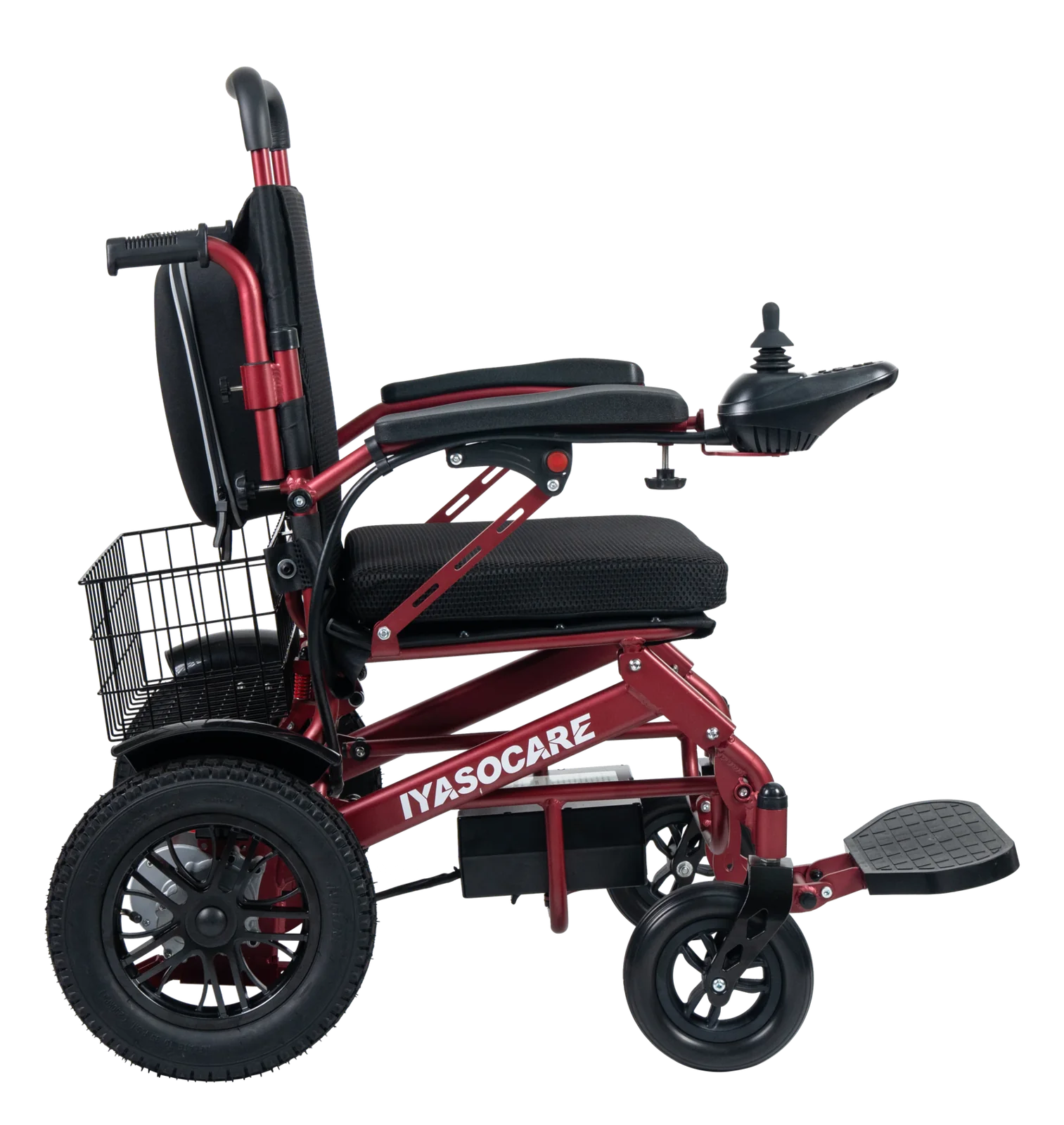
Once you have the right document, follow only the procedure it gives for your controller. This article deliberately does not provide a button combination that readers might apply across controllers, because a sequence that unlocks one controller may do nothing on another, may enter a different mode, or may be misinterpreted as a fault. The correct procedure is the one printed for the device in front of you, performed in the conditions that document specifies.
If the documented procedure does not produce the expected result, do not improvise. Repeated attempts with undocumented combinations can leave the controller in an unfamiliar state and make a later service conversation harder. Instead, stop, note exactly what you did and what the controller showed, and contact the dealer or the manufacturer’s service channel. The same applies if the chair behaves in a way the manual does not describe: an unexplained display, a repeated indicator pattern, or a chair that will not drive after the documented unlock steps are all reasons to hand the question to a service professional.
For caregivers and dealer aftersales staff, the practical rule is to keep the manual with the chair and to record which controller is fitted whenever a chair enters or leaves service. A rental or institutional fleet benefits from a simple controller register, so that a lock question can be answered from the correct document rather than from memory. Where a controller has been replaced, update the register and obtain the matching manual. None of this requires diagnosing the electronics; it requires keeping the identity of the device and its instructions together. A register also helps when a chair changes hands between a user, a family member, and a service workshop, because each of them can see which document was last confirmed as correct.
Prepare a useful service handover
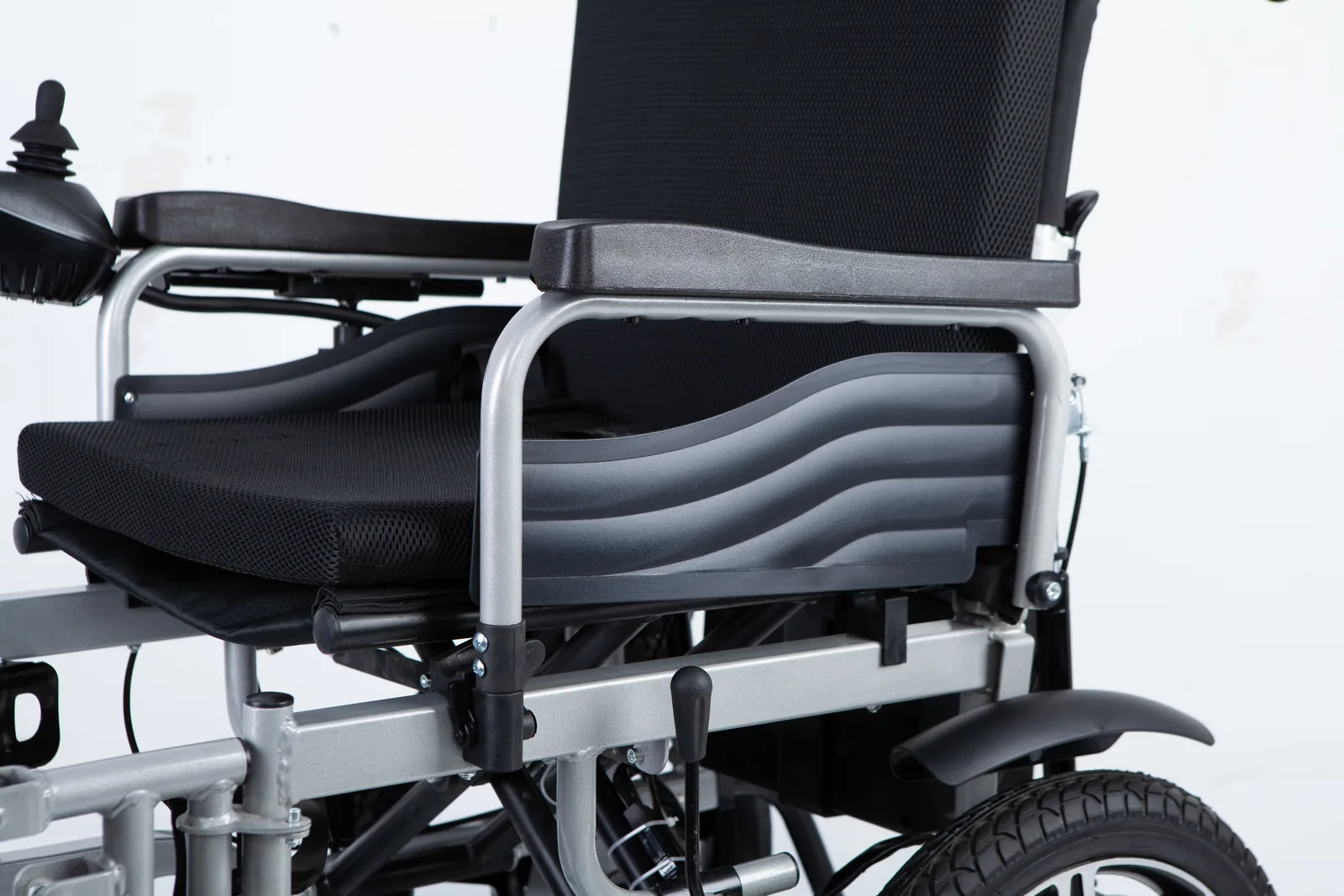
A clear handover shortens the path to the right answer. Whether you are a user, a family caregiver, or a dealer’s aftersales team, the same facts help: what the controller displayed, what the chair was doing when the state appeared, which controller is fitted, and which manual you have already checked. Write these down before calling, and photograph the display and any label. Avoid describing the chair as “broken” or “locked” as though the cause were known; describe what you observed.
The record below can be filled in by hand or copied into a service email. It separates observed facts from unanswered questions, which is exactly what a service provider needs to identify whether a documented lock mode applies.
| Handover field | What to record | Example of a useful entry |
|---|---|---|
| Chair model | Model name and any serial or identifier on the chair | Model as printed on the chair label |
| Controller | Name, part number, or marking on the controller | As printed on the controller housing |
| Manual checked | Title and revision or date of the document used | The manual supplied with the chair, with its revision |
| Display at the time | Text, lights, or symbols shown, with a photo | Describe or photograph exactly what appeared |
| Activity when it happened | What was happening before the chair stopped responding | E.g. after a pause, after switching on, after transport |
| Mechanical state | Whether the chair rolls freely when pushed | Note freewheel or brake-release position if known |
| Steps already tried | Only documented steps, with the result | The procedure from the manual and what happened |
| Open questions | What you could not confirm | Whether the manual covers the fitted controller |
Keep the record factual and brief. A service provider reading it can tell within a few lines whether the chair is likely to be in a documented lock state, whether a mechanical release is involved, or whether the display points somewhere else entirely. That triage is the real value of the handover: it lets the person answering the call decide which document to open before they speak to you, instead of starting from a vague description of a chair that will not move.
It also helps to say what you have not done. If you have not tried the documented unlock procedure, say so; if you tried it once and it failed, say that too, with the exact result. A service provider who knows the procedure was attempted correctly and did not work will look at a different set of causes than one who assumes it was never tried. Equally, if you are unsure whether the manual you have covers the fitted controller, state that uncertainty rather than presenting the document as confirmed. The open-questions row exists for exactly this purpose, and a clearly stated gap is more useful than a confident guess.
Keep the record with the chair where practical, so the next person — a family member, a care worker, or a workshop technician — inherits the same facts rather than starting over. If the chair must be moved before service, follow the manufacturer’s guidance for moving and transporting it rather than assuming a particular release state is safe. For related mechanical topics, the site’s page on electric wheelchair spare parts covers the parts side of service conversations, while this article stays with controller identification and documentation.
FAQ
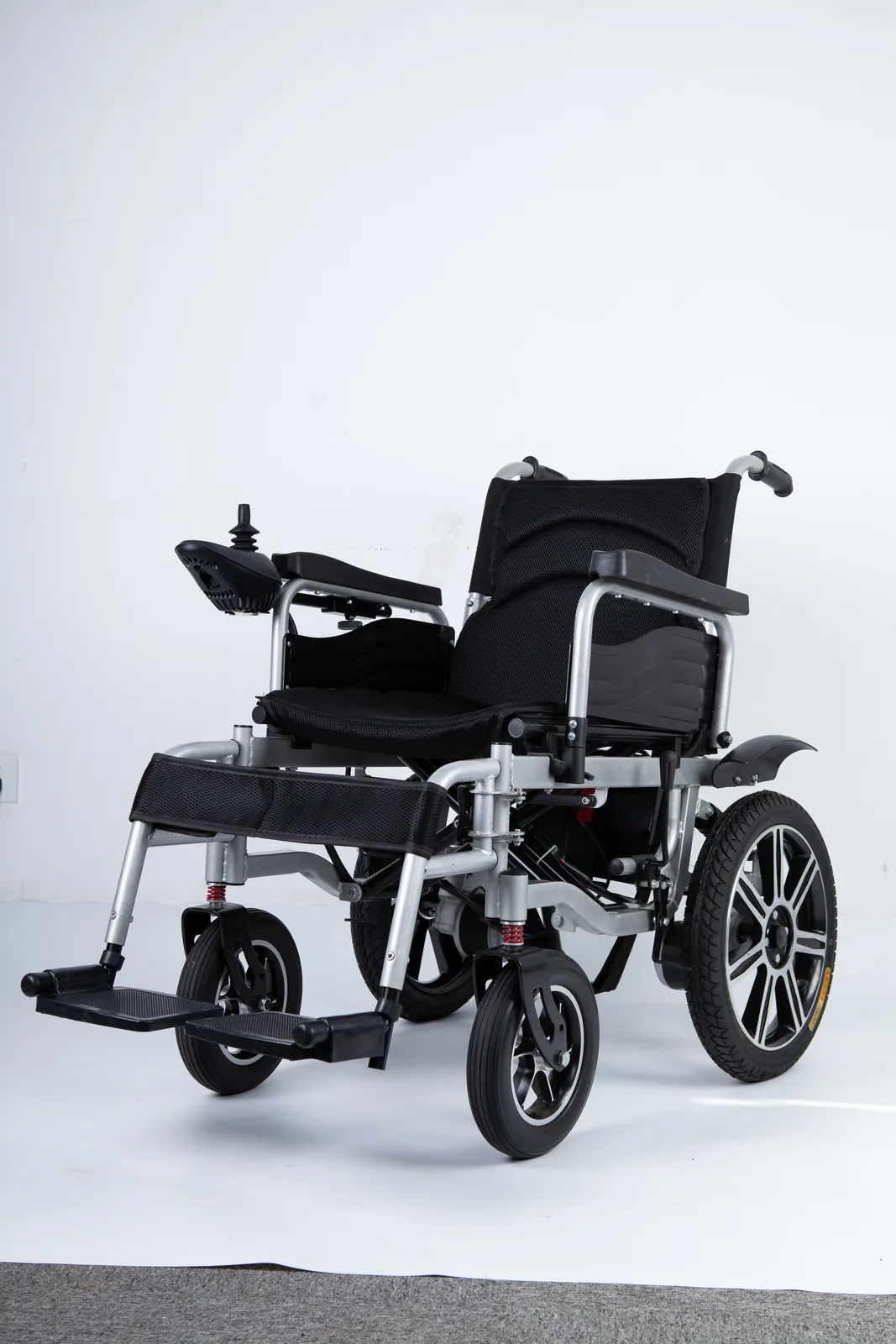
Is joystick lock mode the same as freewheel mode?
No. Lock mode is an electronic controller state that restricts drive input. Freewheel, or motor/brake release, is a mechanical function that lets the chair be pushed. They are different systems, and releasing one does not release the other. If you are unsure which applies, note whether the chair rolls freely when pushed and whether the controller is active, then ask the dealer or service contact.
Can the same unlock sequence work on every controller?
No. Lock procedures, indicators, and conditions are controller-specific, which is why the procedure should come from the manual that covers the fitted controller. A sequence published for one brand or model should not be applied to another. If you cannot confirm which document covers your controller, contact the dealer or manufacturer’s service channel before trying a procedure.
Conclusion
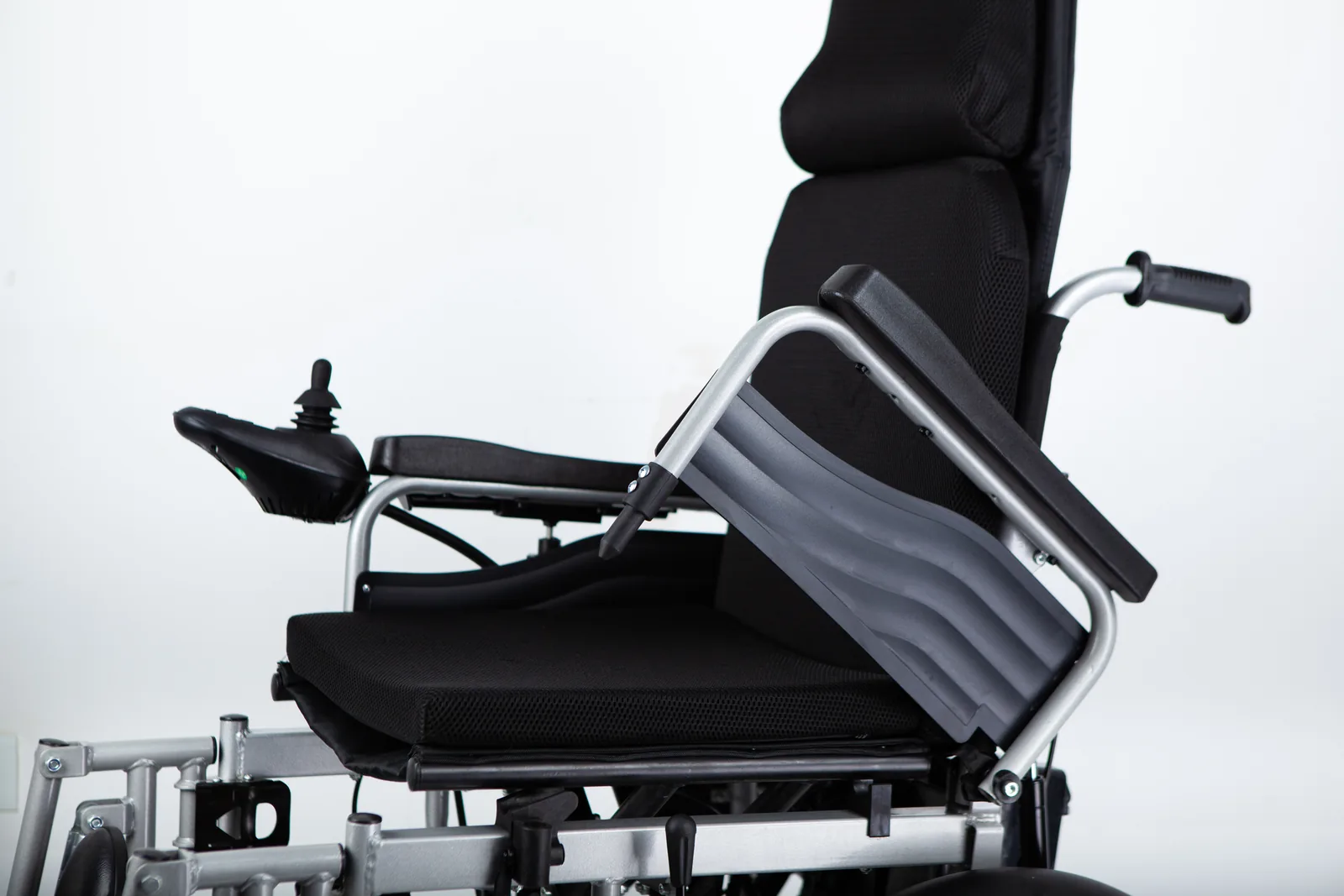
Identify the fitted controller, read its own manual, and record what you observe. If the documented procedure does not match, contact your dealer or the manufacturer’s service channel.
Video: How to put your GC2 Controller Joystick on Lockout mode? (Pride Go Power Wheelchair)