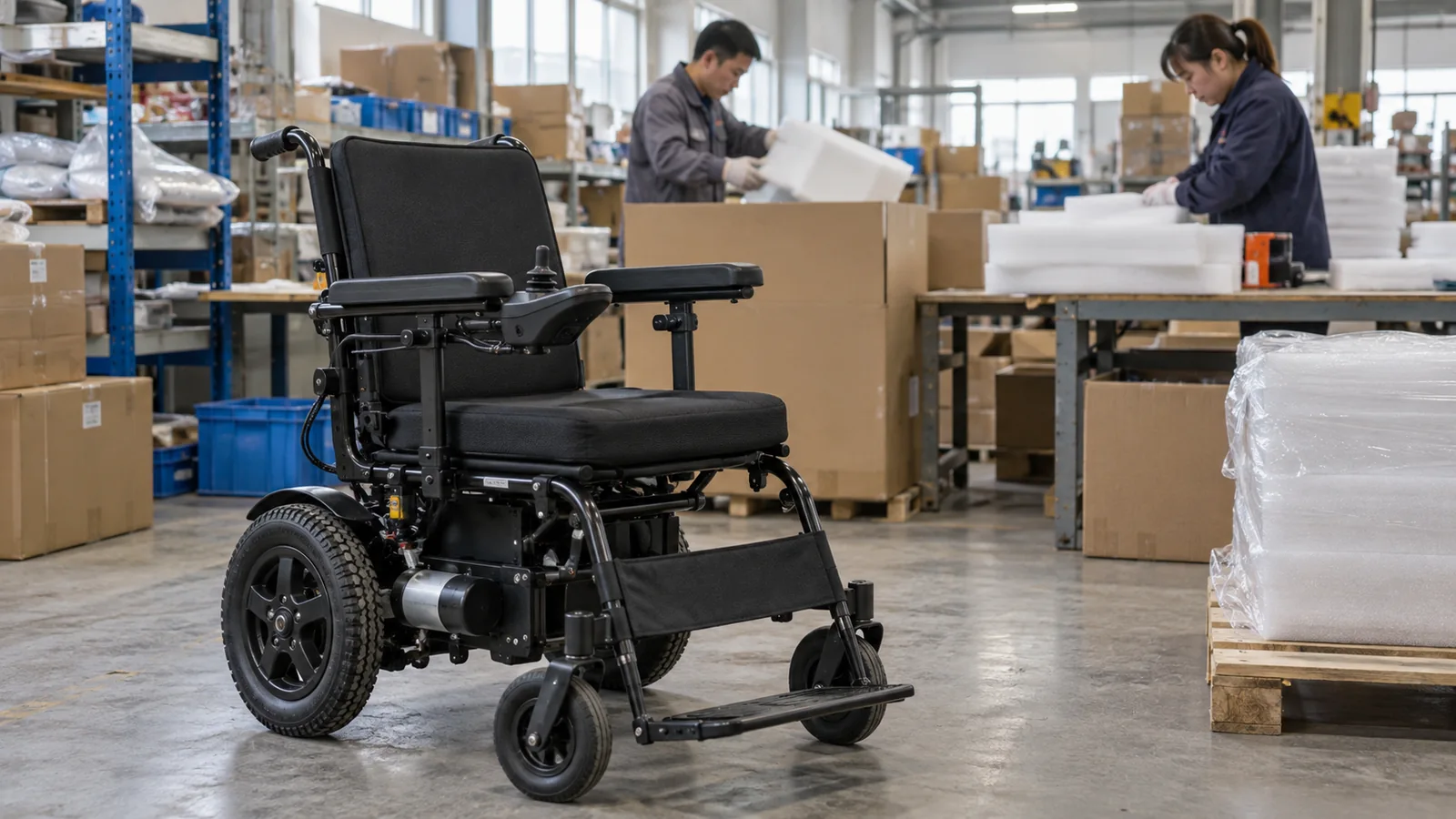
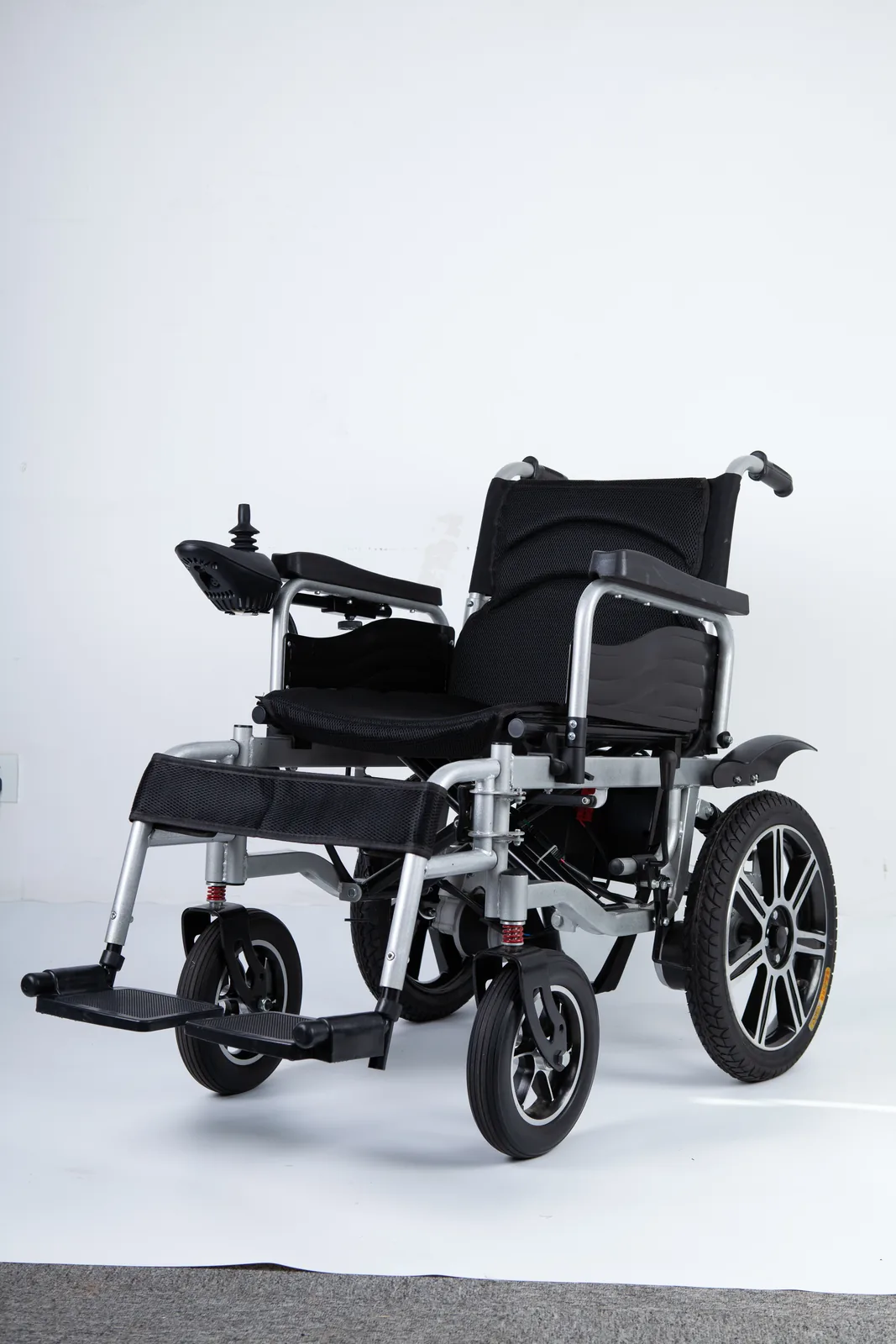
You have collected your wheelchair at the arrival airport and found a bent frame, a cracked shroud, a missing part, or a device that no longer moves as it did at check-in. The gate is behind you, the carousel area is busy, and you need to know what to write down, who to tell, and in what order.
Start by making an airline damaged wheelchair report to the operating airline before you leave the airport, and keep a written record of the device, the trip, the handover, and every reference number you receive. A damage report, a repair or replacement request, and a DOT complaint are three separate steps with different purposes.
Airline damaged wheelchair report: Record the device and the handover facts
A useful record starts before the damage is discovered. The facts that matter most are the ones that describe the device as it was when you handed it over, the trip it took, and the condition you found on return. Writing these down while you are still in the terminal is easier than reconstructing them from memory a week later, and it gives every later conversation a shared starting point.
Begin with the device itself: the make and model, the serial number if it is marked on the frame, the type of chair (manual, powered, or a care chair used for support), and any removable parts such as cushions, armrests, footrests, joysticks, or batteries that traveled with it or stayed with you. Note whether the chair was checked at the gate, checked at the ticket counter, or delivered to the aircraft door, because the handover point determines who took possession and when. Record the date, the flight number, the departure and arrival airports, and the operating airline rather than only the airline whose website you booked through; those can differ on connecting or codeshare itineraries.
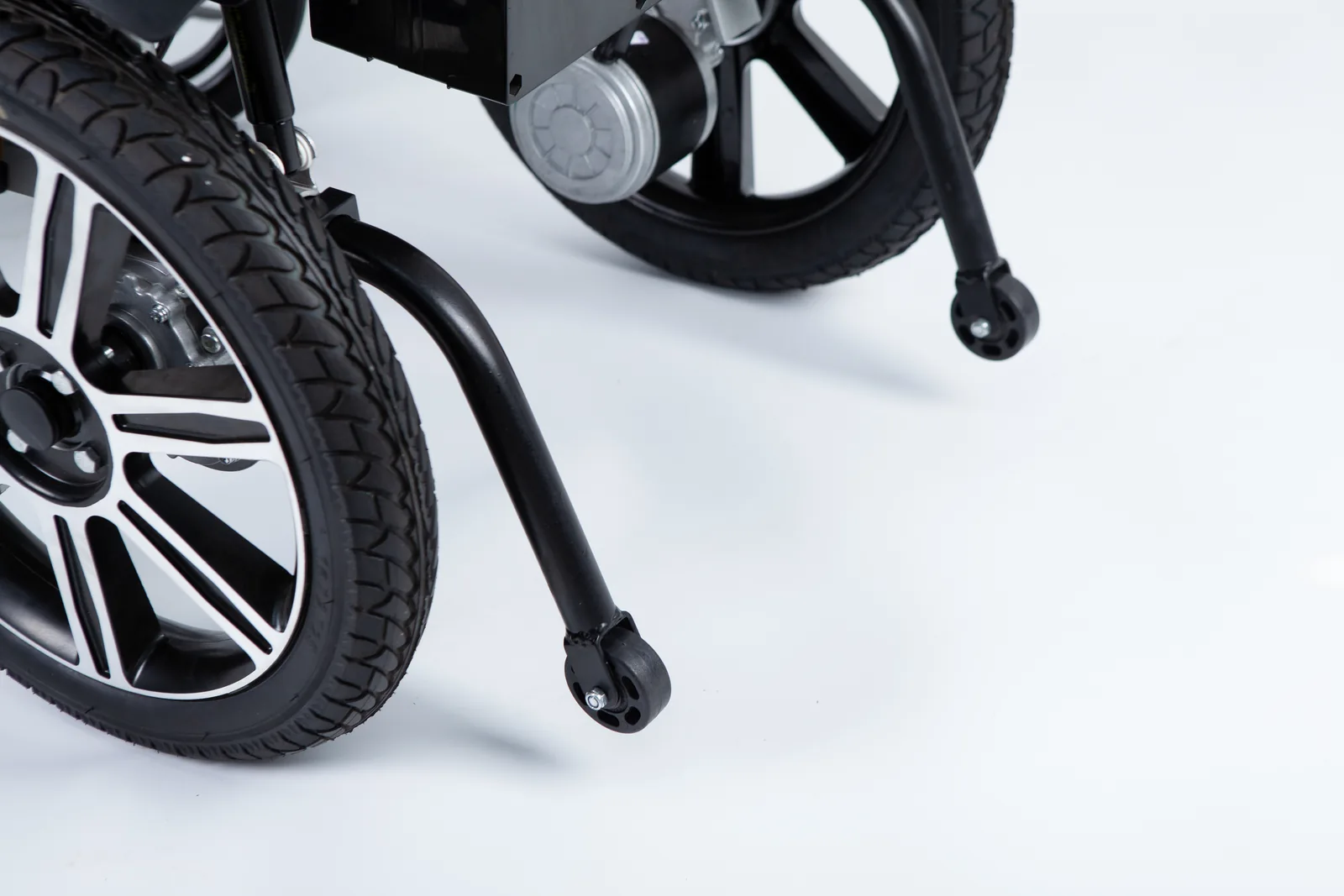
Then describe what you can actually see and feel, in plain terms: a wheel that no longer tracks straight, a frame that sits unevenly, a cracked housing, a missing bolt, a control that does not respond. You do not need to diagnose the cause or decide whether the chair is repairable. In fact, it is better not to attempt repairs or to keep using a device that behaves unpredictably; a damaged chair can be unsafe to occupy, and a home repair can complicate later assessment. Photograph the whole device, the specific damage from more than one angle, the serial plate, and the baggage tag or claim record if one was issued. Keep the photos in their original form with timestamps intact rather than cropping or editing them.
Finally, write down the reporting reference you are given. A name, a desk location, a file or claim number, and the time of the conversation are all useful. If no reference is offered, note who you spoke to and when. That small entry is often what lets a later reviewer connect your account to the airline’s own file, and it costs nothing to capture while the details are still fresh.
| Record item | What to capture | Why it matters later |
|---|---|---|
| Device identity | Make, model, serial number, chair type | Ties the record to one specific device |
| Trip details | Date, flight number, airports, operating airline | Identifies which carrier handled the device |
| Handover point | Gate, ticket counter, aircraft door | Shows when the airline took possession |
| Observed damage | Plain description plus photos from several angles | Documents condition at the time of return |
| Reporting reference | Name, desk, file or claim number, time | Gives follow-up conversations a shared anchor |
| Removable parts | Cushions, footrests, joystick, battery, keys | Prevents disputes about what was handed over |
Use the operating airline’s current reporting channel

Delta’s accessible travel services page asks passengers to report a delay or damage to an agent or the airline’s Complaint Resolution Official (CRO) before leaving the airport, and it states that conditions cannot be transferred to another airline. That is a concrete example of how one carrier frames the first step: report promptly, in person, at the airport, to a person who can open a record. It is not a universal rule, and it should not be pasted onto every itinerary.
For your own trip, identify the operating airline first, then check that airline’s current accessible-travel or baggage page for its reporting channel and any stated time frame. A CRO is the airline employee designated to address disability-related complaints under US rules; asking for a CRO by that title can be useful when a gate or baggage agent is unsure how to log the report. Keep the request simple: you are reporting damage or delay to a wheelchair or other assistive device, you want it recorded, and you want the reference number. If you are told to file later online, ask for the exact page or address and note the deadline you are given.
International itineraries and foreign carriers need their own check. The reporting route, the office that handles the file, and the time limits can differ from a US domestic trip, and a connection onto a partner airline can split responsibility between carriers. Delta’s statement that conditions cannot be transferred to another airline is a reminder to record which carrier handled the device on each segment rather than assuming the first airline will manage everything. On a two-carrier itinerary, note the point at which each carrier took and returned the device, because that sequence is what a later reviewer will use to decide which file to open.
| Situation | First channel to check | What to confirm |
|---|---|---|
| US domestic, single carrier | Operating airline’s airport agent or CRO | How the report is logged and what reference is issued |
| US domestic, connecting carriers | The carrier that last handled the device, plus the booking carrier | Which carrier owns the file for each segment |
| International itinerary | The operating carrier’s own published channel | Local time limits and the office that handles the file |
| Report refused at the airport | Airline’s written complaint route | The deadline stated for written follow-up |
If you are still at the airport and the chair is unusable, say so clearly and ask what the airline can arrange in the short term. Do not assume a loaner will be offered, and do not treat a verbal assurance as a decision. Ask instead what the next concrete step is, who will contact you, and by when, then write the answer into your log alongside the reference number.
Keep restoration and claims paperwork together
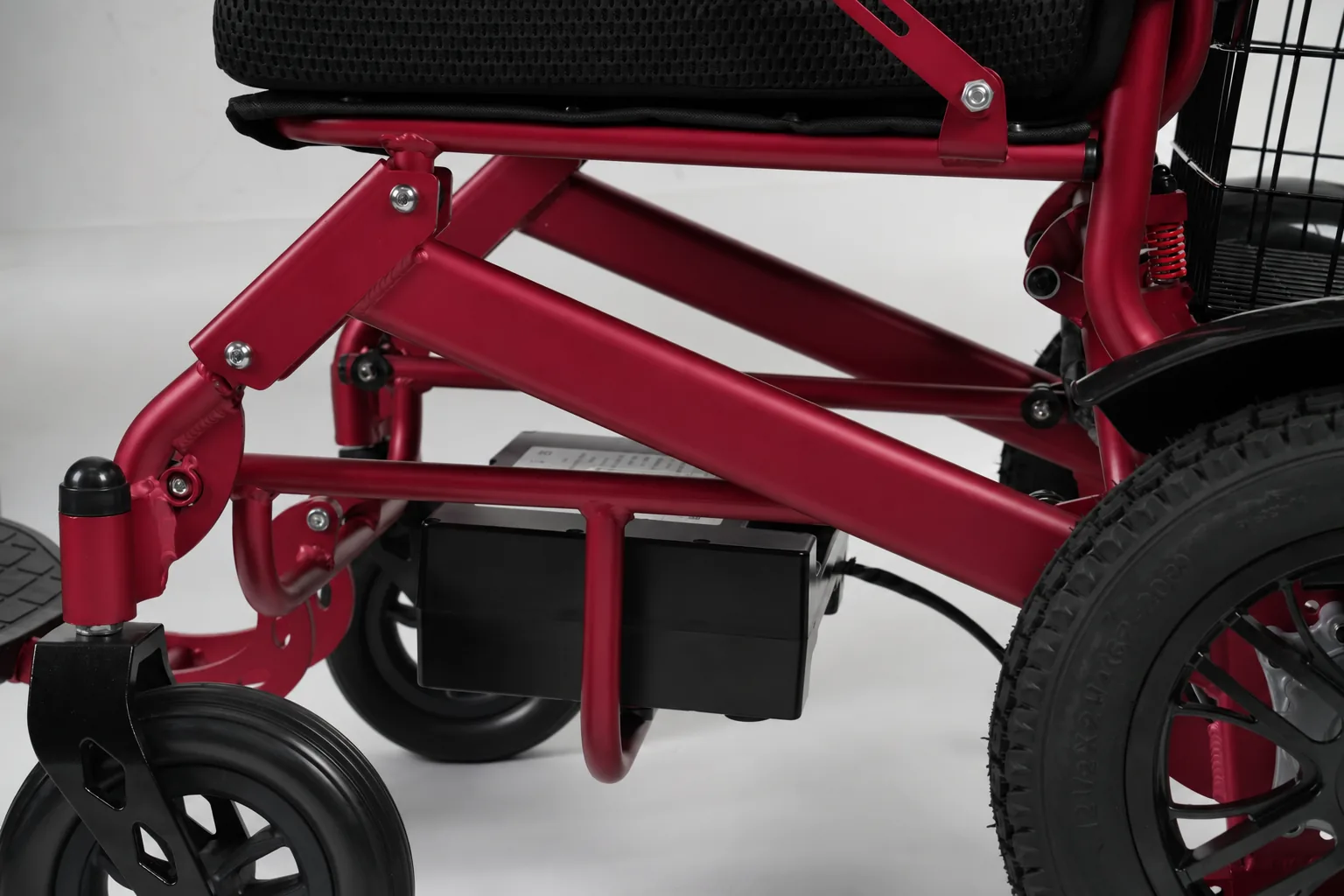
Once the immediate report exists, the practical question becomes how the device gets back into usable condition and how the related paperwork stays connected. Keep one folder, physical or digital, for the airline file, the device documents, the service provider’s assessment, and your own notes. Mixing these into separate email threads is how details get lost, and a single folder also makes it easier to hand a complete set of documents to whoever reviews the case later.
Temporary equipment needs
If you cannot use the damaged chair, write down what you need in the short term: a temporary replacement, a loaner, storage for the damaged device, or transport home. Ask the airline what it can arrange and record the answer, including who said it and when. Whether a temporary device suits your own seating, posture, or support needs is a separate question that belongs with a qualified professional who knows your situation, not with the baggage desk. The airline’s role is the travel disruption; the suitability of any replacement device is a different judgment, and keeping those two conversations apart prevents a travel answer from being mistaken for a seating decision.
Service provider assessment and quotes
Ask the service provider to put the assessment in writing: what they inspected, what they found, what they recommend, and what it would cost. Keep the original quote and any revised version rather than only the final figure. If parts are needed, the provider should identify them against the exact model and serial number. Our page on power wheelchair warranty, parts, battery, and labor explains how those categories are usually separated, and it can help you frame questions to a provider, though it does not determine who pays for airline damage. Do not authorize repairs you expect someone else to cover without first confirming, in writing, how the cost will be handled.
Communication timeline
Log every contact in order: date, time, channel, who you spoke to, what was promised, and what you sent. Attach copies of emails and keep the originals. A timeline turns a scattered set of calls into a sequence that can be reviewed by anyone, including a complaint reviewer who was not part of the earlier conversations. It also shows gaps, such as a promised callback that never came, which are hard to describe from memory but obvious in a dated list.
| Document group | Examples | Where it belongs |
|---|---|---|
| Airline file | Report reference, agent or CRO name, written responses | Incident log, first section |
| Device record | Model, serial, photos, pre-trip condition notes | Incident log, device section |
| Service file | Assessment, quote, parts list, invoice | Incident log, restoration section |
| Communication | Emails, letters, call notes with dates | Incident log, timeline section |
Read current DOT guidance with its limits
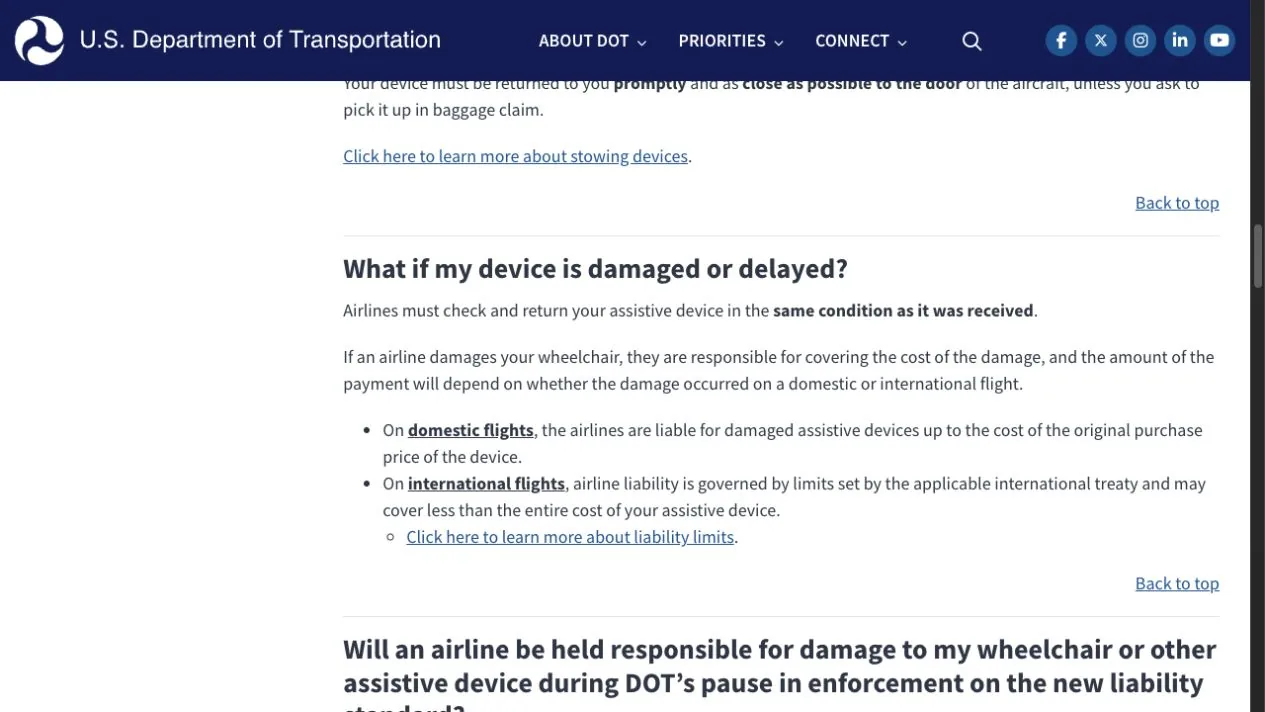
The US Department of Transportation publishes guidance on assistive device stowage, damage, and delay, and it distinguishes domestic from international situations. That distinction matters because the rules, the enforcement posture, and the complaint routes are not identical. The same DOT page has flagged a pause in enforcement of certain 2024 revisions, which means a news article or a summary written before that pause may describe requirements differently from the current official position.
Treat the DOT page as the reference to check at the time you act, not as a fixed text you memorized earlier. Read the date and the scope statements on the page, note whether the pause is still in effect, and keep a copy or a dated screenshot of what you read. If a customer service conversation cites a rule, ask which provision and which version, and compare it with the current page. This is not about catching anyone out; it is about making sure your expectations and your complaint rest on the position that actually applies.
A pause in enforcement of particular revisions is also easy to misread. It does not mean that every protection disappeared, and it does not mean that every newer requirement is fully in force. The practical response is the same either way: read the current page, note its date, and describe what it says in your own file rather than repeating a headline. If your itinerary crosses borders, check both the DOT’s international discussion and the operating carrier’s own written terms, because the two may not line up neatly.
| Question | Domestic trip | International trip |
|---|---|---|
| Which guidance applies? | Check the DOT page’s domestic section | Check the DOT page’s international section and the operating carrier’s rules |
| Is enforcement status relevant? | Yes — confirm whether the 2024 revision pause is current | Yes — confirm scope before relying on any provision |
| Where does a complaint go? | Follow the DOT’s published complaint route | Confirm the route and any local limits first |
| What should I keep? | A dated copy of the page you relied on | The same, plus the carrier’s own written terms |
None of this tells you what a particular claim is worth or who will pay. It tells you which authority’s current text to read before you write a complaint or accept an explanation.
Use a single incident log for follow-up

A single log is the difference between a case you can explain in two minutes and a folder of loose messages. Build it as a table with one row per event, and keep it updated after every contact. The log should let a reader who knows nothing about your trip understand what happened, what has been done, and what is still open. Because the same log serves the airline, the service provider, and any later complaint, it is worth keeping the wording factual and neutral rather than argumentative.
| Log field | Example entry style | Purpose |
|---|---|---|
| Segment | Date, flight number, operating airline | Shows which carrier handled the device |
| Document | Report reference, photo set, quote | Points to the evidence |
| Response received | Who replied, on what date, what they said | Records the airline’s position |
| Service arrangement | Temporary device, assessment booked, parts ordered | Tracks restoration progress |
| Open item | Awaiting written cost decision | Prevents items from being forgotten |
| Next contact | Date and channel for follow-up | Keeps the case moving |
Review the log before each call so you can state the reference number and the open item in one sentence. If the airline’s response stalls, the log shows the pattern of contacts and replies, which is exactly what a complaint reviewer needs. When informal follow-up has run its course, the DOT publishes an official complaint route; use the current instructions on its site rather than an address copied from an old article, and attach the log and key documents rather than a long narrative.
It also helps to decide in advance which of the three tracks a given message belongs to. A question about the file reference is an airline reporting matter. A question about whether a part can be sourced is a device service matter. A question about whether the airline followed the applicable rules is a regulatory complaint matter. Keeping the tracks separate stops one slow answer from blocking the others, and it keeps each message short enough for the recipient to act on.
FAQ
Should I report before leaving the airport?
Delta’s page asks passengers to report delay or damage to an agent or CRO before leaving the airport, and reporting while the device and the staff are still present usually makes the record easier to open. Other airlines and international itineraries may set different channels, so confirm the operating carrier’s current instructions. If you must leave, ask for the written follow-up route and any deadline before you go.
Is a wheelchair damage report the same as a DOT complaint?
No. A damage report is the airline’s own record of the incident, opened through its airport or customer service channel. A DOT complaint is a separate filing to the regulator about how the airline handled the matter. Keep the airline reference number, because a complaint is easier to review when it points to an existing file.
Can domestic and international liability rules differ?
Yes. The DOT’s guidance separates domestic and international situations, and the applicable rules, enforcement status, and complaint routes are not identical. Check the current DOT page and the operating carrier’s own terms for your itinerary before relying on any summary, including this one.
Conclusion
Report damage to the operating airline before leaving the airport, keep one incident log with references and photos, and check current DOT guidance before filing a complaint.
Video: Traveling With A Wheelchair or Mobility Aid