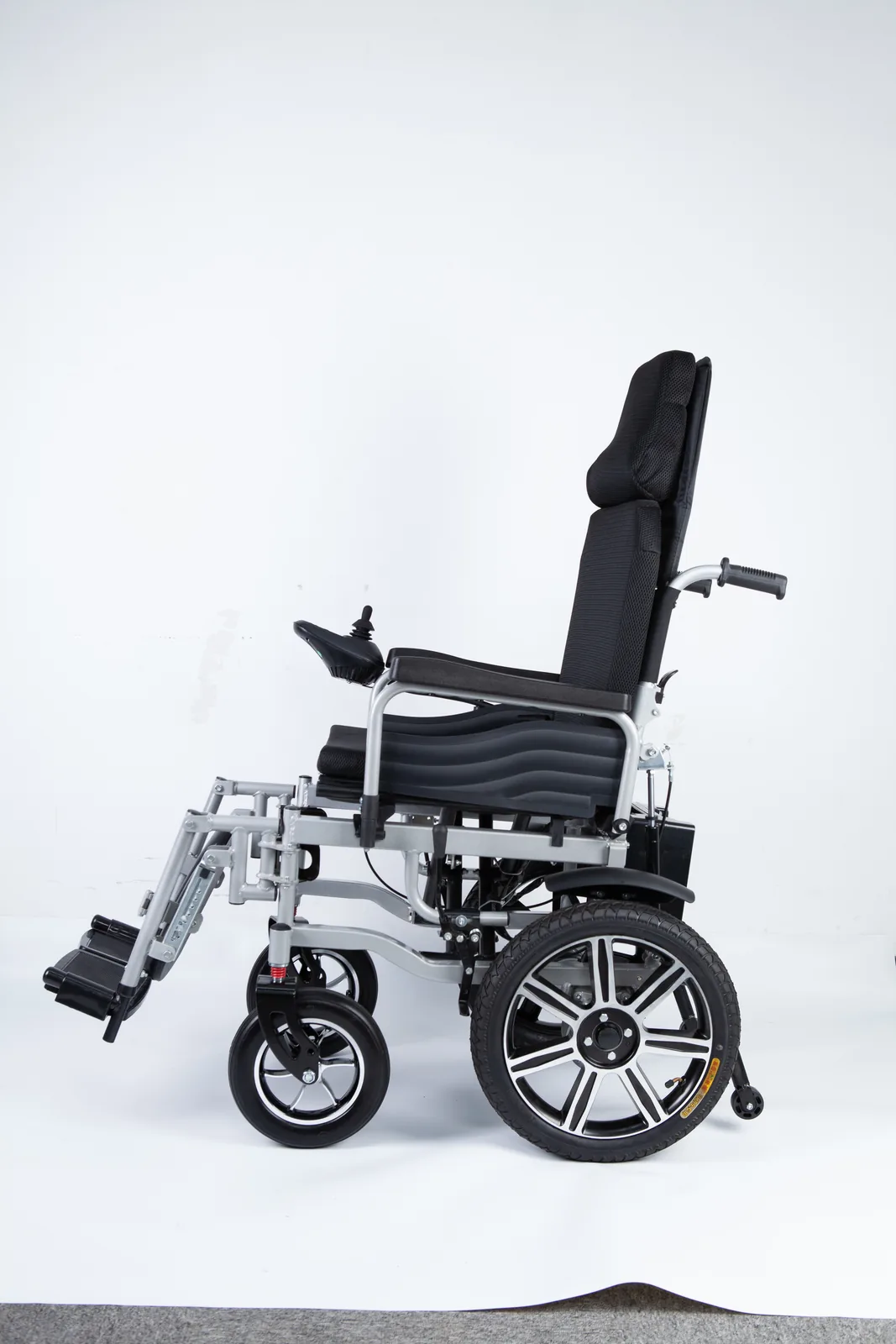
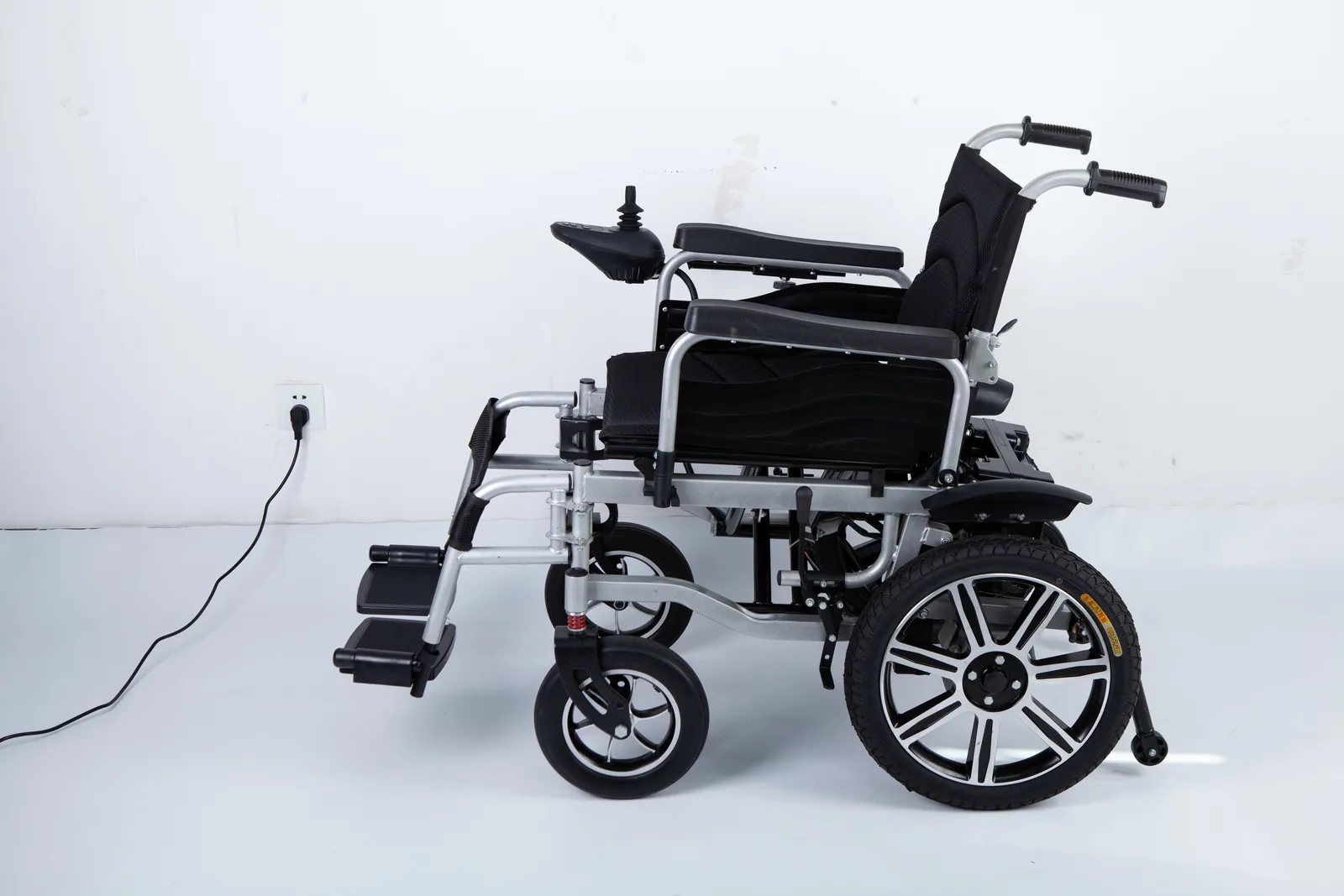
Your chair is on the charger, the indicator has changed, and you are heading to bed. Some owners say leaving it connected is fine; others say unplug it. If you are asking “can you leave power wheelchair charging overnight,” the honest answer is that it is written in the instructions for your exact battery and charger, not in a general rule.
There is no universal overnight-charging answer. Whether a power wheelchair may stay connected overnight depends on the specific battery type and model, the charger supplied or approved for it, and what that manufacturer’s current instructions say about the period after charging completes. Two published guides already disagree, so the label on the battery is not enough.
Can you leave power wheelchair charging overnight: There is no universal overnight-charging answer
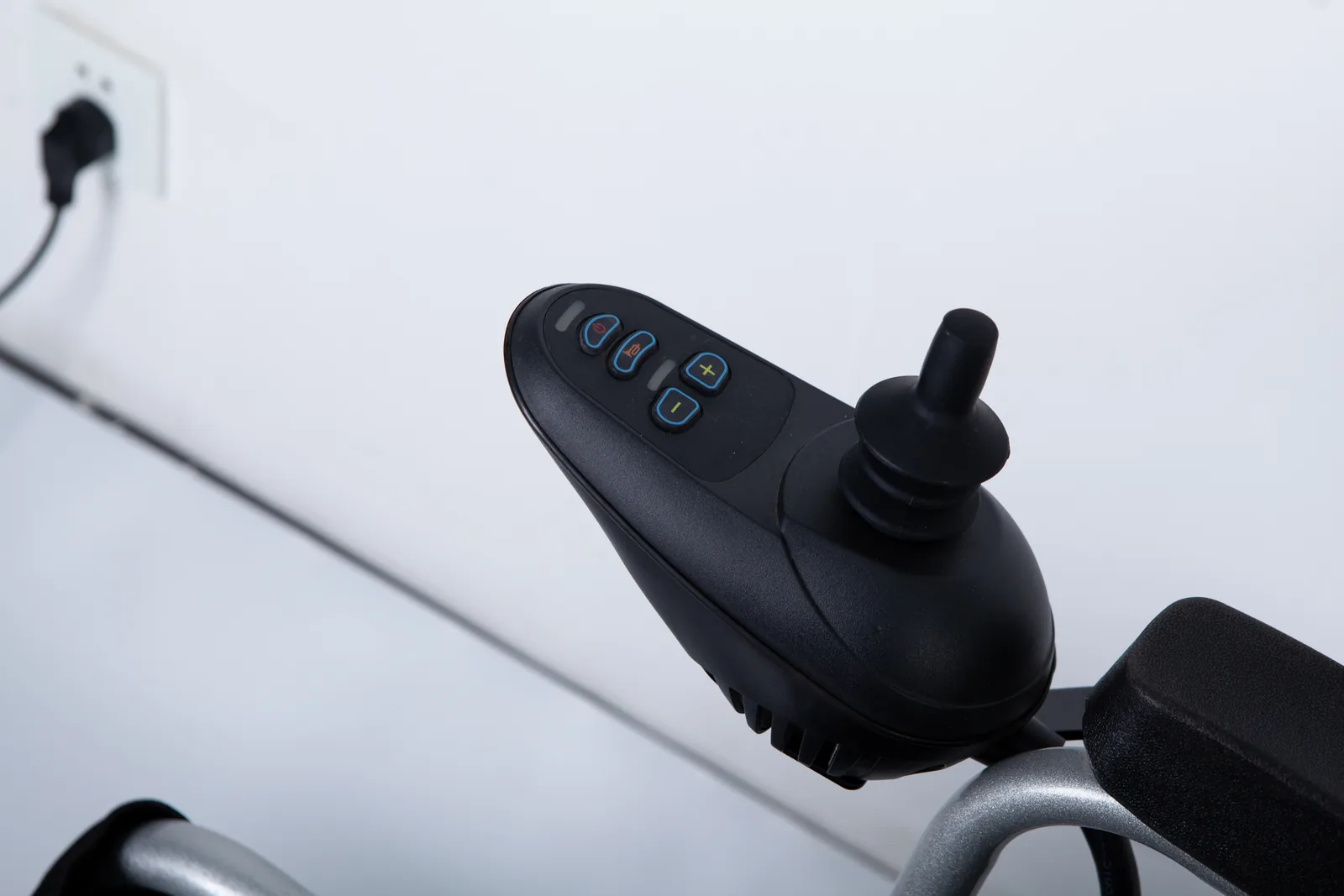
The question sounds simple, but it hides several different questions. Are you asking whether charging may continue while you sleep? Whether the chair may stay plugged in after the charger signals completion? Whether the charger may remain connected to the wall? Each of these can have a different answer within the same manual, and the answer belongs to one battery-and-charger combination.
A common shortcut is to reason from chemistry: “AGM batteries can do this, lithium batteries cannot,” or the reverse. That shortcut is unreliable. A battery chemistry name describes a family of products, not the charging profile, charger design, battery management electronics, or instructions for your chair. Two chairs with lead-based batteries can carry different charger instructions, and two chairs described as lithium-powered can differ as well. The chemistry label tells you what kind of battery you have; it does not tell you what your manufacturer permits after the charge completes.
A second shortcut is to reason from the indicator light. A green light, a steady light, or a light that stops flashing is a status signal defined by that charger’s documentation. It is not a universal “safe to leave connected” signal, and it is not a universal “unplug now” signal either. The meaning of the indicator has to be read from the charger manual for your unit. This is why the phrase “leave power chair plugged in” means different things on different chairs: on one setup it may describe a documented maintenance behavior, and on another it may describe something the manual tells you to avoid.
A third shortcut is to apply one brand’s guide to another brand’s chair. This is the most common way conflicting advice spreads. Someone reads a guide written for a named battery setup, repeats the conclusion without the setup, and the conclusion travels to chairs it was never written for. The result is exactly the confusion this article addresses: two people with two different power wheelchairs, both quoting “the manual,” both correct for their own equipment.
So the practical first step is not to decide yes or no. It is to establish which document governs your chair. That means identifying the battery, identifying the charger, and locating the current instructions that cover both. Until those three pieces are in front of you, any overnight decision is borrowed from someone else’s setup.
This also explains why a dealer, a forum, or a caregiver’s experience cannot settle the question for your chair. Their answer may be accurate for their equipment and still be wrong for yours. The rest of this article shows how two published guides differ, how to identify your own setup, and how to get a written answer when the documents conflict.
Compare two scoped charging instructions

Two publicly available guides illustrate the contrast. They are useful precisely because each is limited in scope, and because their conclusions point in different directions.
The Permobil AGM charging guide (document GR6922-0.1EN250317, observed October 2026) is written for an identified Permobil AGM battery setup. Within that scope, it permits the battery to remain connected. That is a statement about one named setup, published by that manufacturer, in a document with its own identifier and date. It is not a statement that every wheelchair, every AGM battery, or every charger may stay connected.
The ComfyGO UK battery and charging guide (observed October 2026) covers the models listed on that page. For its covered users, it advises against leaving batteries charging overnight and directs readers to follow the instructions for their model. Again, the scope matters: the page addresses its own covered products and tells readers that model-specific instructions take precedence.
The two guides are not in contradiction once their scopes are visible. They describe different products, different batteries, different chargers, and different documents. The contradiction appears only when someone removes the scope and treats one conclusion as a general rule.
| Document | Publisher and scope | Region and version noted | What it says about remaining connected | How to use it |
|---|---|---|---|---|
| Permobil AGM Charging Guide GR6922-0.1EN250317 | Permobil; identified AGM battery setup | Document identifier and date shown on the guide; observed October 2026 | Permits remaining connected within that setup | Applies only to the named battery and charger configuration |
| ComfyGO UK Battery & Charging Guide | ComfyGO UK; models covered on that page | UK page; observed October 2026 | Advises against overnight charging for covered users; follow model instructions | Applies only to the covered models and their own manuals |
| Your chair’s manual | The manufacturer of your exact model | Check revision and date on your copy | Must be read directly; not supplied here | The governing document for your setup |
Read the table as a demonstration of scope, not as a menu. You cannot choose the row whose answer you prefer. The row that applies to you is the one written for your battery and charger, and that row is your own manual, which this article does not reproduce.
Two further details in the comparison deserve attention. First, both guides are dated or versioned. Charging instructions can be revised, and an older printout, a downloaded copy, or a dealer’s summary may not match the current document. Second, the ComfyGO page explicitly directs readers to model instructions, which is a reminder that a brand-level page may not be the final word for a specific model within that brand.
There is also a regional dimension worth noticing. One document is identified with a UK-facing page, while the other carries its own document identifier and date. If you live in the US and your chair was supplied through a US dealer, neither page automatically becomes your governing document; it becomes a comparison point you can raise with the party that supplied your chair. The value of the comparison is that it shows a real, documented disagreement between two manufacturers, which is exactly why a single borrowed rule cannot be trusted.
If you have been given advice that cites one of these guides, ask which document, which version, and which battery and charger it was written for. If the answer cannot be given, the advice has lost its scope and should not guide your overnight decision.
Identify your complete charging setup
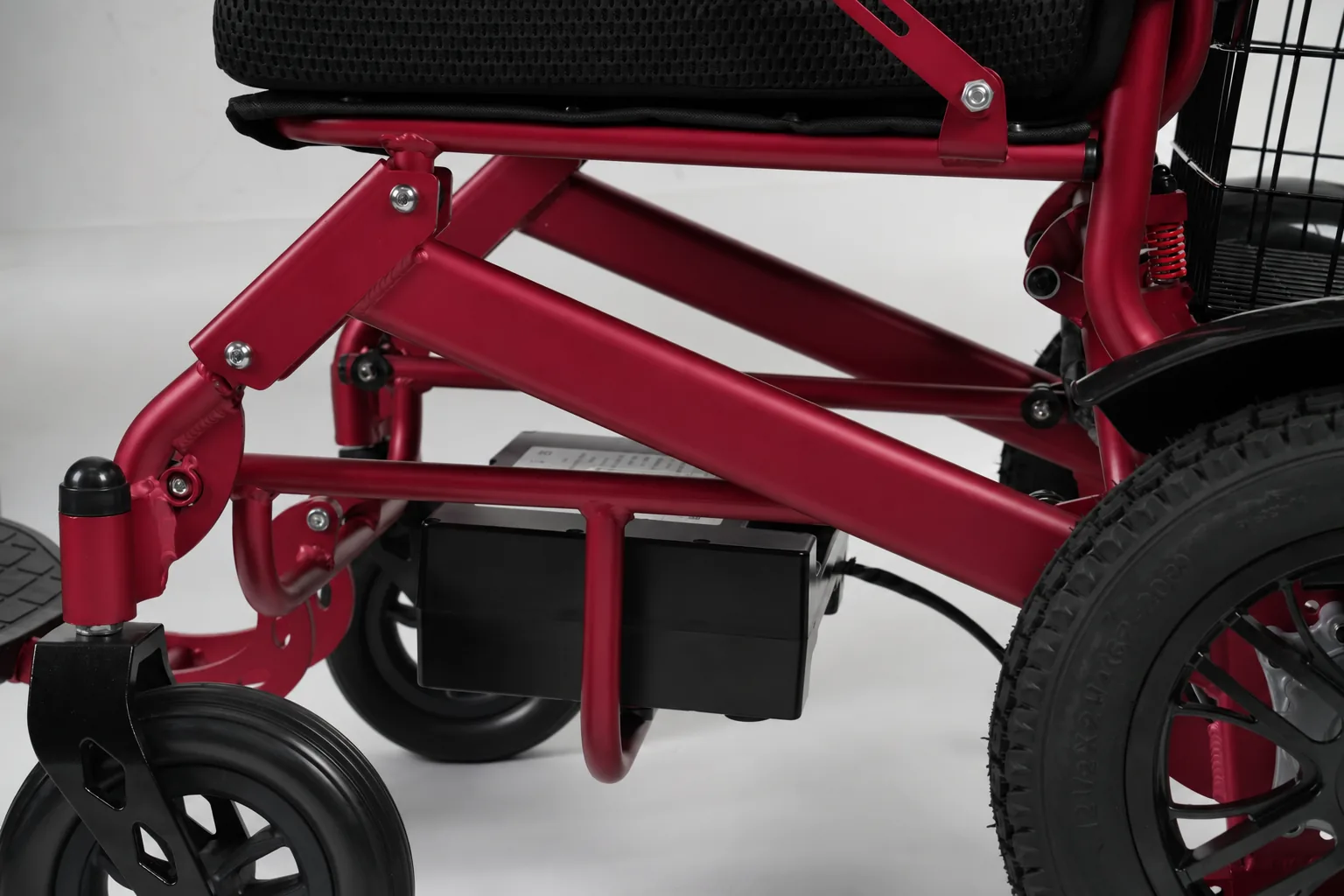
Before you can read the right instruction, you need to know what you are charging. A complete setup has three parts: the chair and battery, the charger, and the manual conditions that describe how charging should be done and how completion is indicated. Collecting these details once makes every later question easier, including questions to a supplier.
Chair model and battery model
Start with the chair’s model name and any serial or identification number on the frame or label. Then find the battery information: the battery type as printed, the model or part number if shown, and the voltage and capacity markings on the battery label. Photograph the labels rather than copying numbers by hand, since a single misread digit can point to the wrong document. If the battery was replaced at some point, the battery now fitted may not be the one named in the chair’s original manual, which is a common source of mismatched advice.
Charger model and its instructions
The charger is a separate device with its own label and often its own instructions. Record the charger’s model number, its input and output ratings as printed, and whether it is the charger supplied with the chair or a replacement. A charger bought separately, borrowed, or supplied by a dealer may carry different instructions from the original. The charger manual is where the indicator light meanings usually live, so it is not optional reading. If you cannot find a charger manual, that gap is itself information: it tells you which question to ask the supplier first.
Environment and completion indication in the manual
The chair or charger manual typically describes where and how charging should take place and what the indicator shows at each stage. Look for statements about ventilation, surface, temperature, the meaning of each light state, and what to do when charging is complete. These are the conditions under which the manufacturer’s answer applies. Charging in a different environment, or interpreting the light by guesswork, takes you outside the documented setup.
| Field to record | Where to find it | Example of what to write | Why it matters |
|---|---|---|---|
| Chair model and serial | Frame label or plate | Model name plus serial as printed | Ties the question to the right manual |
| Battery type and model | Battery label | Chemistry as printed, model or part number, voltage | Determines which charging document applies |
| Battery replacement history | Service records or dealer | Original or replaced, with date if known | A replaced battery may fall outside the original manual |
| Charger model and ratings | Charger label | Model number and printed input/output | Identifies the correct charger instructions |
| Completion indication | Charger or chair manual | The documented meaning of each light state | Prevents guessing what a green light means |
| Manual version and date | Cover or footer of the document | Revision identifier and date | Confirms you are reading current instructions |
This five-field card, covering battery, charger, completion indication, what happens after completion, and document version, is the practical output of this section. Keep it with the chair’s paperwork. When advice conflicts, the card lets you say exactly which setup you are asking about, and it lets a supplier answer without guessing. It also shows you quickly when a piece is missing, such as an unreadable battery label or a charger with no documentation.
Fill the card in once, then update it whenever the battery or charger changes. A replacement battery or a new charger is the moment when an old answer stops being reliable, because the document that governed the previous setup may no longer cover the new one. Keeping the card current is a small habit that prevents a large amount of confusion later.
Resolve conflicting advice with the supplier

When two sources disagree, or when your manual is missing or unclear, the productive step is a written question to the party responsible for your chair’s documentation. That may be the manufacturer’s support channel, the dealer who supplied the chair, or the service provider who maintains it. A written exchange creates a record you can return to, and it forces the scope question into the open.
Prepare the questions before you contact anyone, and attach the identifiers from your setup card. Vague questions produce vague answers, and a vague answer will not resolve an overnight decision.
| Question to ask | Why it matters | What a useful answer includes |
|---|---|---|
| Which current manual or guide applies to my chair model, battery, and charger? | Establishes the governing document | Document name, revision, and date |
| Is the charger I have the original or an approved replacement for this setup? | A mismatched charger may follow different rules | Confirmation tied to the charger model number |
| What does the manual say about the period after charging is complete? | This is the actual overnight question | A direct statement, not a general practice |
| May the chair remain connected overnight, and under what conditions? | Separates permission from assumption | A yes or no with the conditions named |
| What storage or disconnection rules apply when the chair is not in use? | Covers the days between charges | The documented storage guidance |
| Which document version should I keep on file? | Prevents relying on superseded advice | Version identifier and where to get updates |
Send the chair model, serial, battery label details, charger model, and photographs of the labels. Ask for the answer in writing, and keep the reply with the chair’s paperwork alongside the setup card. If the reply cites a document, ask for the document itself or its exact identifier so you can read the conditions rather than a summary.
Two habits make this process work. First, ask about your setup, not about power wheelchairs in general; a general answer cannot resolve a specific overnight question. Second, treat a verbal answer at a counter as provisional until it is confirmed in writing, especially where the answer differs from the manual you hold. If the supplier’s written answer conflicts with your printed manual, ask which document is current and which one governs your unit.
This is also where the two guides from earlier become useful again. You can tell a supplier that you have seen one guide permitting connection for a named AGM setup and another advising against overnight charging for different covered models, and ask which applies to your equipment. Framed that way, the question is answerable. Framed as “is overnight charging safe,” it is not.
Keep the reply even after the question is settled. A written answer dated to your setup is a reference you can return to when the same doubt comes back, and it saves you from repeating the whole search each time. If the supplier later revises the guidance, the dated record also shows what you were told and when, which is useful if the chair’s documentation changes.
Keep electrical troubleshooting outside this guide
Everything above concerns reading documentation and asking scoped questions. It does not cover diagnosing or repairing a charging fault, and this guide deliberately stops at that boundary.
Signs that you have moved from a documentation question to a service question include a charger that behaves differently from its manual, a battery that no longer accepts a charge, visible damage to a charger, cable, plug, or battery, a burning smell, unusual heat, or a chair that loses power unexpectedly. Documentation cannot resolve these. They belong with the manufacturer’s service channel, the dealer, or a qualified service professional who can examine the actual equipment.
This article does not recommend opening a battery pack, using an external power supply to force a charge, attempting to recover a deeply discharged battery, substituting a charger, or bypassing any safety feature. Those actions fall outside what a documentation guide can responsibly support, and they can turn a repairable situation into a hazardous one. If your manual is missing, illegible, or does not cover the behavior you are seeing, that is itself a reason to contact the responsible service channel rather than to improvise.
For readers organizing the paperwork side of a service question, the site’s pages on power wheelchair warranty, parts, and battery labor and electric wheelchair spare parts may help frame what to ask. Read them for the questions they raise, not as a substitute for your own manual or a service assessment.
A simple rule keeps the boundary clear: if the question is “what do my instructions say about leaving this connected,” you are in the right place. If the question is “why is my charger doing this,” you need the service channel. Record what you observed, when it happened, and what the labels say, then hand that record to the professional rather than acting on a guess.
That record is also what makes a service conversation efficient. A short note describing the behavior, the conditions when it appeared, and the exact battery and charger identifiers gives the service provider something concrete to work from, instead of a description that has to be reconstructed from memory. It does not replace an inspection, but it helps the right person reach the right question faster.
FAQ
Does a green light mean I should unplug every charger?
No. A green or steady light is a status defined by that charger’s own documentation. Some chargers use it to show a completed charge; the meaning and the recommended action afterward must be read from the charger manual for your unit. Do not generalize one charger’s light behavior to another charger.
Can advice for AGM batteries be applied to every lithium chair?
No. The Permobil guide described above is scoped to an identified AGM setup, and a lithium-powered chair has its own battery, electronics, charger, and instructions. Chemistry names describe families of products, not the charging rules for your specific chair. Use the document written for your battery and charger.
What identifiers should I send the supplier?
Send the chair model and serial, the battery type and model as printed on its label, the charger model and printed ratings, photographs of those labels, and the name, revision, and date of the manual you currently hold. These details let the supplier identify the governing document and answer about your setup rather than power wheelchairs in general.
Conclusion
Overnight charging depends on your exact battery, charger, and current manual. Record your setup, read the scoped instructions, and get conflicting advice confirmed in writing by your supplier.
Video: Wheelchair Tips: Charging your battery