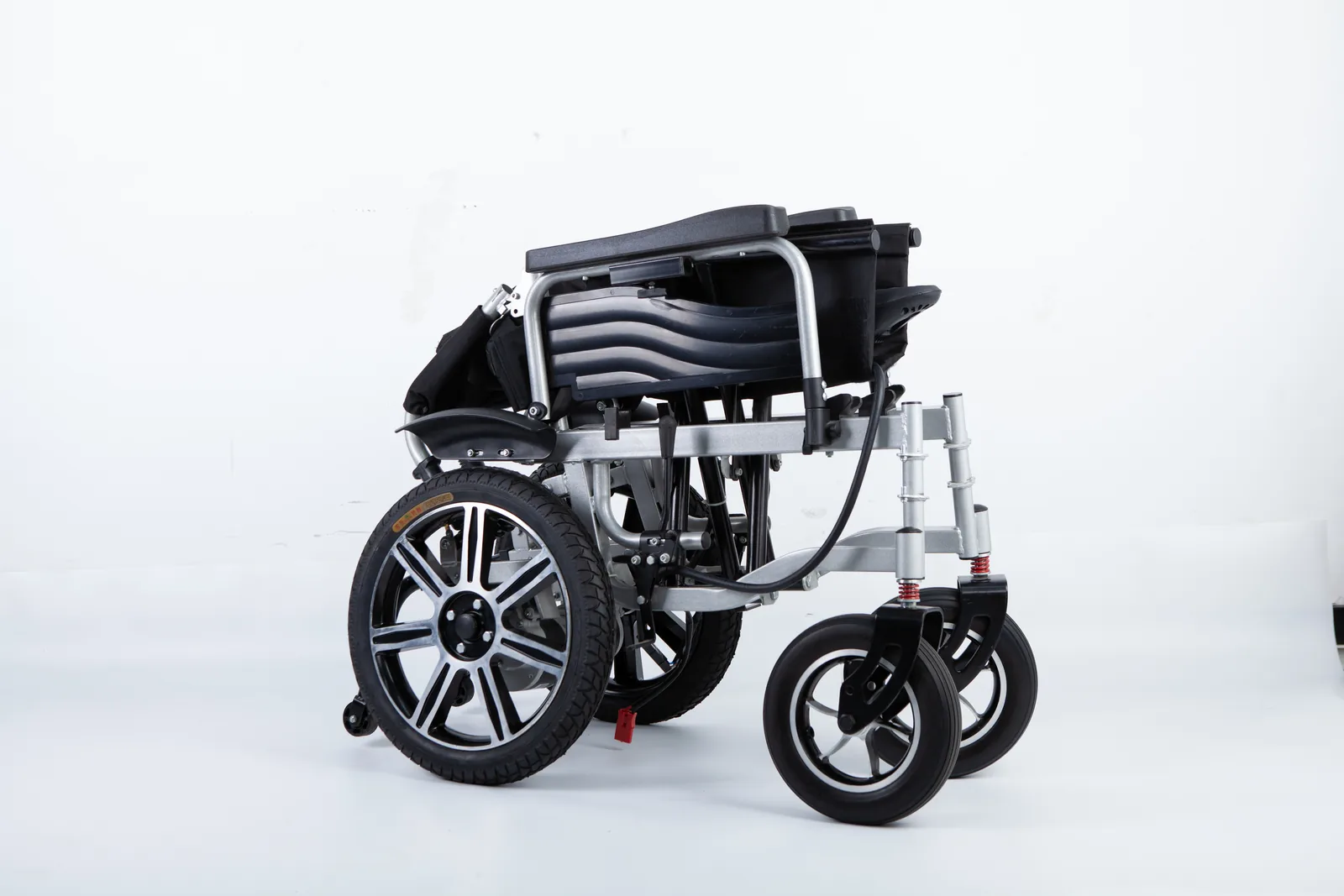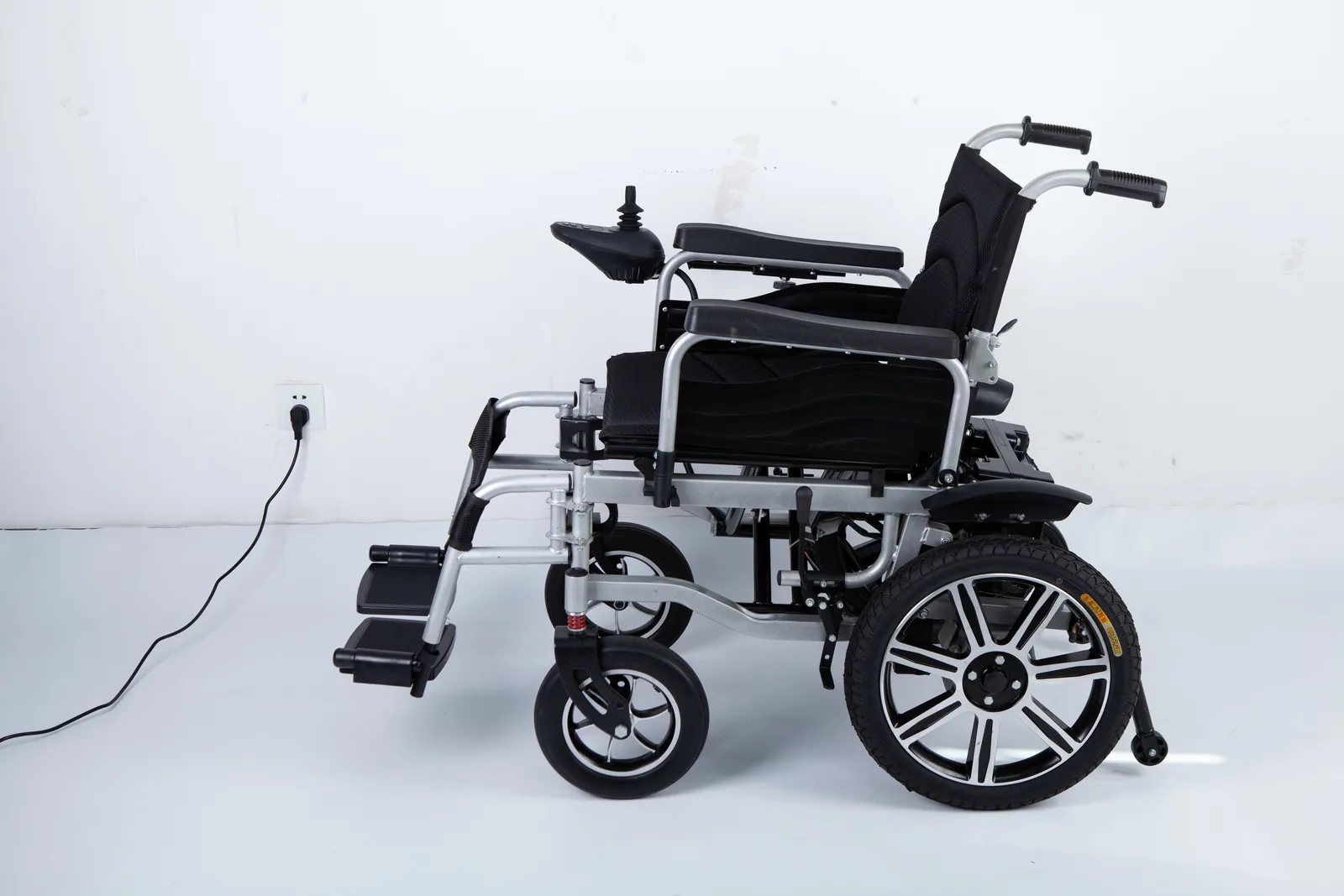

A supplier sends a certificate image, a registration number, and the phrase “FDA registered wheelchair.” Your job is to decide what that claim actually covers before it enters a purchasing file. The claim may be accurate but narrower than it sounds, or it may describe a different establishment or product entirely.
Registration and listing are not FDA approval or clearance. FDA states that it does not issue device registration certificates. Check the exact claim against the right FDA database, match the establishment and device identifiers, and record every difference for a qualified regulatory reviewer.
This guide is for US importers, distributors, and institutional buyers reviewing documents, not for judging a named supplier. It organizes the claim, the database, the identifiers, and the open questions into a worksheet you can revisit. The aim is a file that a colleague, an auditor, or a regulatory specialist can re-check without asking you what you meant.
FDA registered wheelchair: Registration is not approval or clearance
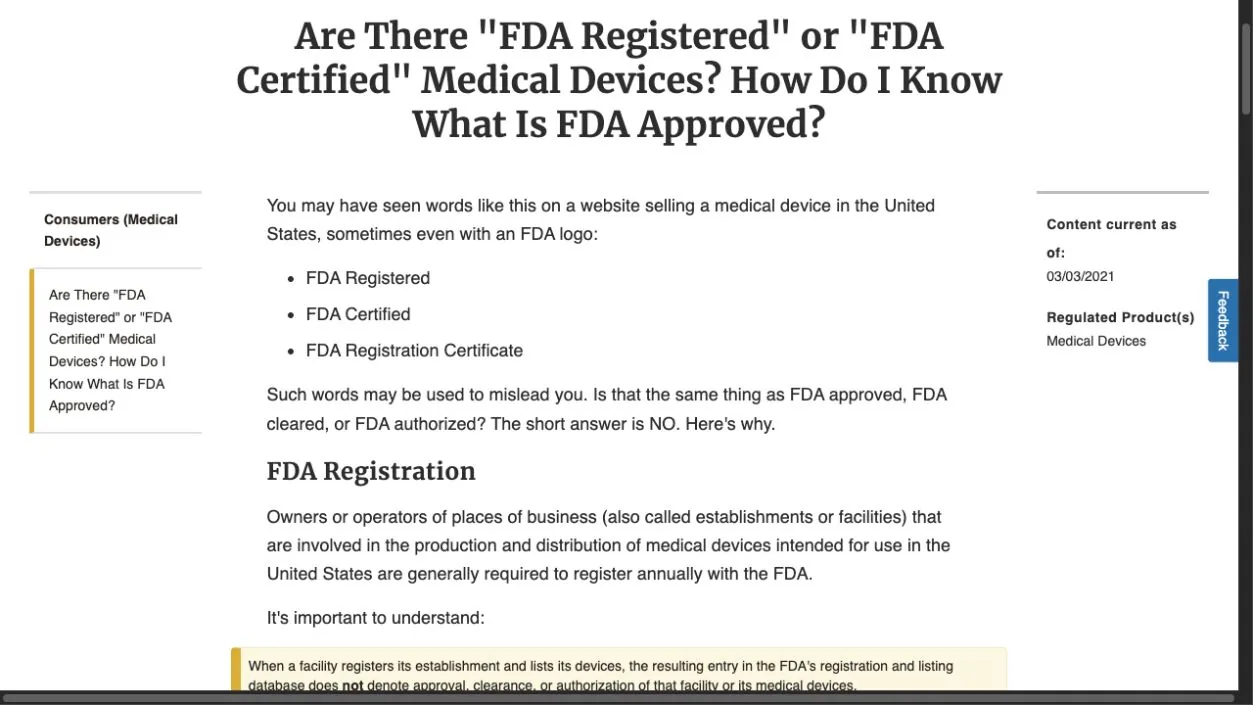
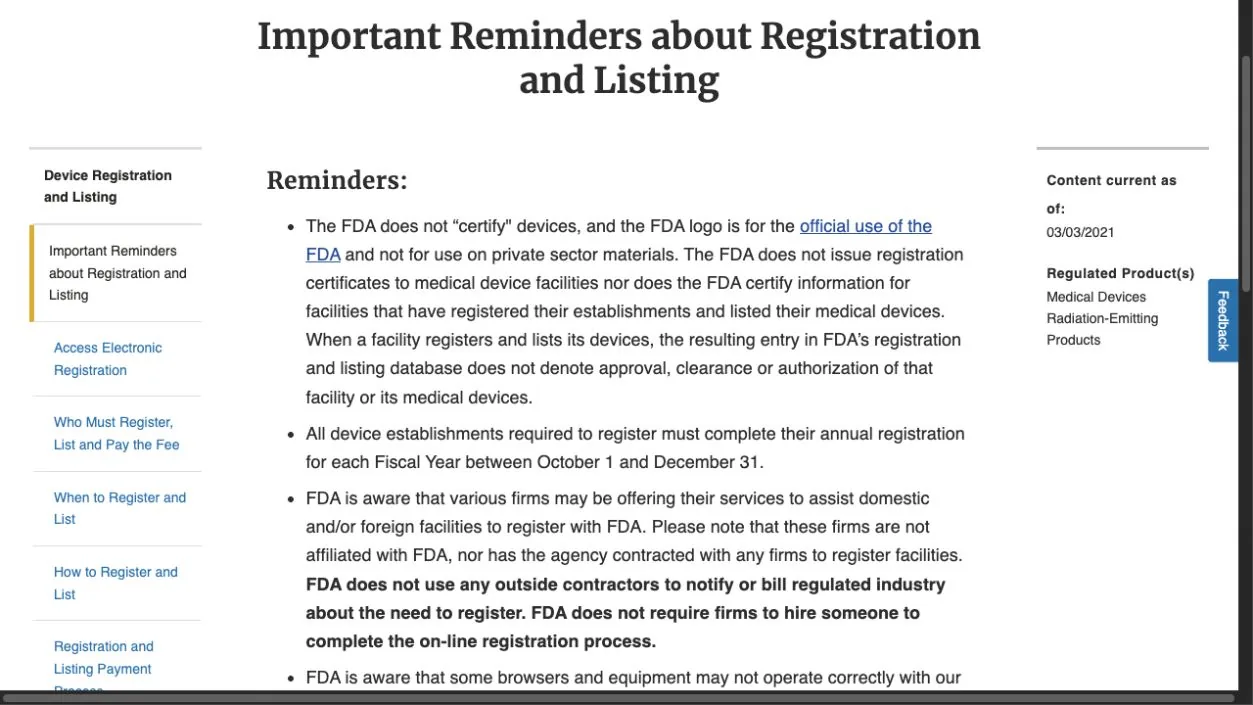
FDA’s consumer page on registered or certified devices makes a distinction that matters at the first document review: registration and listing do not mean the agency has approved or cleared a device. The same page states that FDA does not issue device registration certificates. That single fact changes how you treat a certificate image in a supplier email. A document titled as a registration certificate is not an FDA-issued approval document, whatever its layout suggests.
In practice, the phrase “FDA registered” can describe an establishment’s registration, a device listing, or both, and it says nothing by itself about whether a particular wheelchair model went through a premarket review path. Those are separate questions with separate records. A supplier may use the phrase loosely, or a distributor may repeat it in a catalog without checking which record it refers to. Neither possibility tells you the claim is false; it tells you the claim is incomplete until you identify what was registered or listed.
This is why a certificate image alone cannot settle a purchasing question. A reviewer needs to know which database record the image refers to, which establishment or device it names, and whether the identifiers match the product being quoted. A polished PDF with a registration number is a starting point for a lookup, not the end of the review. The same caution applies to a screenshot of a database page: it shows what someone saw on a particular day, not what the record says today.
Keep the terminology straight in your own file. “Registered,” “listed,” “cleared,” and “approved” are not interchangeable, and mixing them in a purchasing memo creates confusion later when someone asks what was actually verified. Write the claim exactly as the supplier made it, then note which of those terms the evidence supports. If the supplier’s wording is vague, record the vagueness rather than resolving it yourself. A neutral note such as “supplier states the establishment is registered; no device-level statement made” is more useful than a tidy paraphrase that quietly upgrades the claim.
A useful habit is to separate what the document proves from what it merely suggests. A certificate image proves that someone produced a document; it does not prove who issued it, what record it refers to, or whether that record is current. Before you forward it internally, ask which of those three questions the document actually answers. Often the honest answer is none of them, and that is exactly the finding your file should carry forward.
It also helps to think about who inside your organization will read the claim next. A category manager may read “FDA registered” as a green light, while a compliance colleague reads it as an unverified statement. Writing the claim in neutral terms, with the evidence type beside it, keeps both readers working from the same facts. The phrase stays as the supplier wrote it; your note explains what kind of record would be needed to support it, and whether that record has been located yet.
Choose the database for the claim being made
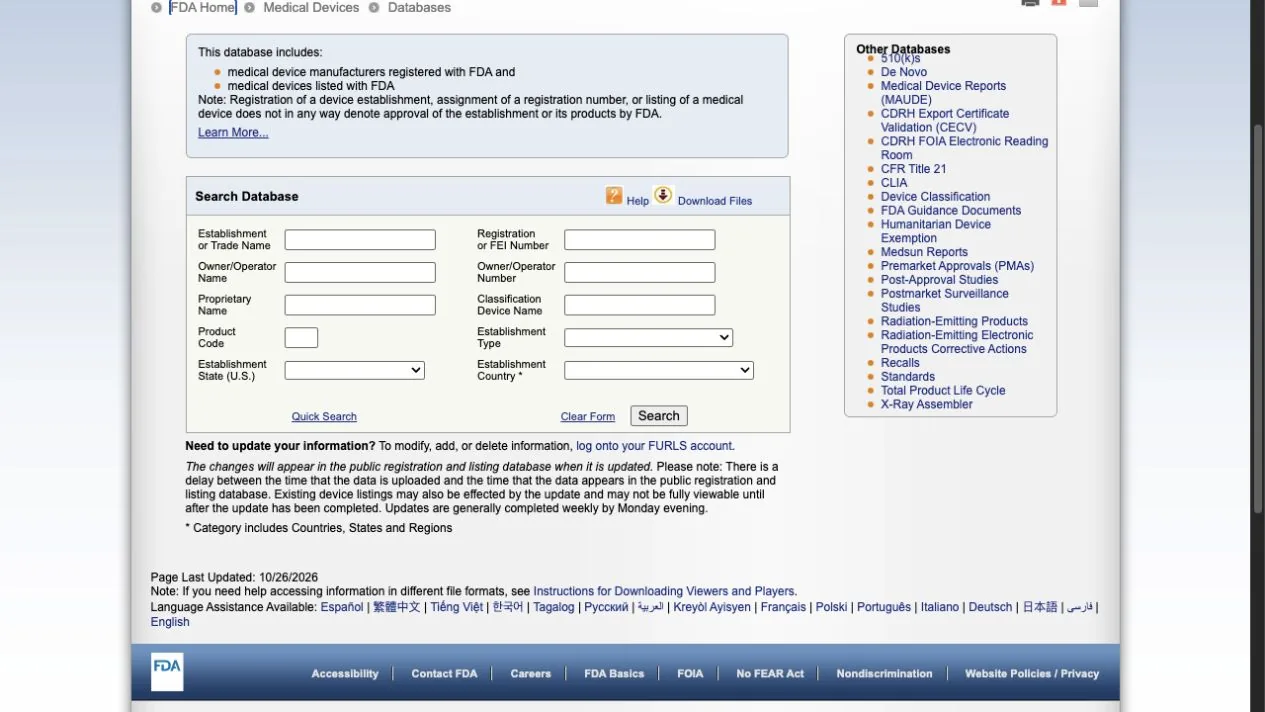
FDA’s medical device databases page describes several databases with different purposes and identifiers. The two most relevant at document review are the establishment registration and device listing records on one side, and premarket records such as 510(k) on the other. They answer different questions, and a search in one does not substitute for a search in the other.
Registration and listing records help you check whether an establishment and a device listing appear, and what identifiers accompany them. Premarket records help you check whether a specific device has a clearance or approval record of the type being claimed. If a supplier says a wheelchair is “FDA registered,” the registration and listing database is the natural first lookup. If a supplier says a model was “510(k) cleared,” that is a premarket claim and needs the corresponding premarket record, not a listing entry. Searching the listing database for a 510(k) claim, or the reverse, produces a miss that says nothing about the supplier.
The outline for this article deliberately does not assert that every wheelchair follows the same regulatory path. Device classification and the applicable premarket requirements depend on the device and its class, and those determinations belong to a qualified regulatory reviewer, not to a purchasing checklist. Your task is narrower: identify which claim is being made, then look in the database that addresses that claim. When a supplier makes two claims at once, split them into two rows and check each separately.
| Claim as written | Database or record to check first | What the record can show | What it cannot settle alone |
|---|---|---|---|
| “FDA registered” establishment | Establishment registration and device listing records | Whether an establishment entry appears with matching identifiers | Whether a specific model was cleared or approved |
| “FDA listed” device | Device listing records | Whether a listing entry appears for the named device | Whether the listing covers the exact model quoted |
| “510(k) cleared” model | Premarket notification records | Whether a clearance record matches the device and applicant | Whether the quoted configuration matches the cleared device |
| “FDA approved” wheelchair | Premarket approval records, where applicable | Whether an approval record exists for the named device | Whether approval is the correct path for that device type |
| “Certificate attached” | None directly; identify the issuing body first | Who produced the document and what it claims | Whether any FDA record supports the claim |
Use the table to route the lookup, not to conclude the review. A row that produces a matching record still leaves the model-matching question open, and a row with no obvious database still needs the document’s origin identified before anyone comments on it. If the claim does not fit any row, write it down anyway and describe what it appears to assert; an unclassified claim is itself a finding worth escalating.
It also helps to note which database you deliberately did not search, and why. A file that records “premarket lookup not run because the supplier made no clearance claim” is clearer than a file that silently omits the step. That note tells the next reviewer the omission was a decision, not an oversight, and it keeps the scope of your check proportionate to the claim in front of you.
When a supplier’s wording mixes two claim types in one sentence, the routing table earns its keep. Split the sentence, assign each part to a row, and check them in order. A combined claim such as “registered and 510(k) cleared” needs two lookups and two status entries, because a match on one part does not carry over to the other. Recording them separately also stops a partial success from being read later as a complete verification.
Match names and identifiers to the exact device
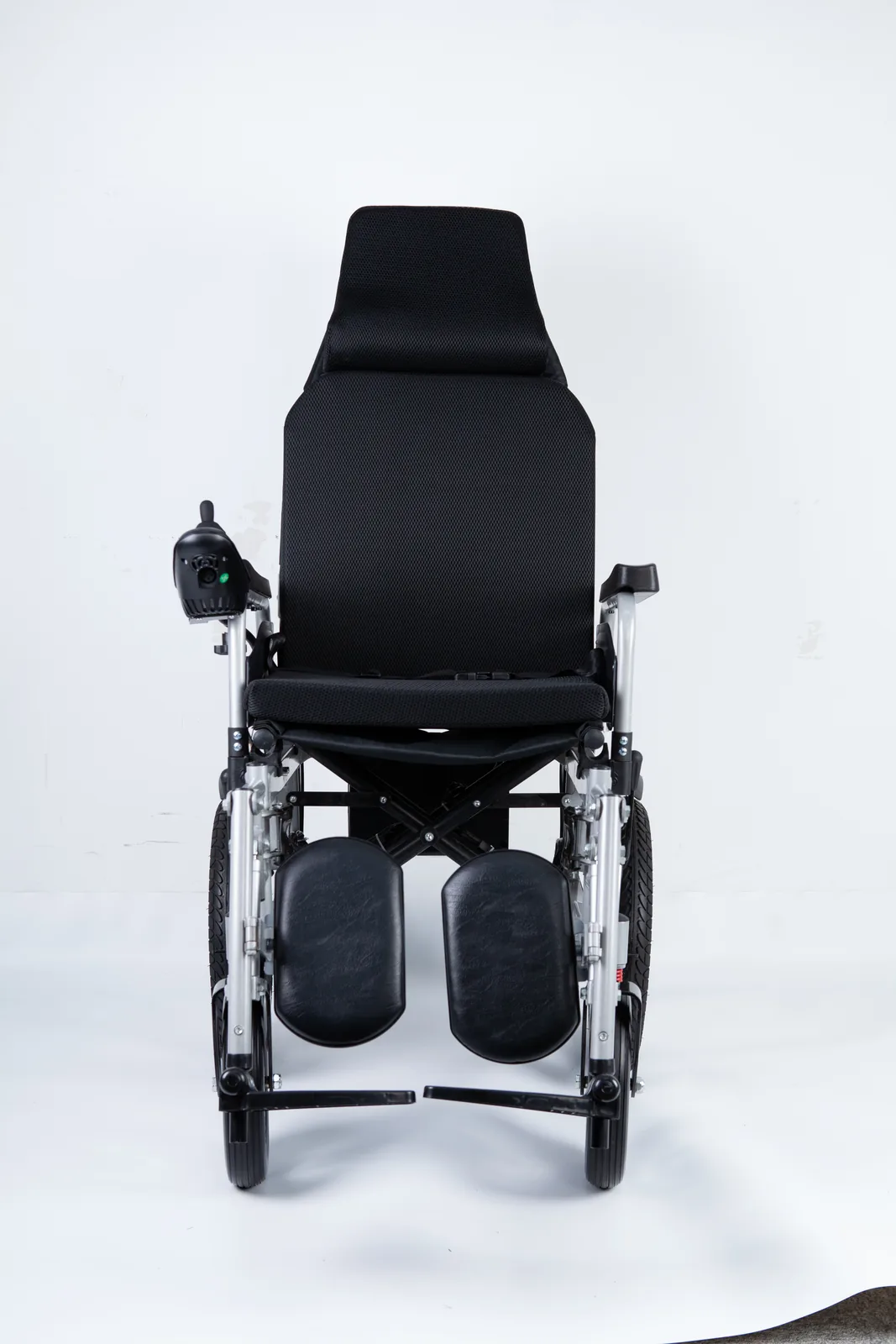
A database hit is only useful if it matches the product in front of you. Names vary between a legal entity, a brand, and a catalog label, and a listing may cover a device family rather than the exact configuration being quoted. Work through the identifiers in a fixed order so the comparison is repeatable, and keep the order the same across suppliers so files can be compared later.
Manufacturer or applicant
Start with the legal entity. The name on the quotation, the name on the document, and the name in the database may differ in punctuation, abbreviation, or corporate form. Record each version exactly as written and note whether they plausibly refer to the same organization. Do not merge two similar names on assumption; if the link is unclear, mark it as unresolved and ask the supplier to explain the relationship. A trading name, a parent company, and a contract manufacturer can all appear in the same email thread, and each may sit in a different record.
Device name and product code
Device names in listings can be broader than a catalog model name, and a product code is a classification identifier rather than a model number. Compare the device name and product code in the record with the description in the supplier’s documents. A broad device name that could cover many configurations is not evidence that it covers the specific wheelchair being purchased. Write down what the record says and what the quotation says, side by side, and note where the wording diverges rather than deciding which version is correct.
Numbers, models, statements, and dates
Collect the registration number, listing number, premarket number where claimed, model designation, the exact statement the supplier made, and the date of the document. Dates matter because records and listings change. A document dated several years ago may describe a state of affairs that has since been updated, and a current database lookup reflects what the database shows at the time you search. Note both dates: the date on the supplier’s document and the date you ran the search.
If any identifier cannot be matched, the status is “pending clarification,” not “failed” and not “verified.” That neutral label keeps the file honest and gives the supplier a specific question to answer. It also prevents a partial match from being read as a full one when the file is reviewed months later by someone who did not run the search.
When a match is partial, write the gap as a question rather than a verdict. “Record shows a device family name; quotation lists model X — does the listing cover model X?” is a question the supplier can answer directly. A statement such as “listing does not cover this model” goes further than the record supports and may be wrong if the family name is the intended scope. The same discipline applies to dates: a record that predates the quoted model is a reason to ask, not a reason to conclude.
Keep the identifier order identical when you compare several suppliers. If supplier A is checked entity-first and supplier B is checked model-first, the two files are harder to compare and a gap in one may look like a difference in the other. A fixed order also makes handover easier: a colleague picking up the file knows which field was checked first and which questions were already asked.
Keep a source-linked verification worksheet
A worksheet turns a scattered email thread into a record someone else can re-check. The version below is intentionally blank: it is a template for your own entries, not a set of findings about any supplier. Fill one row per claim, and keep the original wording rather than paraphrasing it into something easier to confirm.
| Field | What to enter | Why it matters |
|---|---|---|
| Claim as written | The supplier’s exact words and where they appeared | Preserves what was actually asserted |
| Evidence type offered | Certificate image, number, database screenshot, letter, or none | Routes the lookup and shows what was supplied |
| Database and URL used | The specific FDA database page you searched | Makes the check repeatable |
| Search terms entered | Exact names, numbers, and codes typed into the search | Shows how the result was produced |
| Matching fields | Which identifiers matched and which did not | Separates partial from complete matches |
| Differences noted | Name variants, model gaps, date gaps, scope gaps | Documents what needs explanation |
| Status | Verified, pending clarification, or escalated | Keeps the file’s state explicit |
| Reviewer and date | Who checked and when | Supports later re-verification |
Two habits make the worksheet useful. First, link rather than summarize: paste the database URL and the search terms so a colleague can repeat the lookup without guessing. Second, record negative results as carefully as positive ones. “Searched the establishment name as written; no matching entry found on this date” is a factual note. “Supplier is not registered” is a conclusion the search does not support, because the name may be recorded differently or the relevant record may sit under another entity.
Keep the worksheet with the purchasing file, not in a personal inbox. When a quotation is renewed or a new model is added, the old rows give the next reviewer a starting point and a list of questions that were already open. A short status column also lets a manager see at a glance which claims are settled and which are still waiting on the supplier, without reopening every document.
A second table can track the follow-up itself, so the worksheet does not stall after the first search. The columns below are again a blank template for your own entries, not findings about any supplier.
| Follow-up item | What to record | Why it matters |
|---|---|---|
| Question sent to supplier | The exact wording of the clarification requested | Shows what was asked and when |
| Supplier response | The reply as received, with date | Keeps the answer with the claim |
| Additional documents received | New certificates, letters, or model lists | Tracks what changed the file |
| Re-check performed | Database, search terms, and date of any new lookup | Keeps later checks repeatable |
| Remaining gap | What is still unresolved after the reply | Prevents a partial answer closing the file |
| Escalation decision | Whether the item went to a regulatory reviewer | Records who owns the open question |
Used together, the two tables keep the claim, the evidence, and the follow-up in one place. A manager can see not only what was checked but what was asked and what came back. That matters when a supplier sends a revised document months later: the earlier rows show what the original claim was, so the revision can be compared against it rather than read in isolation.
The worksheet also protects the reviewer who did the first pass. If a later decision is questioned, the rows show which database was searched, which terms were used, and what the result was on that date. That is a record of a process, not a judgment about the supplier, and it keeps the review proportionate to the claim rather than to the size of the supplier relationship.
Escalate gaps to a qualified regulatory reviewer

Purchasing verification is not legal advice, and it is not a regulatory determination. Your worksheet can establish what a supplier claimed, which database you searched, and which identifiers did or did not match. It cannot decide whether a device is properly classified, whether a particular import is permissible, or what a gap means for the transaction. Those conclusions belong to a qualified regulatory reviewer or counsel who can apply the current rules to the specific product and situation.
Escalate when the claim and the record diverge, when the entity relationship is unclear, when a model cannot be tied to any record, or when the supplier’s wording implies a status the evidence does not address. Bring the worksheet, the original documents, and a short statement of the purchasing decision at stake. A precise question gets a faster answer than a forwarded PDF with “is this okay?” attached. State what you checked and what you could not resolve, so the reviewer does not repeat work you have already done.
An empty search result deserves the same care. FDA’s own consumer guidance warns against treating the absence of a record as proof of anything, and the databases page shows that records are organized by different purposes and identifiers. A miss may reflect a name variant, a different spelling, a record under another entity, or a search in the wrong database. Record the miss, describe the search, and let the reviewer decide what it means. For buyers comparing suppliers on documentation more broadly, the first-order checklist can help organize the surrounding paperwork, while the FDA-specific checks stay in this worksheet.
When you escalate, say plainly what decision is waiting on the answer. A reviewer can respond faster to “can we list this model for institutional sale in the US?” than to an open-ended request to review a folder. Keep the escalation short, attach the worksheet, and name the person who will act on the answer. That closes the loop between the document check and the purchasing decision, and it leaves a record of who accepted the remaining risk.
It also helps to agree in advance who escalates and who decides. A buyer may own the supplier conversation, while a regulatory colleague owns the interpretation of the record. Writing both names on the worksheet prevents a gap from sitting unowned between two departments, and it makes clear that the purchasing team has not quietly made a regulatory call on its own.
FAQ

Does an FDA registration certificate prove a wheelchair is approved?
No. FDA states that registration and listing do not mean the agency has approved or cleared a device, and that it does not issue device registration certificates. A certificate image should be treated as a claim to check against the relevant database record, not as proof of approval.
Are establishment registration and device listing the same record?
They are related but distinct. Establishment registration concerns the facility, while device listing concerns the device. FDA’s databases page describes them with different purposes and identifiers, so a match on one does not automatically confirm the other.
Does an empty search prove a device is illegal?
No. A search that returns nothing may reflect a name variant, a different entity, a different database, or a timing issue. Record the exact search terms and date, mark the status as pending clarification, and refer the question to a qualified regulatory reviewer.
Conclusion

Treat “FDA registered” as a claim to route, not a conclusion. Identify the claim, search the matching FDA database, match identifiers to the exact device, and escalate unresolved gaps.